ComNav T300 + CGSurvey User Guide
41
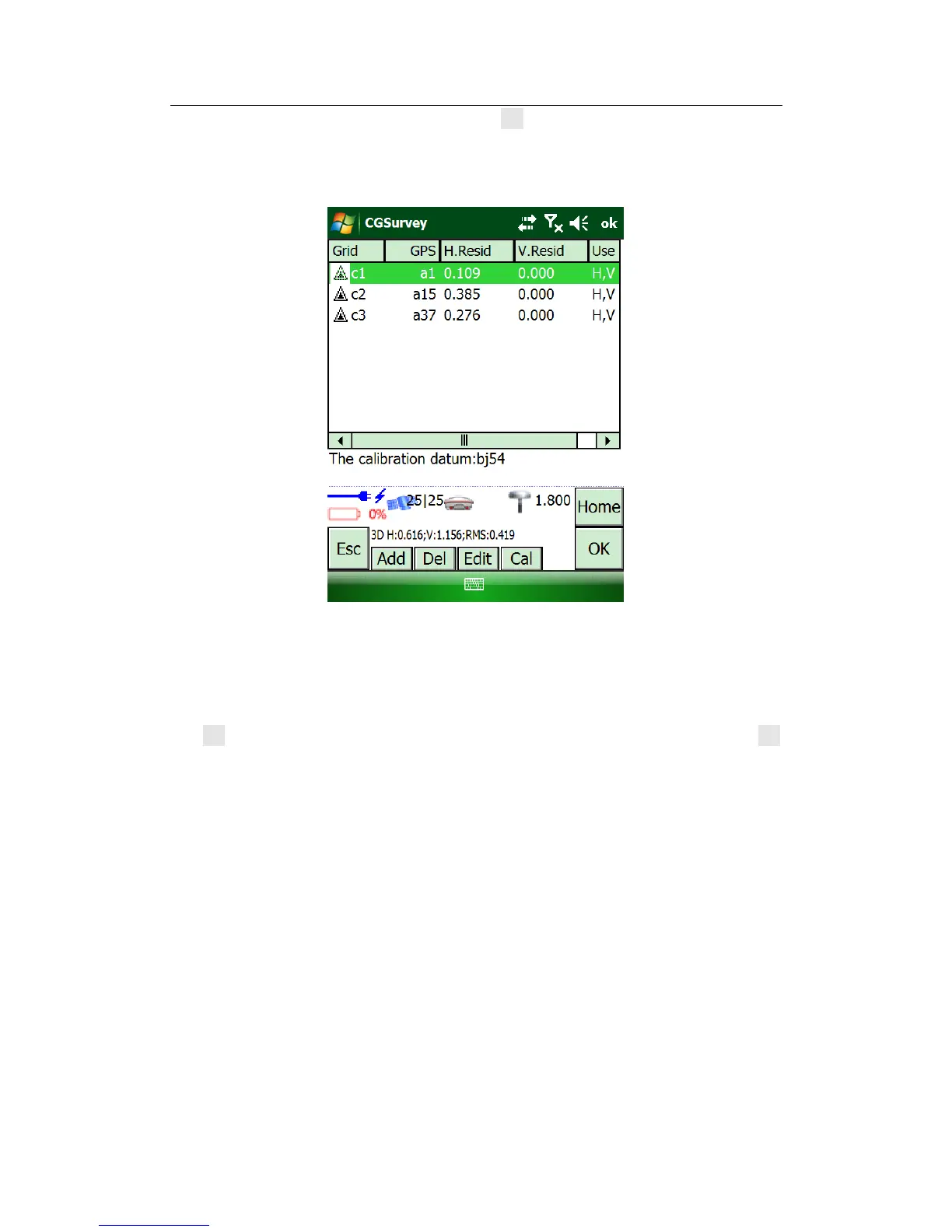
After adding all the points in the list, click Cal button, the software will calibrate
all the points inputted, and the” H.Resid “value (3 points appear this value) and
“V.Resid” (4 points appear the value) will be available.
CAUTION: The Max value of H.Resid has to be less than 0.015m
The Max value of V.Resid has to be less than 0.02m
If the Value of “H.Resid and V .Resid” meet the requirement of Max value, click
OK, a pop box will appear “Do you want to replace the current datum? “, click OK,
and finish the step.



 To Next Page