ComNav T300 + CGSurvey User Guide
22
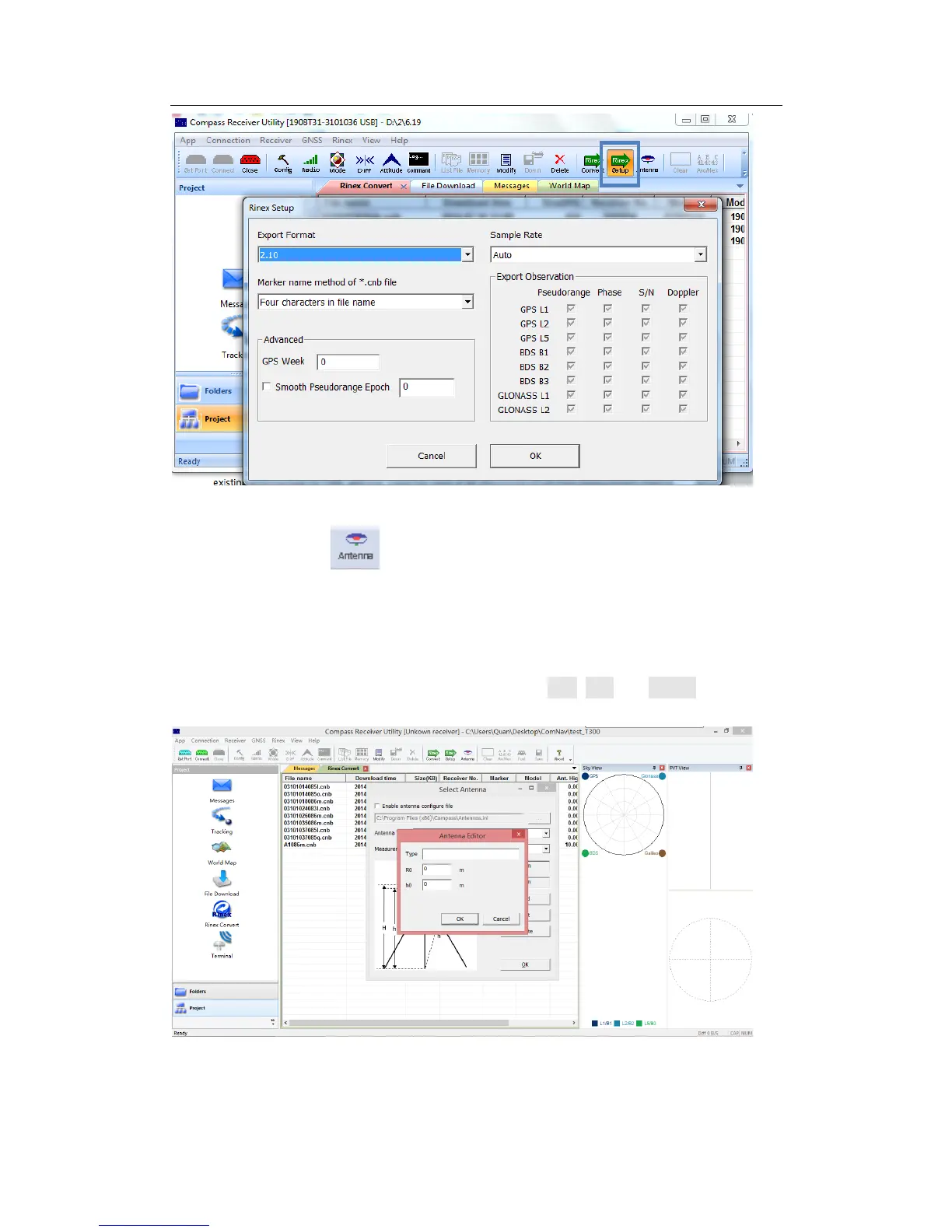
Go to the shortcut bar or Antenna in right click, select the Antenna Type and
Measurement. If no existing antenna type for T300, add one. Input the value of R0
(horizontal offset from measurement mark to phase center, i.e., antenna radius) and
h0 (horizontal offset from measurement mark to phase center). For T300 receiver,
the values of R0 is 0.079m and h0 is 0.0274m respectively. You can also add, edit or
delete one or more antenna types using the buttons Add, Edit and Delete.



 To Next Page