ComNav T300 + CGSurvey User Guide
46
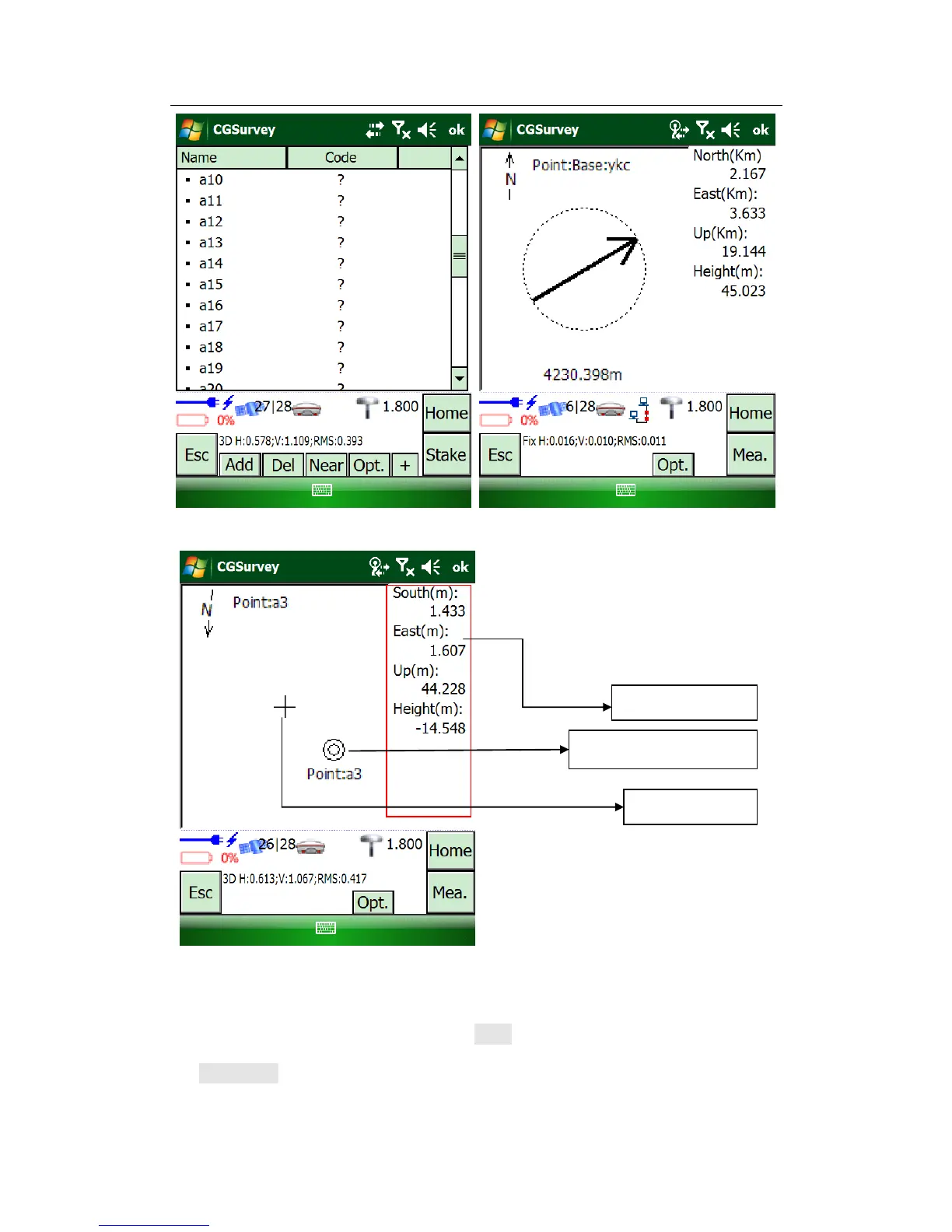
When the receiver gets near the target: when you reached the target position
exactly, CGSurvey will make a sound to show that you are on the target position.
If you want to measure this point, tap Mea.
Tip: 5Hz interval function (see chapter 5.2.3) can also be used in stake out and can improve
your efficiency.



 To Next Page