To check the power supply status, install a battery pack and connect an AC adaptor
to the DC-IN port on the computer and to a power supply.
If the Battery LED is not lit, go to Procedure 2
3.2 Procedure 2 Adaptor / battery replacement
A faulty adaptor may not supply power or may not charge the battery.
Perform Check 1.
Check 1 Connect a new AC adaptor. If the problem is not resolved, go to Check 2.
Check 2 Insert a new battery. If the problem is still not resolved, go to Procedure 3.
3.3 Procedure 3 Power supply connection check
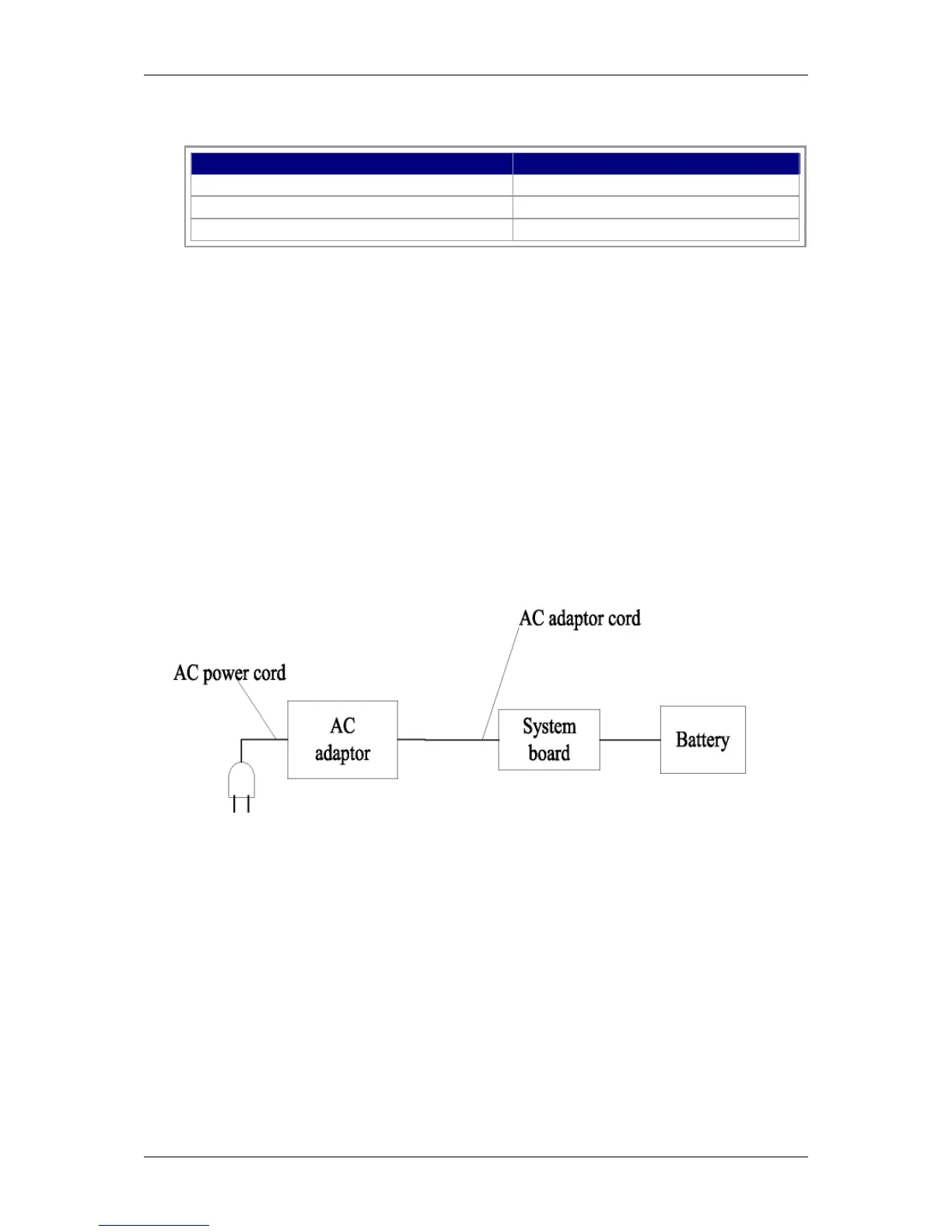
The power supply wiring diagram is shown below:
Any of the connectors may be disconnected. Perform Check 1.
Check 1
Disconnect the AC power cord from wall outlet. Check the power cable for breaks.
If the power cord is damaged, connect a new AC power cord.
If there is no damage, go to Check 2.
Check 2
Make sure the AC adaptor cord and AC power cord are firmly plugged into the DC-IN
socket, AC adaptor inlet and wall outlet.
If these cables are connected correctly, go to Check 3.



 To Next Page