-19-
3.17- IN 4 PULSE
Not used in this model.
3.18- IN 5 PULSE
Not used in this model.
3.19- IN 6 PULSE
Not used in this model.
3.20- KEY PULSE
Not used in this model.
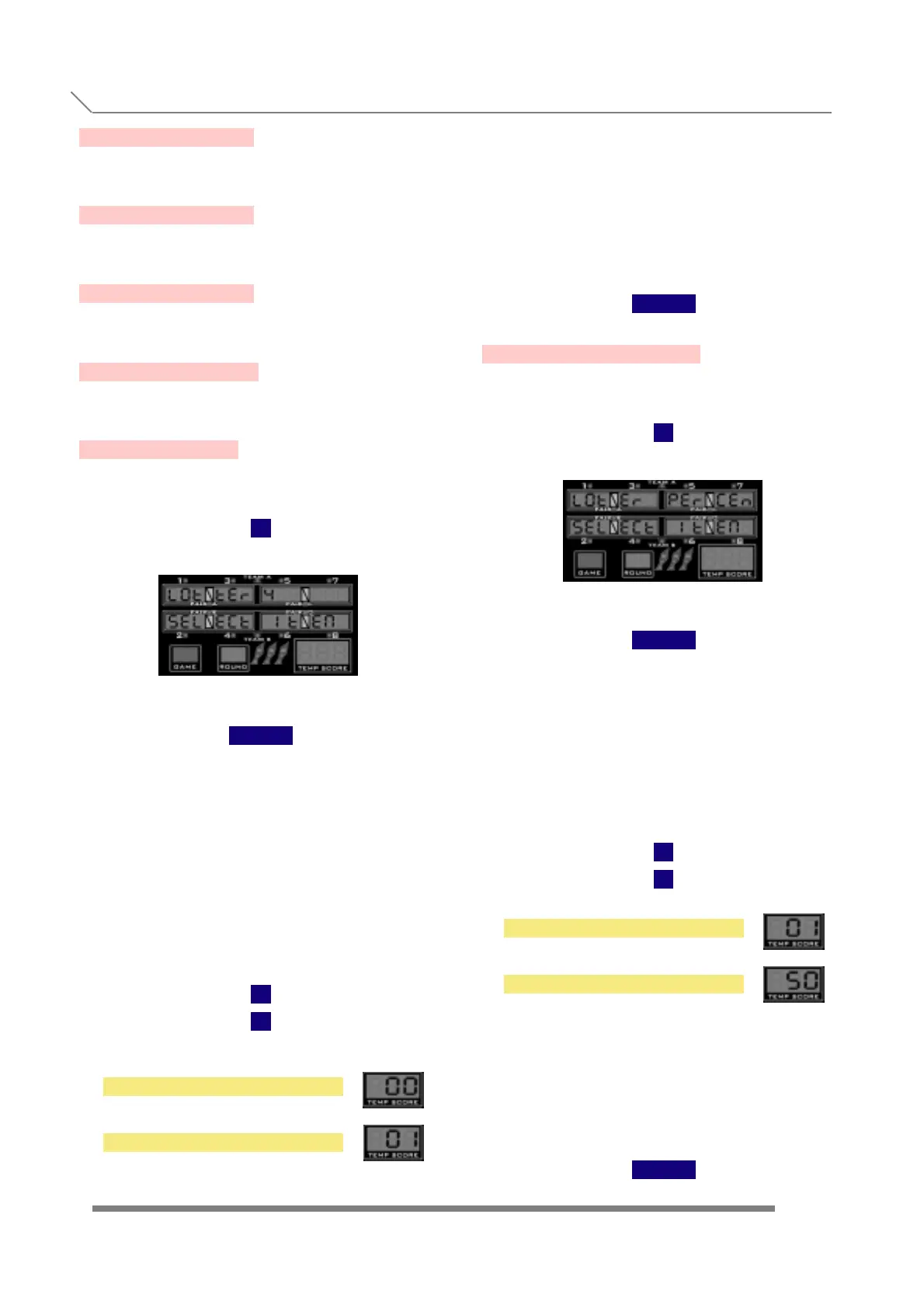
3.21- LOTTERY
Press
1
and display will show
When we see the submenu name, we have to
press the button
TEAM
to enter into this submenu, where we'll be able to
activate the lottery option.
A random number is displayed on the temp score
displays at the end of the game.
If this number matches the points of one or
more of the players, the number of credits
spent by the fortunate players in that particular
GAME are returned to the credit meter.
With
1
2
we choose between
and
(The payout percentage can be adjusted in
'LOTER PERCEN' test menu item)
The equivalent 0, or 1 are also shown in the
temp score displays.
Once we are finished with the lottery
setting, to confirm and store the values
we have to press the button
TEAM
3.22- LOTER PERCEN
Press
1
and display will show
When we see the submenu name, we
have to press the button
TEAM
to enter into this submenu, where we
select the payout percentage of the lottery
system (if activated).
This payout is calculated on a credit basis.
That means, if the percentage is set to 30%,
30 free credits would be given for every 100
credits played in the machine.
With
1
2
we set the percentage between
and
in 1 % increments.
The value selected is also shown in the
temp score displays
Once we are finished with the adjust-
ment, to confirm and store the values
we have to press the button
TEAM
NO LOTTERY
LOTTERY
1 PERCENT
50 PERCENT
PROGRAMMING
3.17- IN 4 PULSE
3.22- LOTER PERCEN



 To Next Page