-36-
1
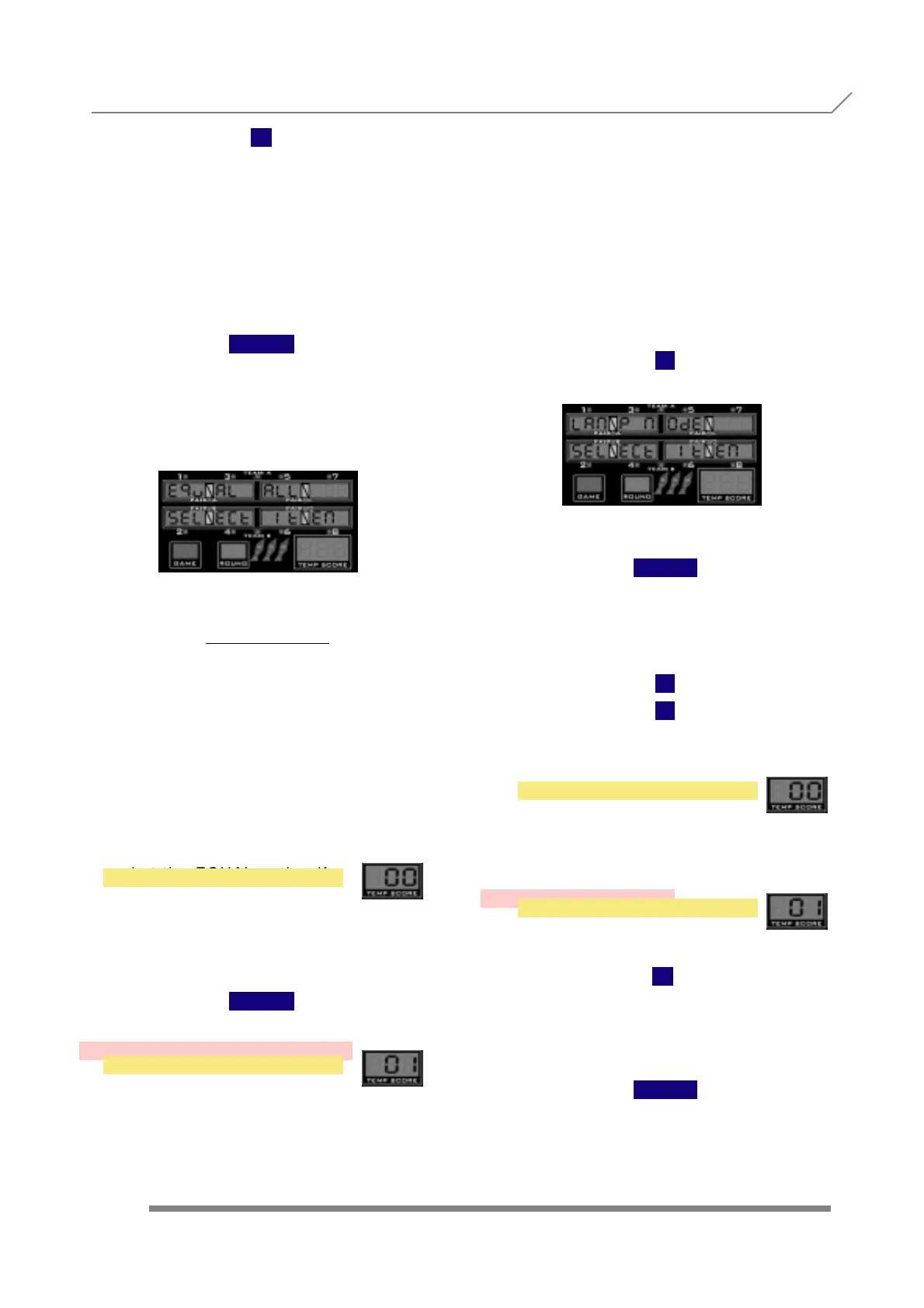
and display will show
When we see the submenu name, we have to
press the button
TEAM
to enter into this submenu, where we de-
cide if the EQUAL option is offered to the
player automatically when selecting any '01
game (301, 501,701).
We change the value with
1
2
as follows:
The EQUAL option is offered to the player
automatically ONLY with 180. The player
can de-select the EQUAL option for
180 game if he wants. The player must
select the EQUAL option for Parchessi,
301's, 501's, 501 five's and 701's if he
wants to play '01 EQUAL.
The EQUAL option is offered to the play-
er automatically when selecting any
'01 game (180's, Parchessi, 301's,
501's, 501 five's and 701's). The player can
de-select the EQUAL option if he wants.
The equivalent numerical value (0,1) is
shown in the temp score displays.
Once we are finished with the adjustment, to
confirm and store the values we have to press
the button
TEAM
3.57- TARGET ILUMINATION
3.58- SINGLE BULL
Press
1
and display will show
When we see the submenu name, we have to
press the button
NO
PROGRAMMING 3.56- EQUAL ALL
3.57- TARGET ILUMINATION
YES
Press
1
and display will show
When we see the submenu name, we have
to press the button
TEAM
to enter into this submenu, where we
decide how the target ilumination works.
We change the value with
1
2
as follows:
The target ilumination turn off 10
seconds after the game is over if there
are no credits.
The target ilumination is always on.
At the end of each game it blinks.
Once we are finished with the adjustment,
to confirm and store the values we have
to press the button
TEAM
OFF IF NO CREDIT
ON IF NO CREDIT



 To Next Page