-24-
With
1
2
we choose between
The automatic player change option is can-
celled (manual change by pushing the play-
ers button).
Not used in this model.
Not used in this model.
Not used in this model.
Not used in this model.
Player change is produced 5 seconds after last
dart of previous player reaches the target.
Player change is produced 6 seconds after last
dart of previous player reaches the target.
Player change is produced 7 seconds after last
dart of previous player reaches the target.
Player change is produced 8 seconds after last
dart of previous player reaches the target.
Player change is produced 9 seconds after last
dart of previous player reaches the target.
The correspondent value (0...9) is also
shown in the temp score displays.
Once we are finished with the player
change setting, to confirm and store the
values we have to press the button
TEAM
3.33- DELAY TIME
Not used in this model.
3.34- ATTRACT
Press
1
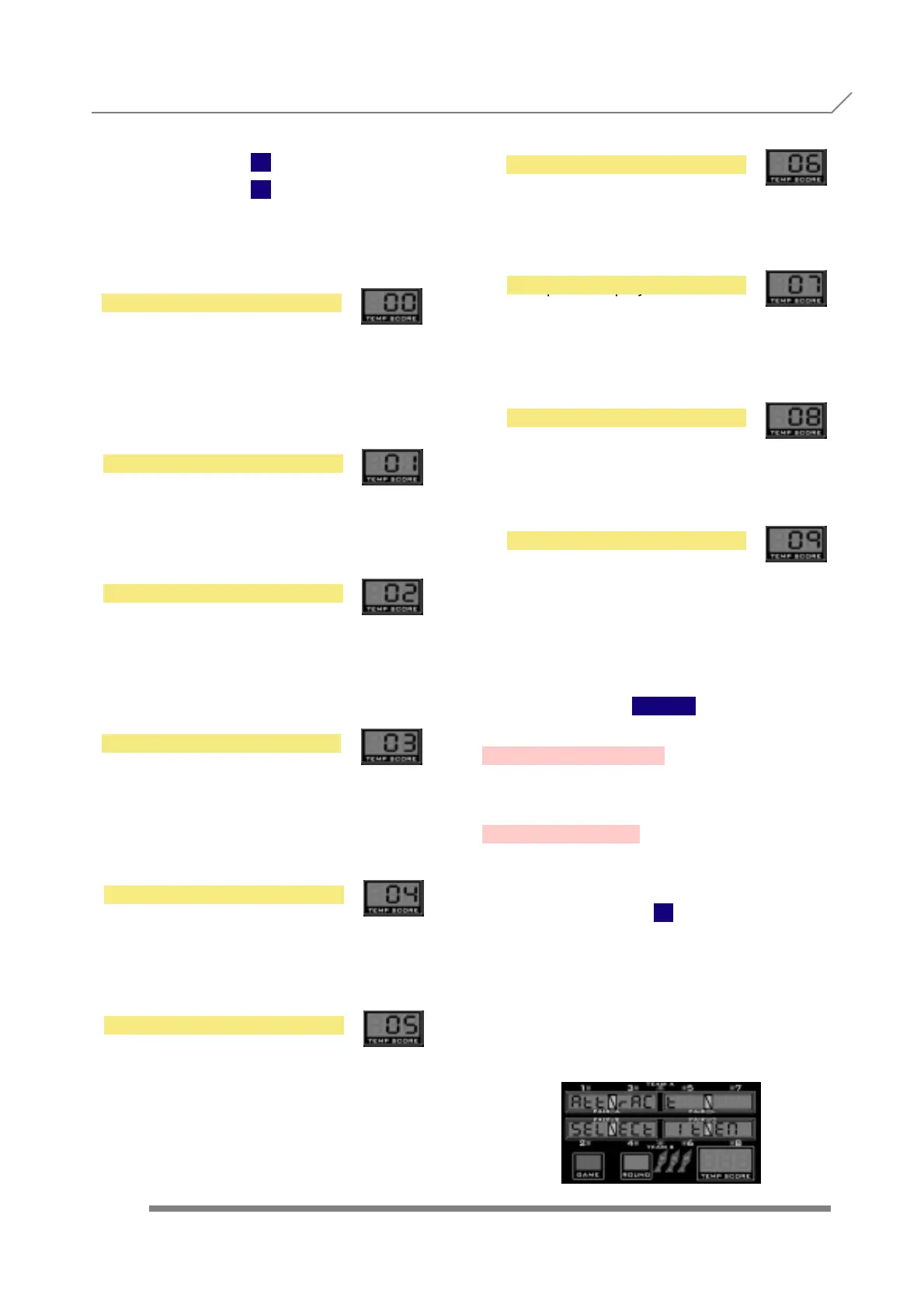
and display will show
When we see the submenu name, we have to
press the button
TEAM
to enter into this submenu, where we are able
to activate the attract music option.
PROGRAMMING 3.33- DELAY TIME
3.34- ATTRACT
AUTO NO + TIMER
TIME 5 SECONDS
TIME 6 SECONDS
TIME 7 SECONDS
AUTO NO
MANUAL
AUTO NC
AUTO NC + TIMER
TIME 9 SECONDS
TIME 8 SECONDS



 To Next Page