-28-
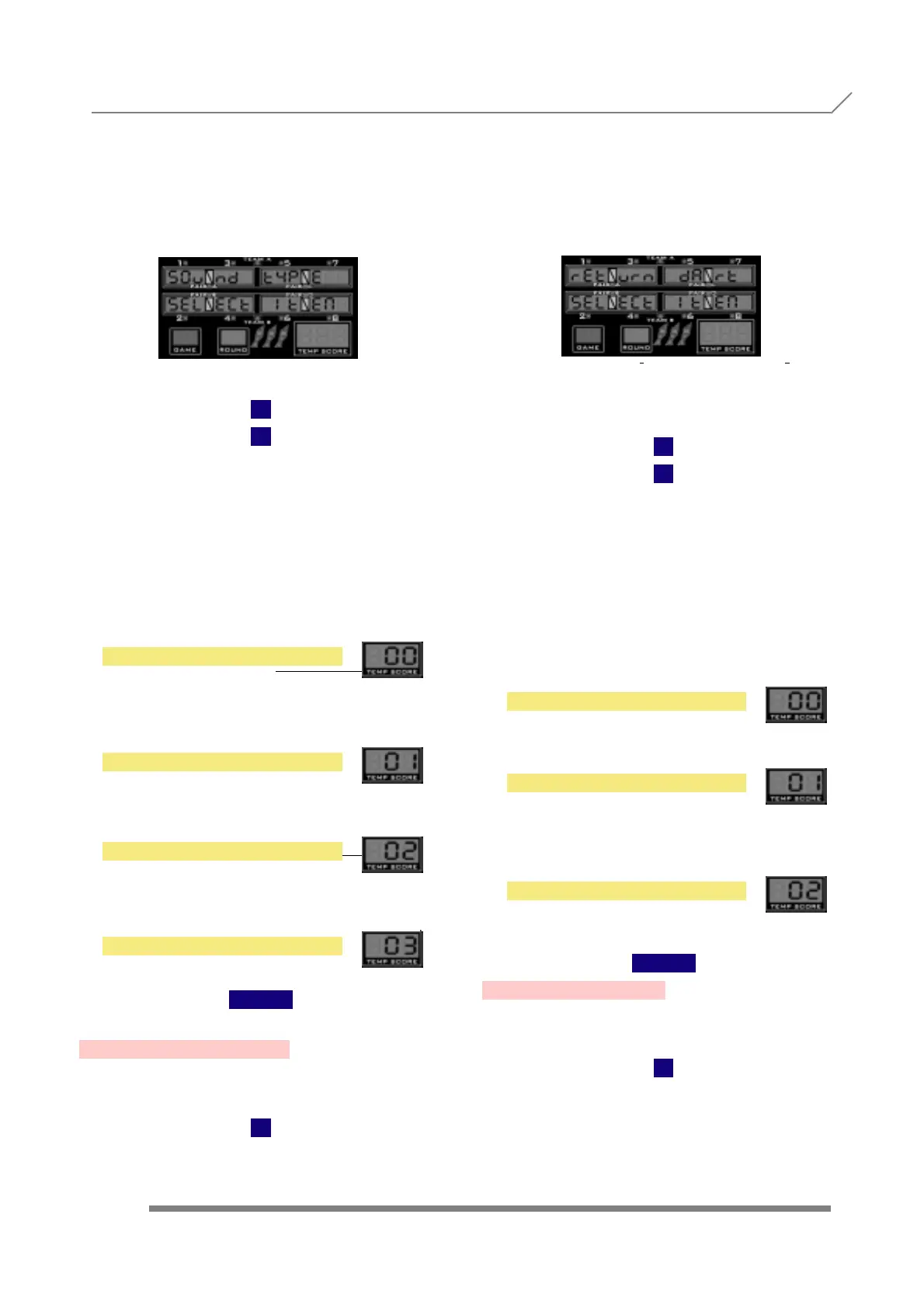
When we see the submenu name, we have to
press the button
TEAM
to enter into this submenu, where we are able
to choose between different sound types.
With
1
2
we choose between
to activate the 'peep' American sound in all
sectors
for ‘peep’ American sound only in some sectors
for 'Middle European' sound, or
same as 'Peep All' but half of volume.
The correspondent 0, 1 or 2 are shown in
the temp score displays.
Once we are finished with the sound
type setting, to confirm and store the
values we have to press the button
TEAM
3.41- RETURN DART
Press
1
and display will show
When we see the submenu name, we have to
press the button
TEAM
to enter into this submenu, where we are able to
activate or cancel the return dart option.
If the option is activated, the player can
rewind the game ‘1 dart backwards’ by
pressing the key 'BULL' during 5 seconds.
With
1
2
we choose between
to cancel the option
to return the first dart of the player
turn
to return the first dart of the current
round.
The equivalent 0, 1, or 2 are shown in
the temp score displays.
Once we are finished with the return
dart setting, to confirm and store the
values we have to press the button
TEAM
3.42- FIRST DART
Press
1
and display will show
ONLY FIRST
ROUND RETURN
NO RETURN
PROGRAMMING 3.40- SOUND TYPE
3.41- RETURN DART
PEEP SOME
MIDDLE EUROPEAN
PEEP ALL LOW
PEEP ALL



 To Next Page