-32-
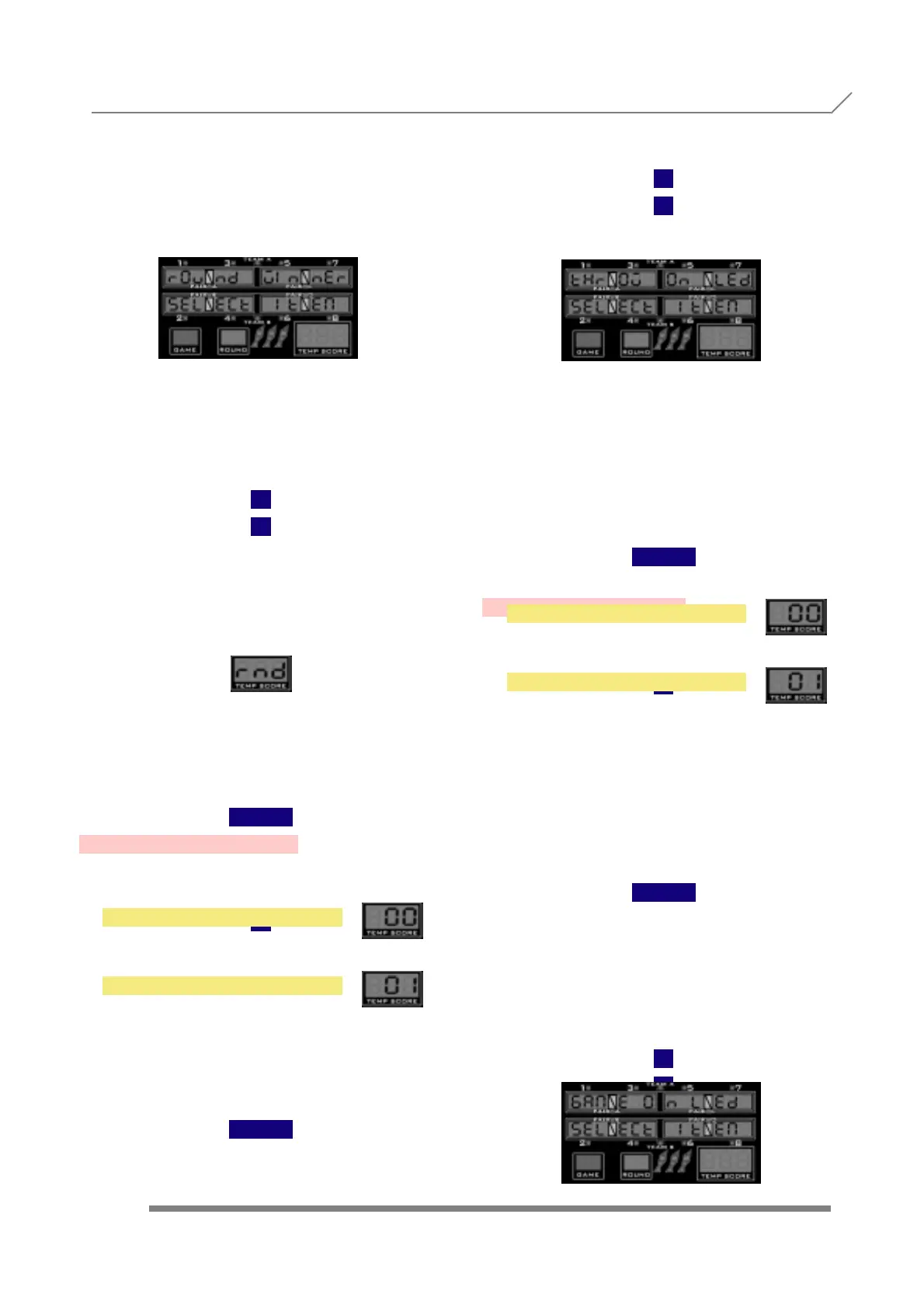
to enter into this submenu, where we are able
to show the provisional winner of every
round. This menu point is totally different from
the 'Classify' option. Here, we refer to the winner
of ONLY the last round, and in the 'Classify'
option we refer to the provisional winner of all
previous rounds up to now.
If the option is activated, the provisional
winner points meter shows the character
string
(from round), after the last player of the round
has finished, and until the 'throw darts' light is
activated for the first player of the next round. If
the option is cancelled, no round winner is
shown.
With
1
2
we choose between
to cancel the round winner option, or
to activate the round winner option.
The correspondent 0 or 1 is shown in the temp
score displays.
Once we are finished with the round
winner setting, to confirm and store the
values we have to press the button
TEAM
3.49- THROW ON LED
Press
1
and display will show
When we see the submenu name, we have to
press the button
TEAM
to enter into this submenu, where we de-
cide if the words 'Throw' and 'Remove' are
displayed or not on the cricket Led's, in the
specified language. With
1
2
we choose between
'Throw' and 'Remove' aren't displayed, or
'Throw' and 'Remove' are displayed on the
cricket Led's, in the specified lan-
guage.
The equivalent value (0,1) is shown in the
temp score displays.
Once we are finished with the adjustment, to
confirm and store the values we have to
press the button
TEAM
3.50- GAME ON LED
Press
1
and display will show
When we see the submenu name, we have to
press the button
TEAM
to enter into this submenu, where we are able
to show or cancel some additional messag-
es in the cricket led's. If the option is activated,
all the possible messages are shown on the
cricket led's. If the option is cancelled, only the basic
messages (Throw-Remove) are shown.
With
1
2
we choose between
NO
YES
PROGRAMMING 3.48- ROUND WINNER
3.50- GAME ON LED
NO
YES



 To Next Page