-35-
INFO SPEED 3
RESET BAR 1
EQUAL ALL 0
LAMP MODE 0
SINGLE BULL 0
DISPLAY TYPE 0
HOUR ADJUST NO CHANGE
MINUTE ADJUSTNO CHANGE
DAY ADJUST NO CHANGE
MONTH ADJUST NO CHANGE
YEAR ADJUST NO CHANGE
H HOUR START 0
H MIN START 0
H HOUR STOP 0
H MIN STOP 0
H DAY ACTIVE 0
REV KEYBOARD 0
TEAM CRICKET 0
PARCHIS MODE 0
PPD ON 1
ROUND BULMAS 20
CRAZY MODE 0
CUT THROAT TEAM MODE 0
Once the code is accepted the machine will
indicate
Wait until the process is finished before
continuing.
3.54- INFO SPEED
Not used in this model.
3.55- RESET BAR
Press
1
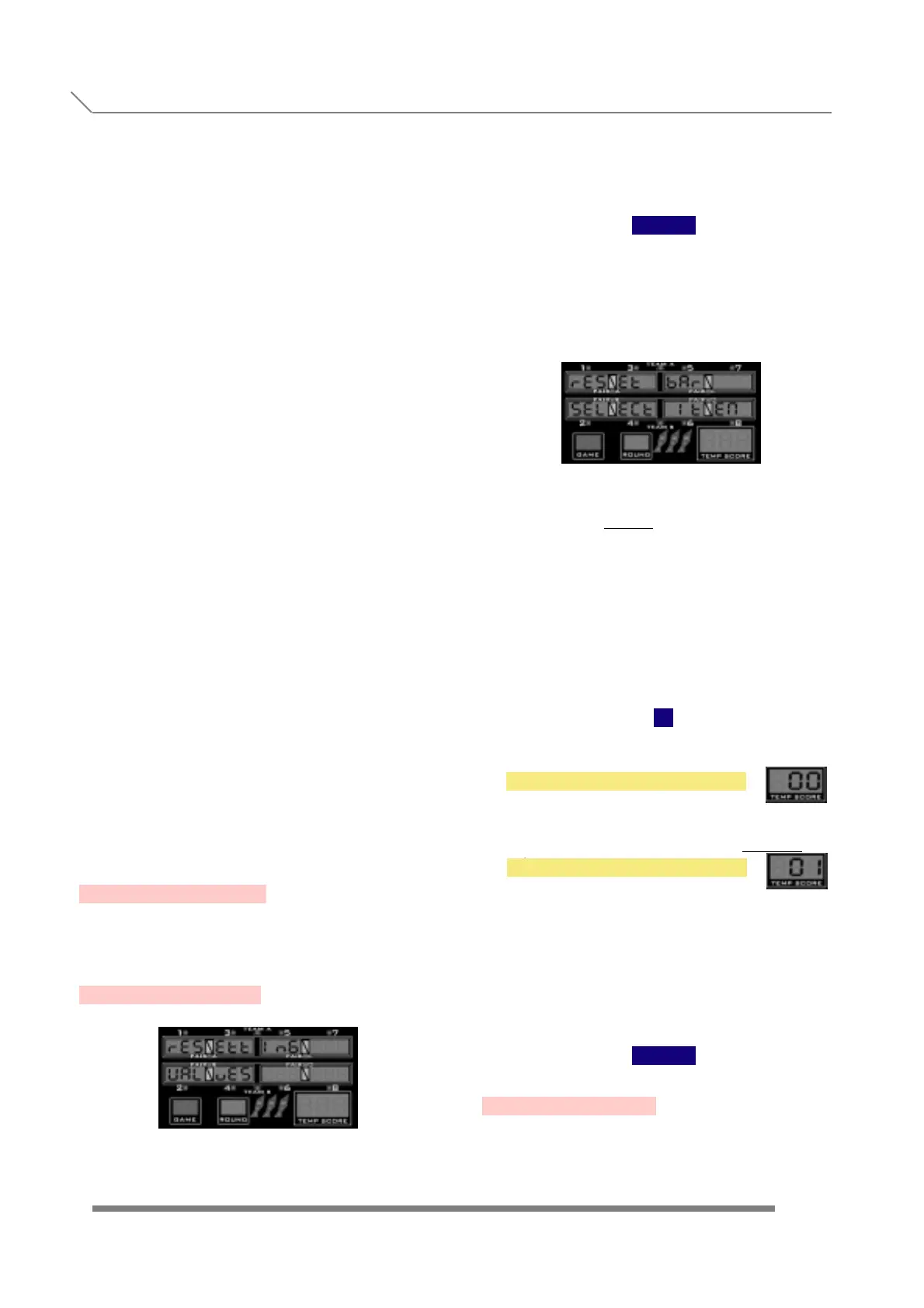
and display will show
When we see the submenu name, we have to
press the button
TEAM
to enter into this submenu, where we de-
cide if we allow the bar tender to cancel the
current game, or to reset the credits, in the actual
machine.
We change the value with
1
2
as follows:
The bar tender cannot cancel the current game,
or reset the actual credits.
The bar tender can cancel the current game
and reset the actual credits, in the following
way:
Keeping the key
1
in the keyboard permanently pressed
during 10 seconds, player button light
will flash. At this moment, the bar
tender can enter the following codes:
With his finger, on the target TRIPLE
sectors:
-Code '1 - 2 - 3', Finishes the current
game completely at any moment.
-Code '4 - 5 - 6', Resets the credits to zero.
The equivalent numerical value (0,1) is
shown in the temp score displays.
Once we are finished with the adjustment, to
confirm and store the values we have to
press the button
TEAM
3.56- EQUAL ALL
Press
NO
YES
.
.
.
.
.
.
.
.
.
.
.
.
.
.
.
.
.
.
.
.
.
.
.
.
.
.
.
.
.
.
.
.
.
.
.
.
PROGRAMMING
3.54- INFO SPEED
3.55- RESET BAR



 To Next Page