-26-
We have to press the button
TEAM
where we are able to set the sensor matrix ori-
entation in 90 degrees increments for 16x4 (20 pins)
sensor models. With
1
2
in the classic target we choose between
to activate 0º, 90º, 180º or 270º turning option, and
to activate 0º, 90º, 180º or 270º turning option with
reverse connection on the Microdar CPU board.
In a posible target receiver for steel darts we
would choose between
to activate 0º, 90º, 180º or 270º turning option, and
to activate 0º, 90º, 180º or 270º turning option with
reverse connection on the Microdar CPU board.
The correspondent value (0 ... 7) or (8..15) is
shown in the temp score displays. During this
menu you are able to press on the target sec-
tors, in order to check if it is correct or not.
Once we are finished with the target
setting, to confirm and store the values
we have to press the button
TEAM
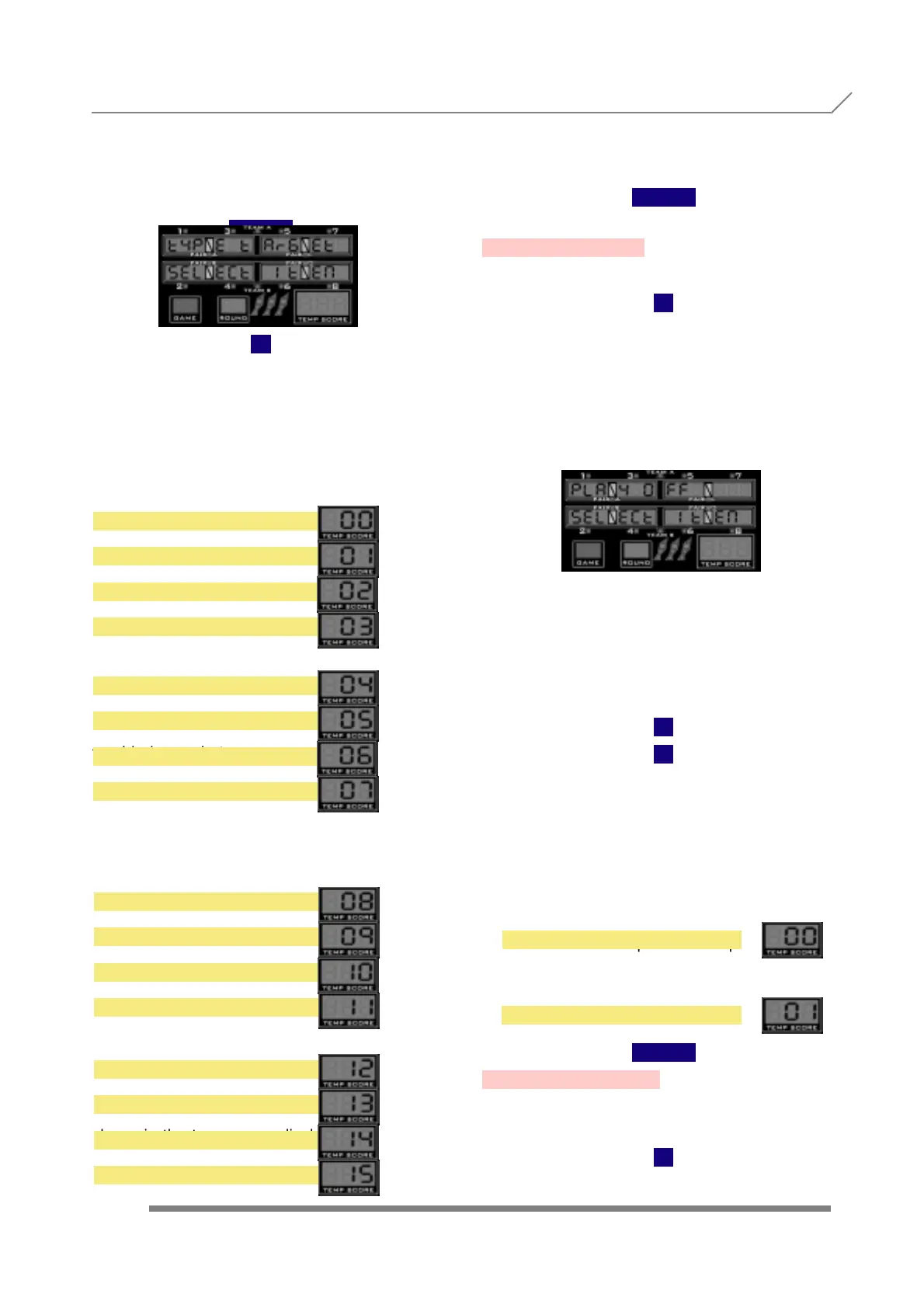
3.37- PLAY-OFF
Press
1
and display will show
We have to press the button
TEAM
to enter into this submenu, where we are
able to activate or cancel the play-off option.
When more than one player have the
same points at the end of the game, one
extra round is allowed with only one
dart, in order to decide which player
is the winner.
With
1
2
we choose between
and
The correspondent 0 (NO) or 1 (YES), is
shown in the temp score displays.
Once we are finished with the play off
setting, to confirm and store the values
we have to press the button
TEAM
3.38- LANGUAGE
Press
1
PROGRAMMING 3.36- TYPE TARGET
3.37- PLAY-OFF
NO
YES
0 DEGREE NORM
90 DEGREE NORM
180 DEGREE NORM
270 DEGREE NORM
0 DEGREE REV
90 DEGREE REV
180 DEGREE REV
270 DEGREE REV
8X8 TYPE 0
8X8 TYPE 1
8X8 TYPE 2
8X8 TYPE 3
8X8 TYPE 4
8X8 TYPE 5
8X8 TYPE 6
8X8 TYPE 7



 To Next Page