-21-
Press
1
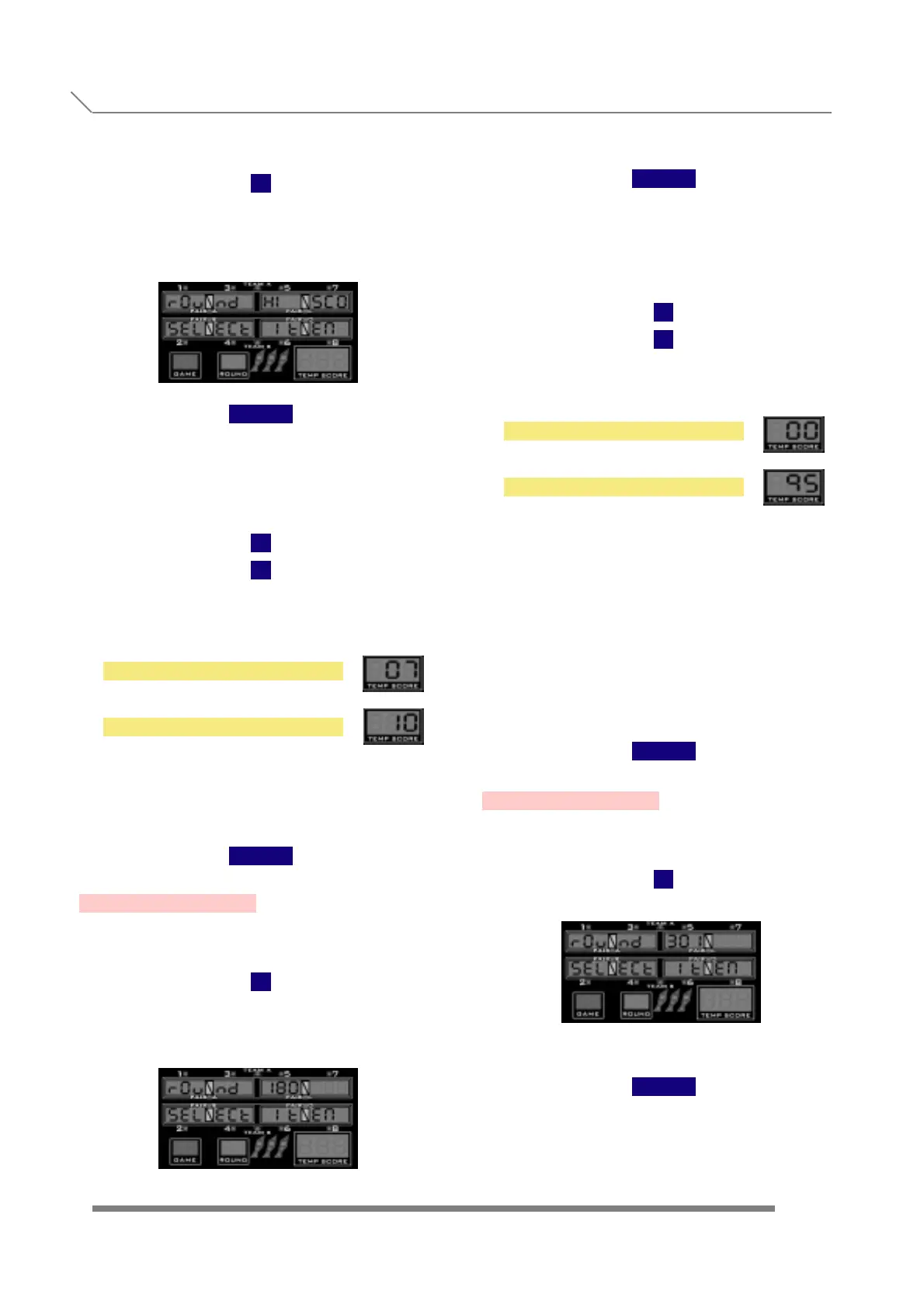
and display will show
When we see the submenu name, we have to
press the button
TEAM
to enter into this submenu, where we are
able to change and fix the round limit for
the HI-SCORE, LO-SCORE and SUPER-
SCORE games of the machine.
With
1
2
we change the maximum number of rounds
between
and
The value is also shown in the temp score
displays.
Once we are finished with all the round
limit adjustment, to confirm and store
the values we have to press the button
TEAM
3.26- ROUND 180
Press
1
and display will show
When we see the submenu name, we have to
press the button
TEAM
to enter into this submenu, where we are able
to decide if we want an extra round limit for
the 180 games of this machine.
With
1
2
we change the option between
and
in increments of 5 rounds.
The value is also shown in the temp score
displays.
The value '0' means that the rounds are
unlimited. In the case that we set a number,
this number is the round limit for all
the game's options and variations (in,
out, masters, equal...).
Once we are finished with the setting,
to confirm and store the values we have
to press the button
TEAM
3.27- ROUND 301
Press
1
and display will show
When we see the submenu name, we have
to press the button
TEAM
to enter into this submenu, where we are
able to decide if we want an extra round
limit for the 301 games of this machine.
7 ROUNDS
10 ROUNDS
NO ROUND LIMIT
95 ROUNDS
PROGRAMMING
3.25- ROUND HI-SCORE
3.27- ROUND 301



 To Next Page