-42-
When we see the submenu name, we have to
press the button
TEAM
to enter in this submenu, where we can ad-
just the digit view of the temp score display
of the PPD value (average score by dart)
when the game finish.
We change the value with
1
2
as follows:
Once we finished with the adjustment, to
confirm and store the values we have to press
TEAM
3.74- ROUND BULMAS
Press
1
and display will show
When we see the submenu name, we have
to press the button
TEAM
to enter in this submenu, where we can
adjust the round limit of the Hi-Score
Masters game.
We change the value with
1
2
between:
or
Once we finished with the adjustment, to
confirm and store the values we have to press
TEAM
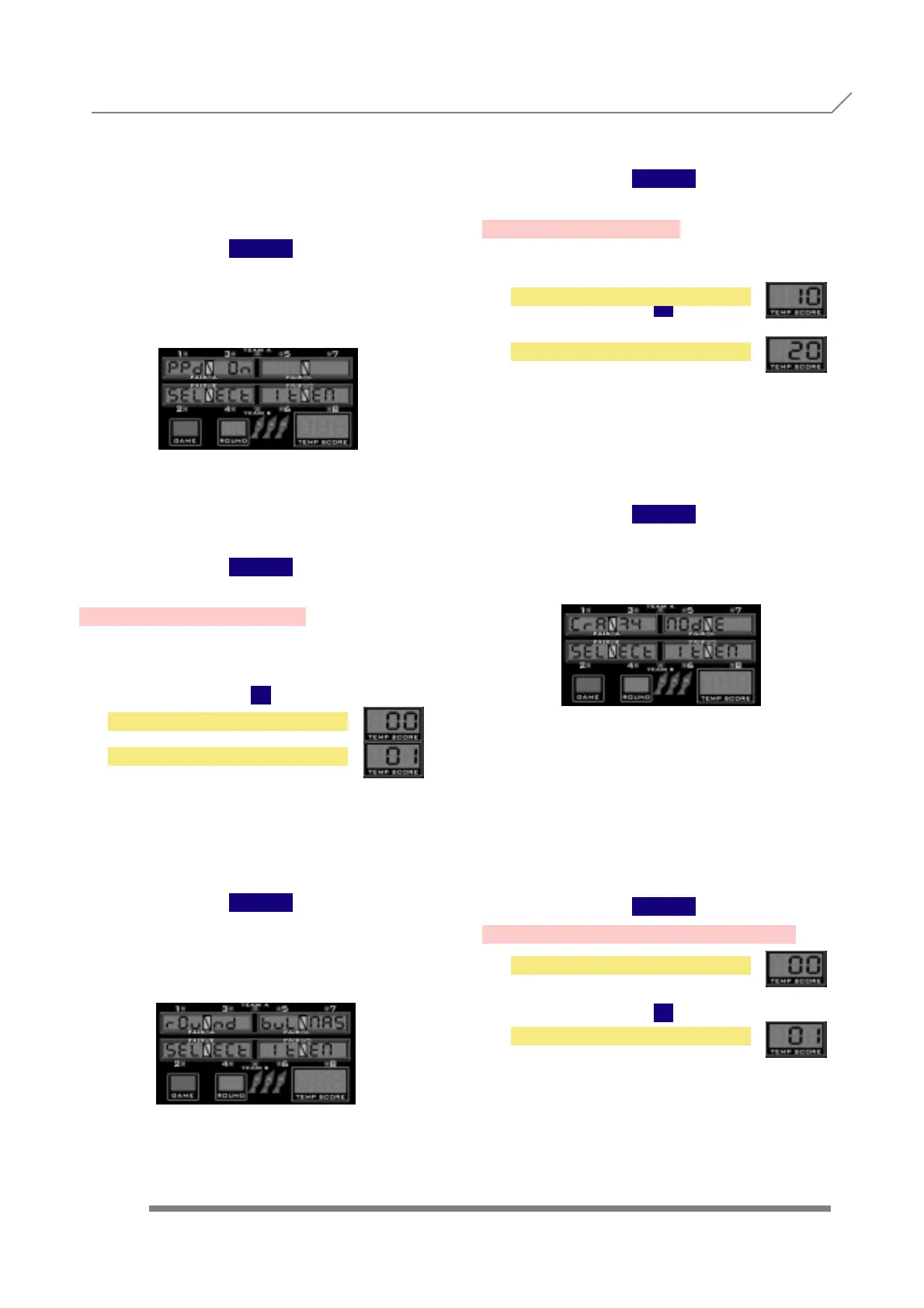
3.75- CRAZY MODE
Press
1
and display will show
When we see the submenu name, we
have to press the button
TEAM
to enter in this submenu, where we can
adjust the necessary impact number to avoid
changing a number between rounds.
We change the value with
1
2
as follows:
fixed on one
fixed on three.
Once we finished with the adjustment, to
confirm and store the values we have to press
TEAM
3.76- CUT THROAT TEAM MODE
Press
1
and display will show
PROGRAMMING 3.73- PPD ON
3.75- CRAZY MODE
NO
YES
10 ROUNDS
20 ROUNDS
NUM FIX ON THREE
NUM FIX ON ONE



 To Next Page