11.7 Band conveyor (continued)
Regularly check the conveyor belt’s wear and its position on the rollers.
The belt must not move obliquely! Adjust as necessary according to the instruc-
tions under “Starting - If the belt moves obliquely”, see previous section.
Clean the belt using a light cleaning agent. Do not use any sharp objects, strong
cleaning agents or chemicals which can damage the belt.
Fault-finding
The band conveyor does not start
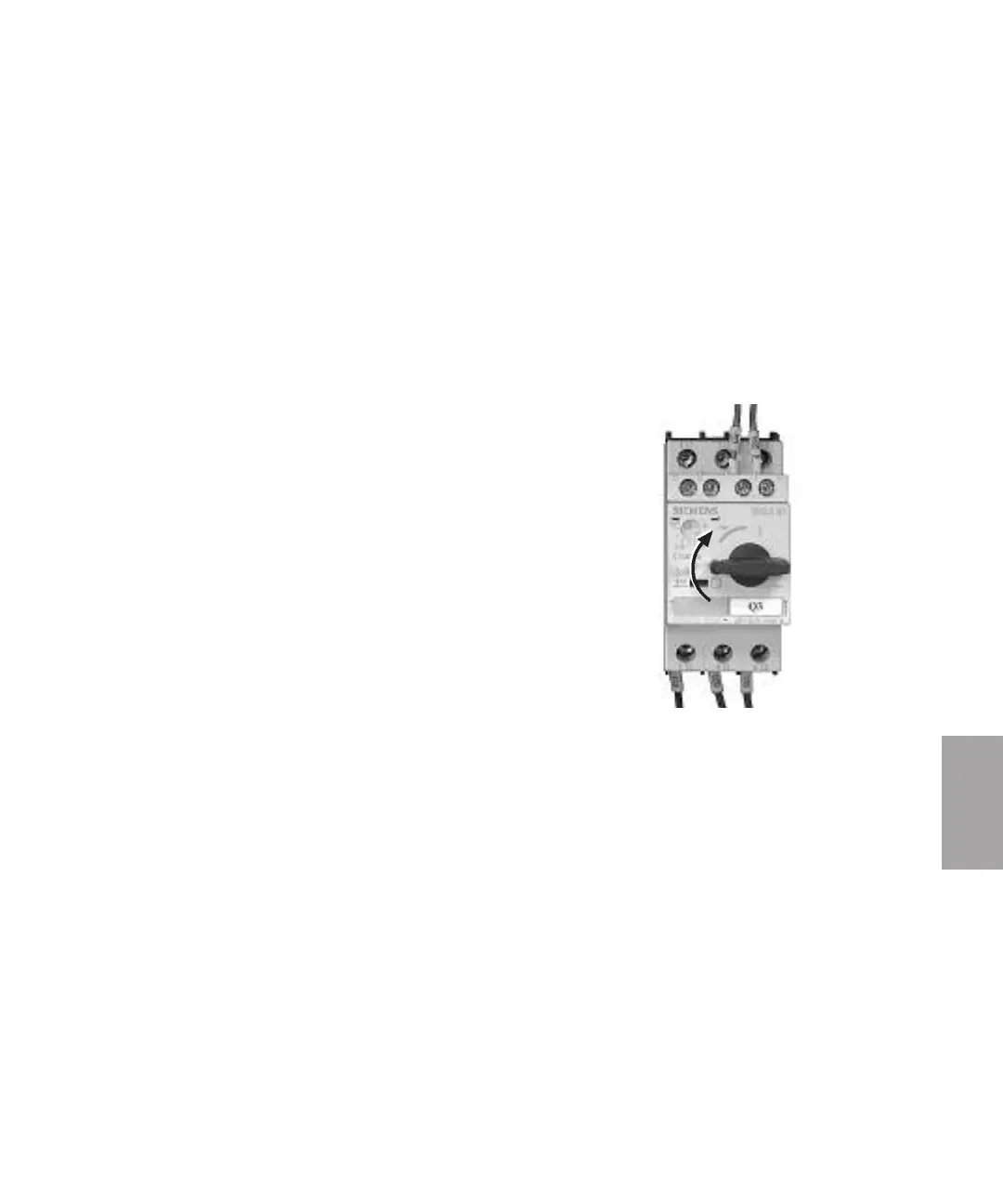
Check the band conveyor motor protection switch .
The band conveyor motor has an motor protection switch, Q3, in the
electrical cabinet box, which trips if you jam or overload the conveyor belt.
If the motor protection switch has switched “Off”, the switch
will be in position “0”.
Reset – set the switch to position “1”.
Check that there is no material left on the conveyor belt before re-starting.
Also check the granulators wiring diagram, supplements and deviations may be
applicable.
Reset
1 1
Options
Options l 11-13



 To Next Page