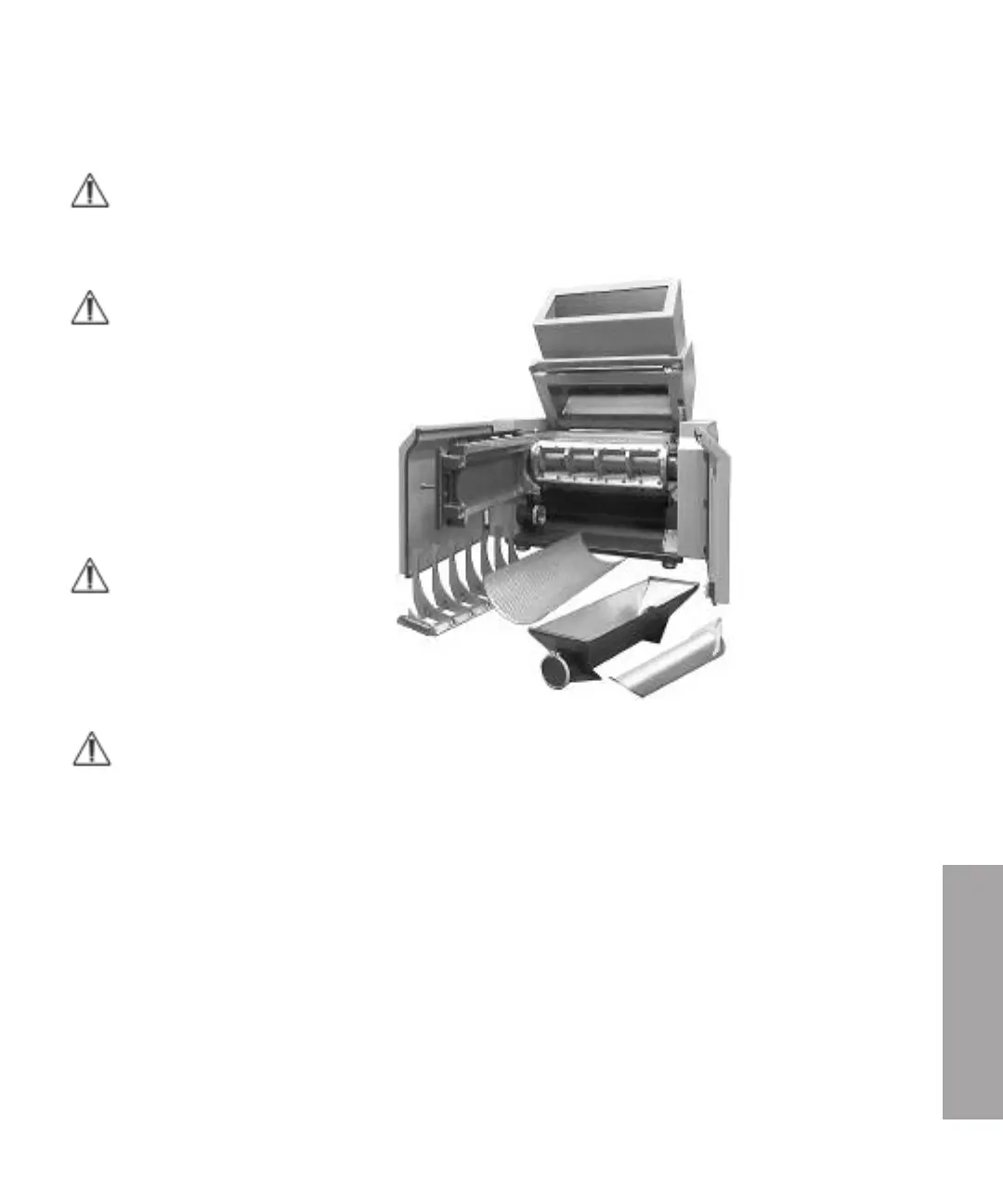
Re-install after cleaning
NOTE: There is a pinch risk during closing, be careful.
1 Install the screen box. Take a firm two-hand grip on the screen arcs of the
screen box, lift and slide in the screen box in the guides on the cutter house door.
NOTE: Push in the screen box firmly to stop.
2 Install the the screen.
3 Install the granule bin. 1836 and 1848 — Fit the distribution
plate in correct direction inside the
granule bin. Take a firm two-hand grip
on the granule bin, lift and slide the
granule bin in on the guides on the
screen box.
NOTE: Push in the granule bin firmly to
stop.
4 Clean the outside of the cutter housing
and all the mating surfaces during closing.
5 Close the hopper.
NOTE: The hopper is closed by an electrical jack.
NOTE: The cutter house door must be opened, to enable the hopper to be closed.
6 Plug in the granulator connector to the mains power supply.
7 Turn the main switch to position “1” On.
8 Reset the emergency stop knob.
9 The operation buttons for closing the hopper are located on the electrical
cabinet.
– Ensure that the lamps in both of the buttons “Hopper operate I” and ”Hopper
operate II” lights.
– Set the knob “Hopper close/open” to “Close”.
– Press the buttons “Hopper operate I” and ”Hopper operate II” simultaneously
to close the hopper.
6
Operation and Daily Maintenance
Operation and Daily Mainte nance l 6-13



 To Next Page