Maintenance l 5-13
12 The operation buttons for opening the hopper are located on the electrical
cabinet.
– Set the knob ”Hopper close/open” to “Open”.
The opening is two-hand controlled for safety reasons.
– Ensure that the lamps in both the buttons “Hopper operate I” and
“Hopper operate II” lights.
– Press the buttons ”Hopper operate I” and “Hopper operate II”
simultaneously to open the hopper.
A position switch senses and stops the opening action when the
hopper is fully opened.
– When the hopper opens the cutter lock is activated mechanically and
brakes the cutter-belt pulley.
13 Set the main power switch to position “0” Off.
14 Unplug the granulator connector from the electric power supply.
15 Press the emergency stop knob.
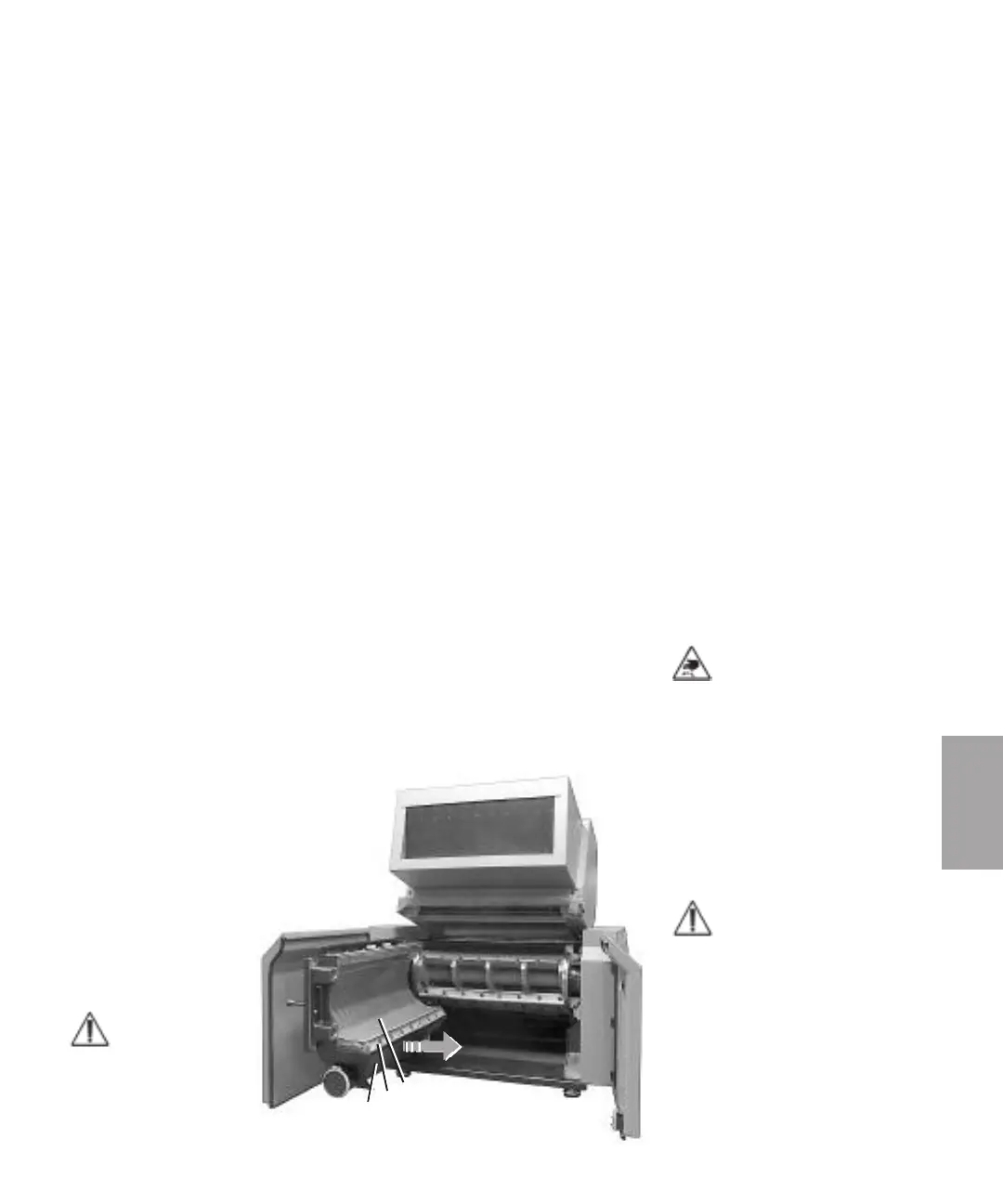
Open the granule bin and screen box and changing the screen
The granule bin, screen and screen box are fitted inside the cutter housing.
16 Open the cutter
house door fully.
17 Remove the granule
bin “E”. Grip the
granule bin and pull
it forward in the
direction of the
arrow.
NOTE: Hold the
granule bin by a
two-hand grip so
that it does not fall
without control.
5
Maintenance
NOTE: When the cutter house
door and the hopper have
been opened for service or
maintenance, recommends
that the cutter in the granula-
tor covers by using a carpet.
This to avoid that any person
can be injured in contact with
the cutter.
NOTE: The the cutter house
door must be opened, to
enable access to the granule
bin, screen and screen box.
E
M
D
5.7 Open the cutter house door,
hopper, granule bin and screen box
(continued)



 To Next Page