Operation and Daily Mainte nance l 6-3
6.1 Start and stop (continued)
• Close the doors.
• Check that the extraction blower is connected properly.
• Turn the main switch to position “1” On.
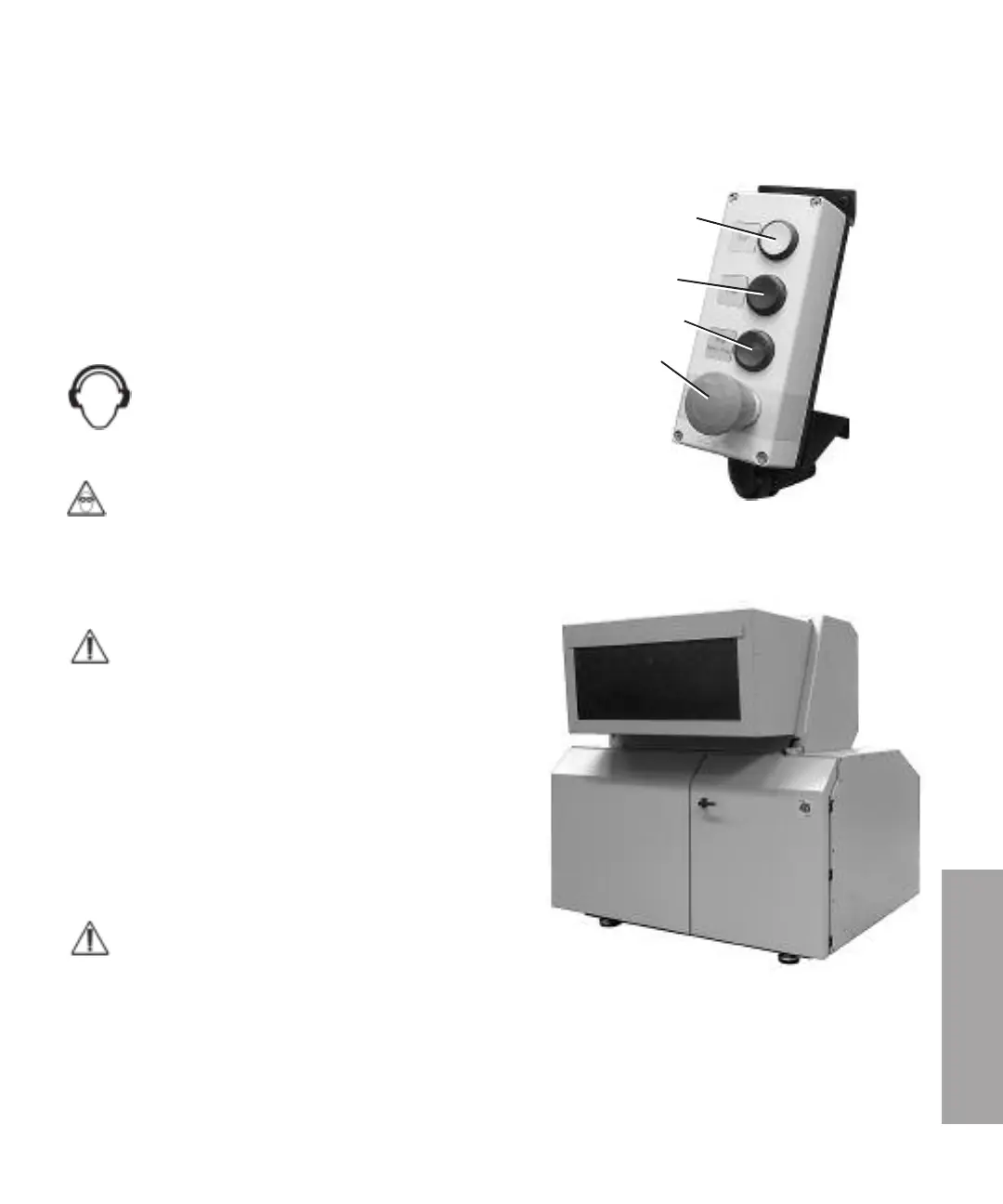
• Check that the emergency stop is not activated.
• Reset the safety relay, press “Reset safety relay”.
• Start the granulator, press the “Start” button.
Conair recommends that ear protections are used during
all granulation of plastics. Granulation of hard plastic,
big plastic details, or plastic lumps can cause high and
dangerous sound.
Observe also that low sound levels during a long time is dangerous.
Conair recommends that safety goggles are used during all granulation of plastics.
Stop
Stop the feeding of material to the granulator.
NOTE: Then wait until all material in the granulator are completely
granulated and the blower have emptied the granule bin and
material conveyance system from granulate.
If the granulator is stopped with material left in hopper, cutter
housing, granule bin or transport system the residual material will
clog the cutter in the granulator and the material conveyance
system during re-start.
Residual material will break the cutter in the granulator or the
blower during re-start. The granulator motor or the blower motor
will be overloaded and any of the overloading protections will
trigger.
NOTE: A manual cleaning of the granulator, hopper, screen, screen
box, granule bin, fan and material conveyance system are then necessary before
restart.
• Stop the granulator, press the “Stop”-button.
• Turn the main switch to position “0” Off.
• Pull the mains plug out of the mains outlet.
• Press the emergency stop-button.
Start
Stop
Reset safety relay
Emergency stop
6
Operation and Daily Maintenance



 To Next Page