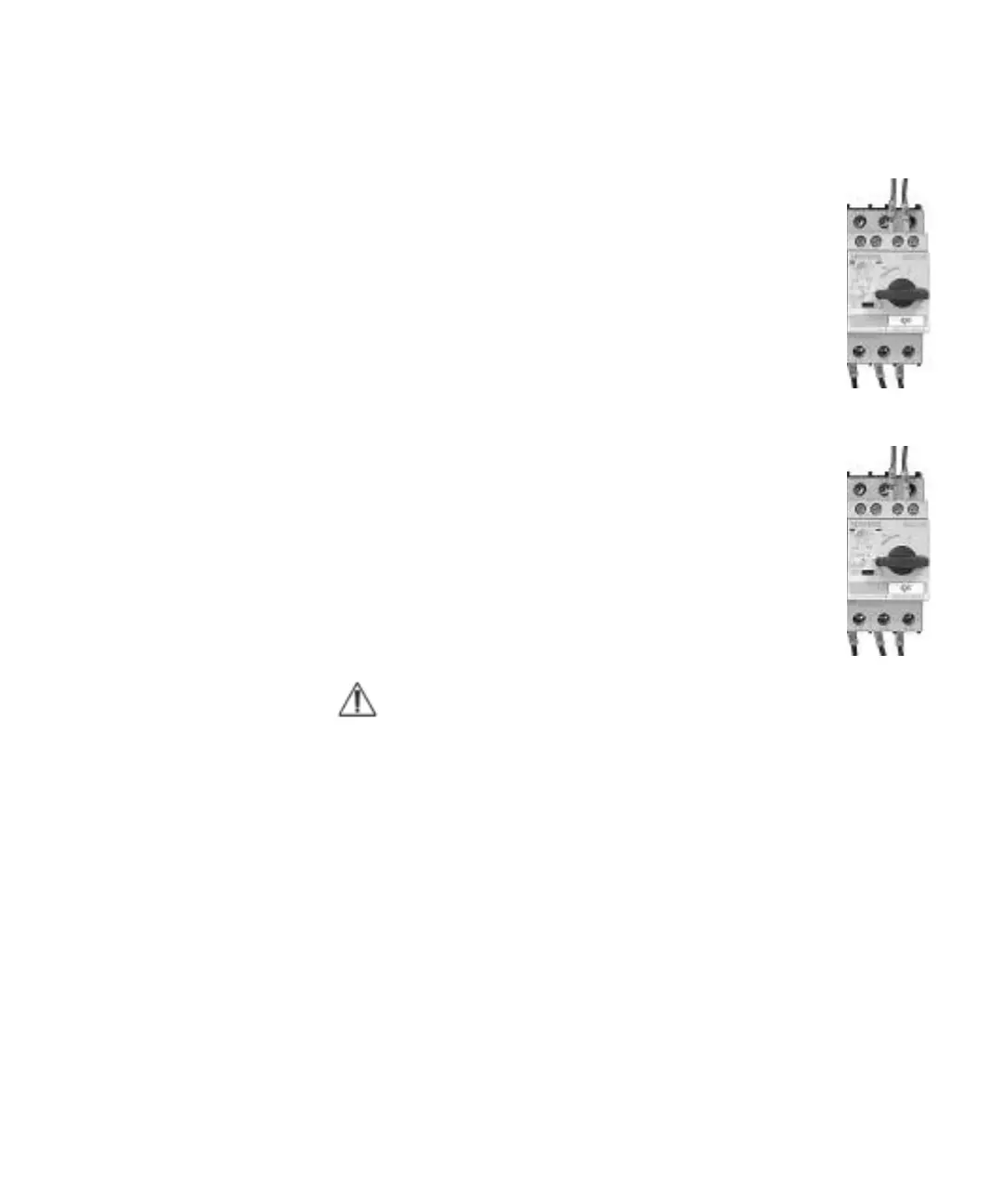
• The hopper screw jack has an motor protection switch “Q4”, in the
electrical cabinet, which trips if you overload the jack.
If the motor protection switch has switched “Off”, the switch knob
is standing in a position between “0” and “1”.
Reset – first turn the switch knob to position “0” and then to
position “1”.
Granulator with band conveyor the conveyor does not start
• Check the main switch.
Turn the main switch to position “1” On.
• Check so that no emergency stops are activated.
• Check that the connector to the band conveyor is connected to electrical
cabinet.
• Check the band conveyor motor protection switch “Q3” in the
electrical cabinet, it trips, if you run to stop or overload the
conveyor belt.
If the motor protection switch has switched “Off”, the switch knob
is standing in a position between “0” and “1”.
Reset – first turn the switch knob to position “0” and then to
position “1”.
Clean and make sure that there is no material left on the conveyor
belt before re-starting.
NOTE: Check also the wiring diagram, supplements and deviations may be applicable.
6-18 l Operation and Daily Maintenance



 To Next Page