5User Instructions for Control Panel M 2.2 User Manual
16
5100606_CFD5000 T - CM2.2_User Manual_T_EN_2023_E
5.1.2.2 Menu Alternatives
The fire detection system is menu-operated. All system functions are available
from the different menus. The fire detection system is normally displaying a
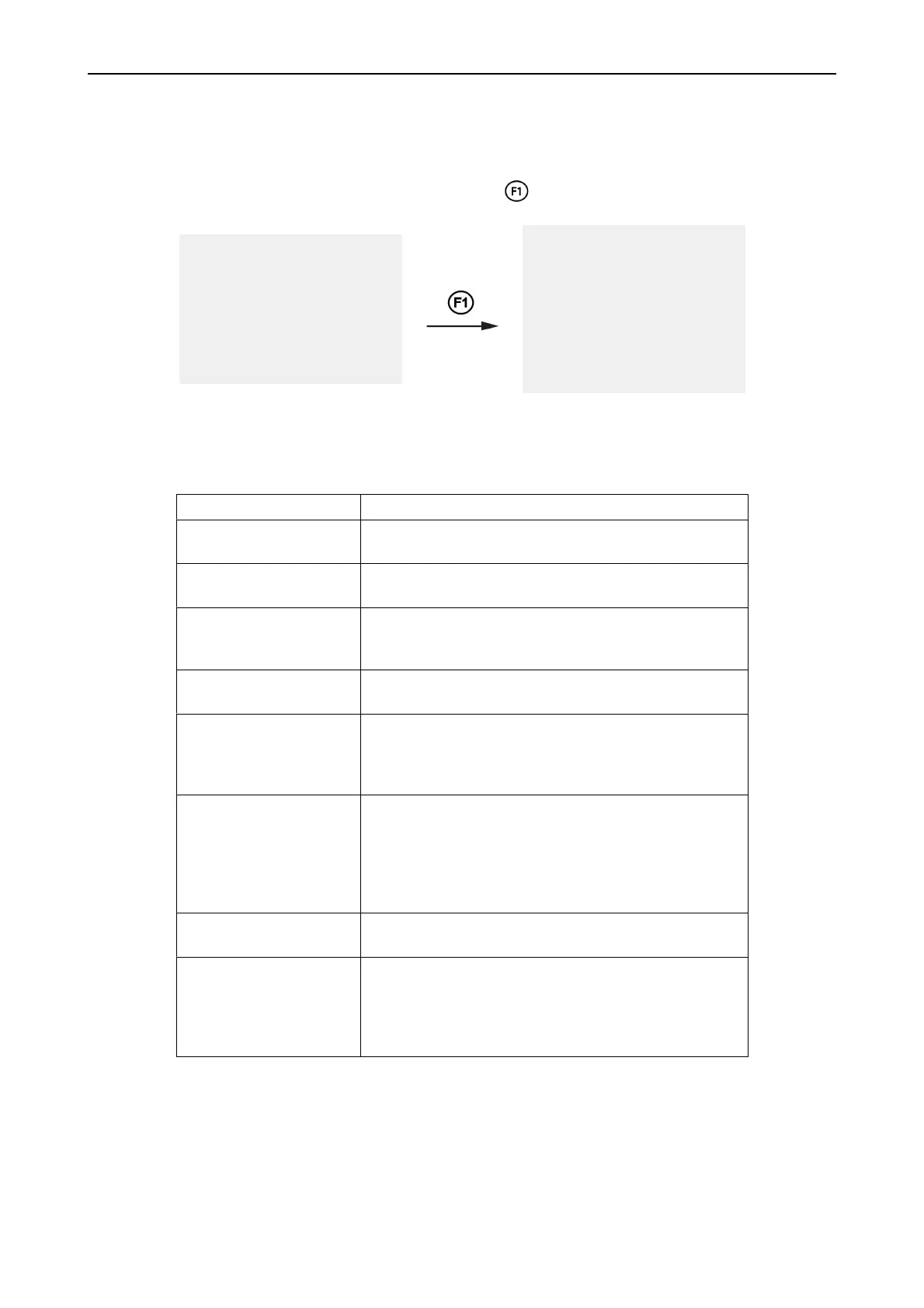
greeting screen. From the greeting screen press to enter the menu system.
Default screen
Name of installation
Project number
1 Fault Alarms
2 Fire Alarms
3 Disablements
4 Login
5 Settings
6 Service Menu
7 History
8 Condition list
Navigate the menu system with the keys as explained in section Navigating the
Menus, page 15
Table 1. Top menu alternatives
Alternatives Description
1 Fault alarms The menu from which fault- and warning messages are listed
and handled.
2 Fire alarms Fire alarms are displayed and managed from this menu.
Muted alarm devices may be reactivated here.
3 Disablements Disablemented parts of the fire detection system are added,
removed, or listed from this menu. (For instructions, see
chapter Disablements.)
4 Login Log in from this menu by entering a personal access code.
For further details see project specific documentation.
5 Settings Use this menu to adjust system parameters, such as the
dimmer level, date, time and alarm delay time.
It is also possible to make a lamp test for the control panel
under “Test display”.
6 Service menu Use this menu to list and view information about the system
and its components. It is also possible to make disablements
of the listed units. The Service menu is described in more
detail in the separate Service and Maintenance manual.
Access level 2B for basic functions, but access level 4 is
needed to perform advanced service options.
7 History Use this menu to view previous events in the fire detection
system.
8 Condition list Use this menu to create lists of detectors that are no longer in
good condition but still fully functional. The purpose of the
satisfactory and poor condition lists is to give an early
indication of which detectors need to be replaced in the
future.



 To Next Page