User Manual 5User Instructions for Control Panel M 2.2
5100606_CFD5000 T - CM2.2_User Manual_T_EN_2023_E
25
5.5.2 Reset a Fault
1 Press the key to reset the current fault
alarm.
NOTE!
If the cause of the fault
alarm remains, the alarm
cannot be reset. Check the
appropriate list of fault
codes in the Fault codes,
page 33 to solve the
problem.
5.5.3 Reset a Fault from the Fault List
All faults in the system are shown in the fault list.
1 Go to the fault list under: Menu » 1 Fault Alarms » 1 Fault List
2 Choose the fault in the fault list and then press
the key to reset the fault alarm.
NOTE!
If the cause of the fault
alarm remains, the alarm
cannot be reset. Check the
problem, solve it, and reset
the fault.
5.5.4 Reset All Faults
1 Go to: Menu » 1 Fault Alarms » 3 Reset All Faults
2 Press the key. The system will make an attempt to
reset all faults.
5.5.5 Warnings
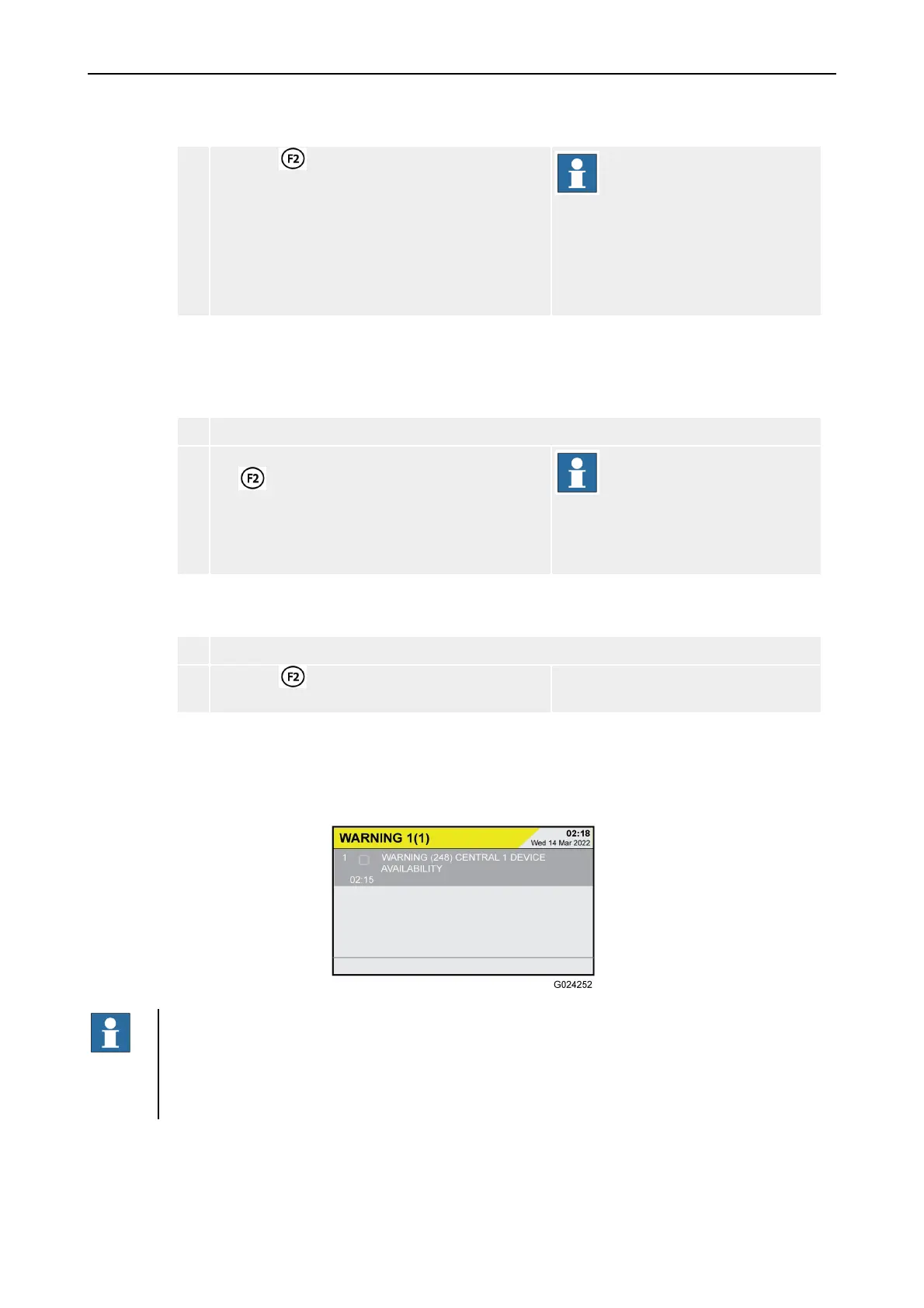
A warning is displayed with a yellow WARNING header.
NOTE!
The user shall monitor and act on warning messages according to the presented
information about the state of the system. (Warnings are not as serious as faults and
only of informative nature.)
•
Perform suitable maintenance if needed.
The warnings priority level is lower than the ordinary fault alarm level.



 To Next Page