User Manual 5User Instructions for Control Panel M 2.2
5100606_CFD5000 T - CM2.2_User Manual_T_EN_2023_E
13
5 User Instructions for Control Panel M 2.2
5.1 Control Panel M 2.2
5.1.1 Description of Keys and Indicators
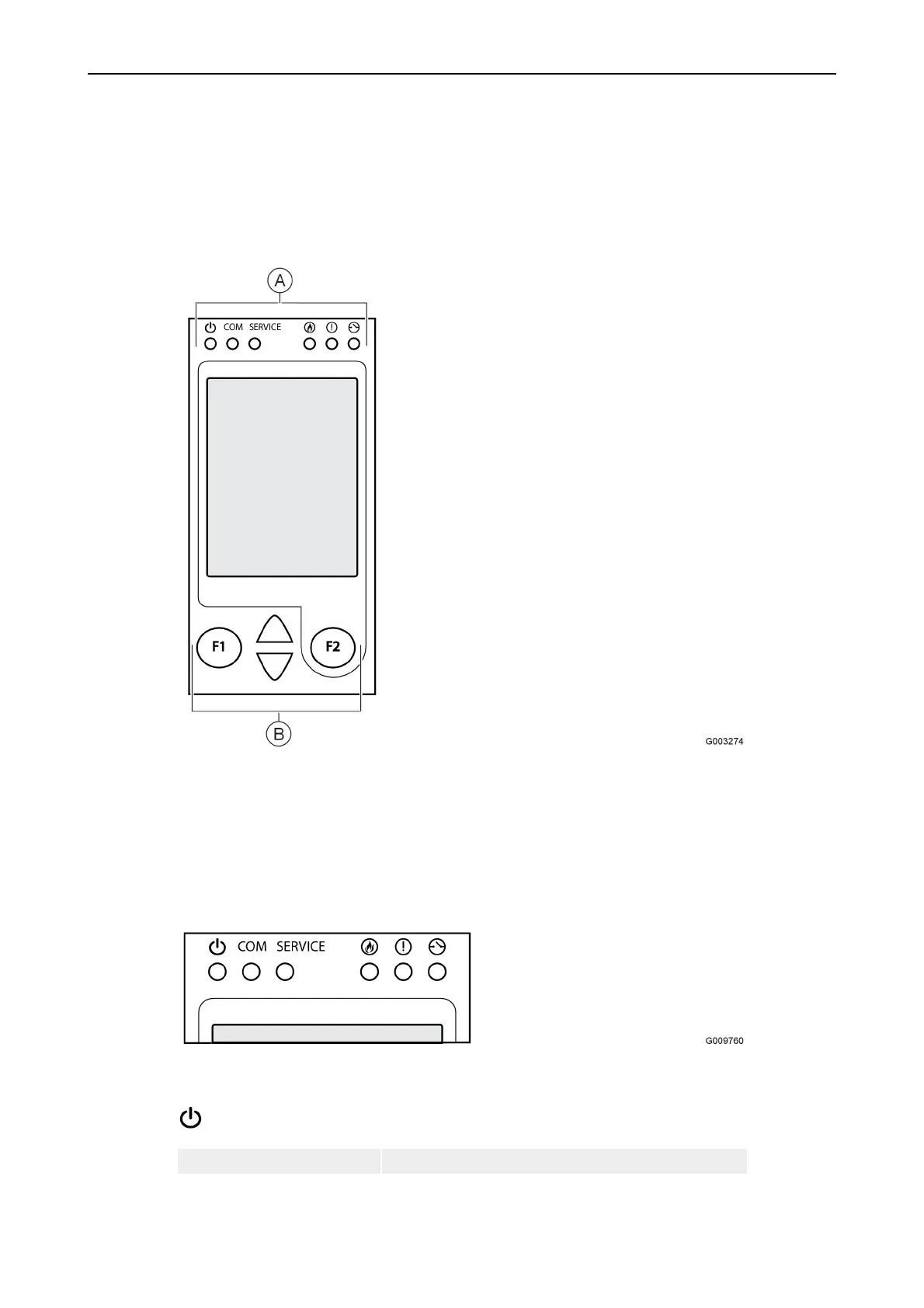
Figure 6. Keys and indicators for the control panel.
As shown in the figure above, the control panel is divided into two sections:
A = System indicators
B = Operational controls
Part A: System indicators
The System indicators section is comprised of the following indicators:
Power
Green steady light. The power supply to the control panel is OK.



 To Next Page