User Manual 5User Instructions for Control Panel M 2.2
5100606_CFD5000 T - CM2.2_User Manual_T_EN_2023_E
23
3 Set year, month and day by using the and keys. Press to accept.
5.4 Fire Alarm
5.4.1 Information Displayed when “Fire” is Flashing
DANGER!
In case of a fire alarm use the information viewed on the display to verify the alarm
and take the appropriate actions based on local safety procedures.
The following sections describes the information displayed during a fire alarm,
how to mute and reset an alarm, and the different types of alarms.
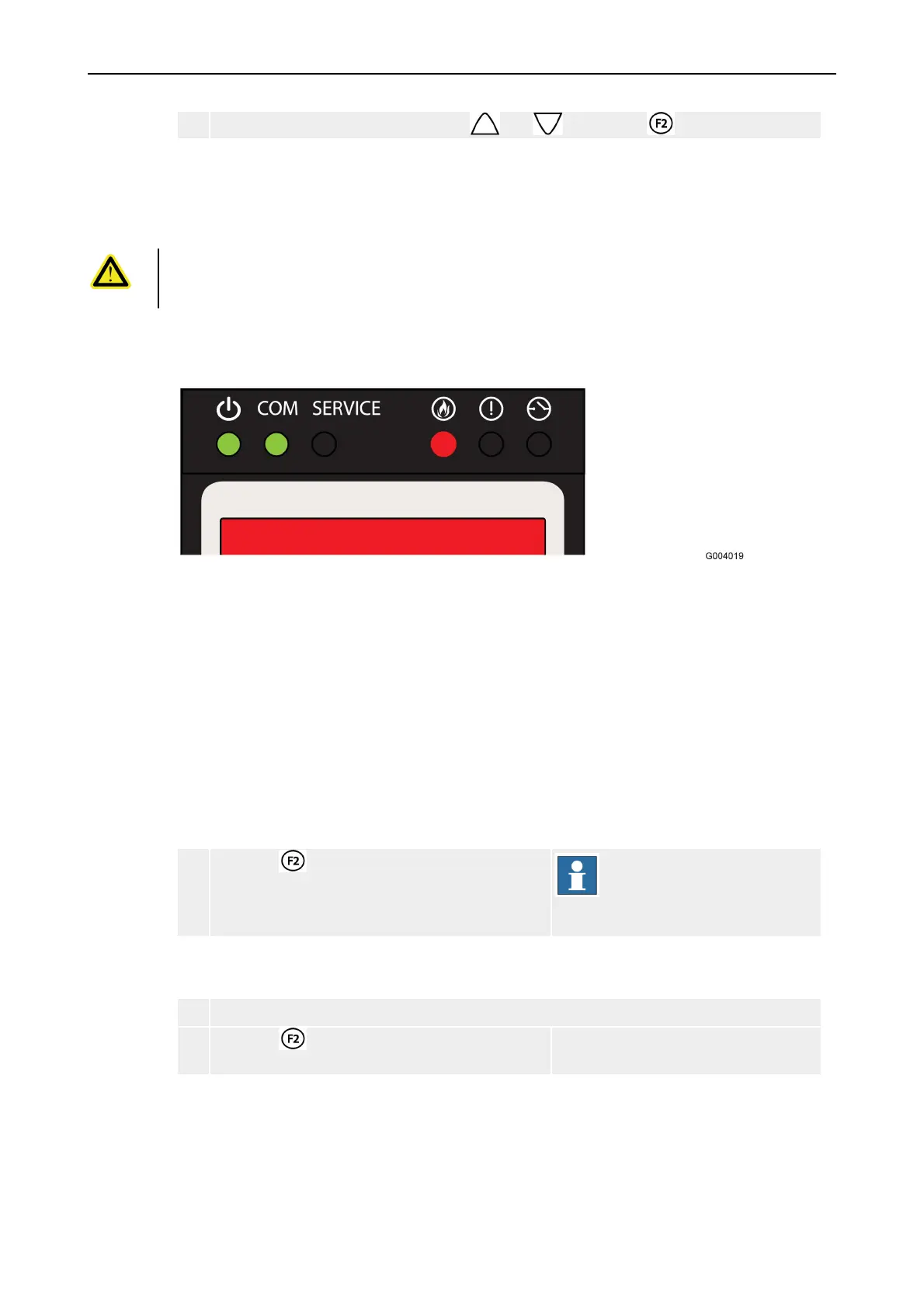
Figure 8. A fire alarm is detected in the system.
The following information is displayed in the control panel:
•
Number of alarm(s)
•
Zone in alarm
•
Type of unit in alarm
•
Address number of unit in alarm (only for addressable loop)
•
Supplementary text (defined in system configuration)
5.4.2 Reset a Fire Alarm
1 Press the key to reset the current Fire
Alarm.
NOTE!
Alarms cannot be reset as
long as the device remains
in alarm condition.
5.4.3 Reset All Fire Alarms
1 Go to: Menu » 2 Fire Alarms » 3 Reset All Fire Al.
2 Press the key. The system will make an attempt to
reset all fire alarms.



 To Next Page