User Manual 5User Instructions for Control Panel M 2.2
5100606_CFD5000 T - CM2.2_User Manual_T_EN_2023_E
21
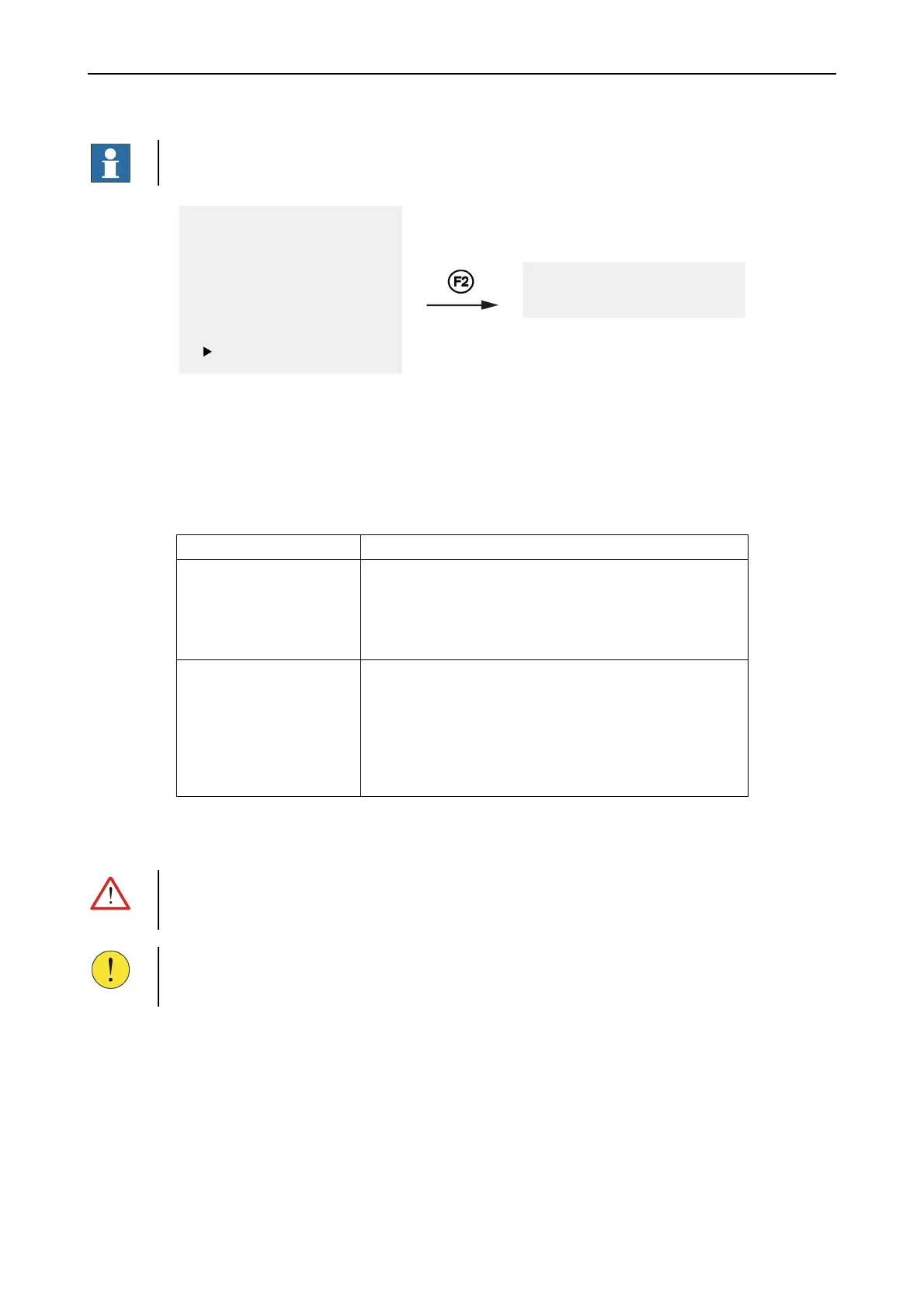
8 Condition list Menu
NOTE!
Only for analogue addressable systems.
1 Fault Alarms
2 Fire Alarms
3 Disablements
4 Login
5 Settings
6 Service Menu
7 History
8 Condition list
1 Satisfactory
2 Poor
Check for contaminated detectors. Use the Control panel menu system to study a
list showing in which condition the detectors are.
Detectors not present in the condition lists are either dirty or in good condition.
Dirty detectors are present in the warning or fault list instead.
Table 9. Condition list menu alternatives
Alternatives Description
1 Satisfactory
(Lightly contaminated
detectors)
This list shows detectors that still are in satisfactory
condition (50-80% dirty) and fully functional. However, the
environment has started to degenerate the detectors and they
are no longer in good condition. Please consider to replace
the detectors during the next planned maintenance work.
2 Poor
(Heavily contaminated
detectors)
This list shows detectors that have gone beyond satisfactory
condition and entered poor condition (81-100% dirty), but
are still fully functional. Depending on the configuration the
detector is moved to the warning or fault list with the
description “130 DIRTY SENSOR”. When the detector has
reached poor condition it shall be replaced. It will be
removed from the Condition list after replacement.
5.2 Access Levels
WARNING!
To secure the functionality of the fire detection system only authorised persons
should be given access to disablement or test mode privileges in the system.
CAUTION!
To prevent un-authorised operation of the system access levels protect the different
functions of the fire detection system.
The user has to log in to the system before any vital operations can be performed.
Without access to an authorisation code the user can only view fire and fault alarms
and mute the local buzzer.
The system automatically returns to default (access level 2) when the control panel
has not been used for 30 minutes.



 To Next Page