5User Instructions for Control Panel M 2.2 User Manual
20
5100606_CFD5000 T - CM2.2_User Manual_T_EN_2023_E
Hint!
The Service menu is described in more detail in the separate Service and
Maintenance manual.
Table 7. Service menu alternatives
Alternatives Description
1 System Details This menu lists the installed system's information, such as
name and reference number (if defined). It also lists when
the system was last configured and by which program.
2 Zones This menu shows a list of all zones configured in the system.
It is possible to list all loop units in a zone if the zone
consists of addressable loop units.
3 Loops This menu shows a list of all physical loops installed in an
analogue addressable system. A loop can consist of
conventional or addressable fire detectors and other loop
units.
4 Configuration This menu is used to configure the system as further
explained in the Service and Maintenance manual.
5 Syslog The System log menu contains sub-menus to save a syslog,
to reset service interval or to save a BIST log.
Once a log is copied to a USB memory stick, it can be sent
to an authorised service organisation for further technical
assistance. See section Save the System Log to a USB
Memory Stick, page 28 or section Save the BIST Log to a
USB Memory Stick, page 29 for further information and
instructions.
6 Firmware Use this menu to download firmware to modules, load or
backup service pack. See the Service and Maintenance
manual for details.
7 Set System Name Enter system name. Use the up/down keys to change the
text.
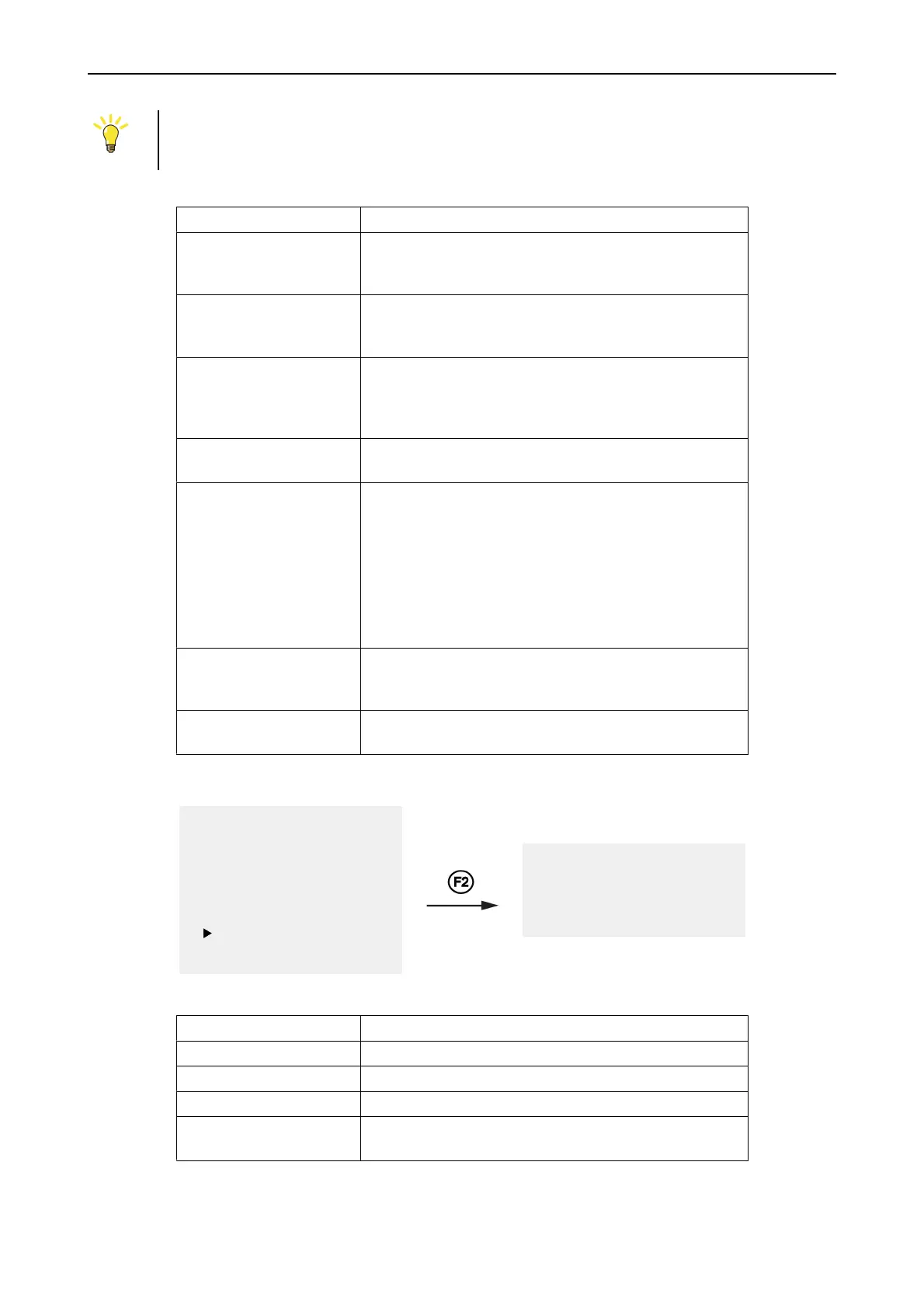
7 History Menu
1 Fault Alarms
2 Fire Alarms
3 Disablements
4 Login
5 Settings
6 Service Menu
7 History
8 Condition list
1 Fire
2 Fault
3 Disablements
4 All
Table 8. History menu alternatives
Alternatives Description
1 Fire Shows a chronological list of the last 200 fire alarms.
2 Fault Shows a chronological list of the last 200 fault alarms.
3 Disablements Shows a chronological list of the last 200 disablements.
4 All Shows a common chronological list of the last 1000 fire
alarms, fault alarms and disablements.



 To Next Page