Parameter
structure
Keypad and
display
Parameter x.00
Parameter
description format
Advanced parameter
descriptions
Serial comms
protocol
Electronic
nameplate
Performance
Menu 6
Digitax ST Advanced User Guide 95
Issue Number: 1 www.controltechniques.com
Digital inputs connected to limit switches should be routed to these parameters if fast stopping is required at a limit. The drive will respond in 750μs
(500μs digital input filter delay + 250μs software delay) and stop the motor with zero ramp rate (i.e. in current limit). The limit switches are direction
dependant so that the motor can rotate in a direction that allows the system to move away from the limit switch.
Pre-ramp reference+hard speed reference > 0rpm Forward limit switch active
Pre-ramp reference+hard speed reference < 0rpm Reverse limit switch active
Pre-ramp reference+hard speed reference = 0rpm Both limit switches active
The drive event flags indicate certain actions have occurred within the drive as described below.
Defaults loaded (Bit 0)
The drive sets bit 0 when defaults have been loaded and the associated parameter save has been completed. The drive does not reset this flag
except at power-up. This flag is intended to be used by SM-Applications Solutions Module programs to determine when the default loading process is
complete. For example an application may require defaults that are different from the standard drive defaults. These may be loaded and another
parameter save initiated by the SM-Applications module when this flag is set. The flag should then be cleared so that the next event can be detected.
Pr 6.42 and Pr 6.43 provide a method of controlling the sequencer inputs and other functions directly from a single control word. If Pr 6.43 = 0 the
control word has no effect, if Pr 6.43 = 1 the control word is enabled. Each bit of the control word corresponds to a sequencing bit or function as
shown below.
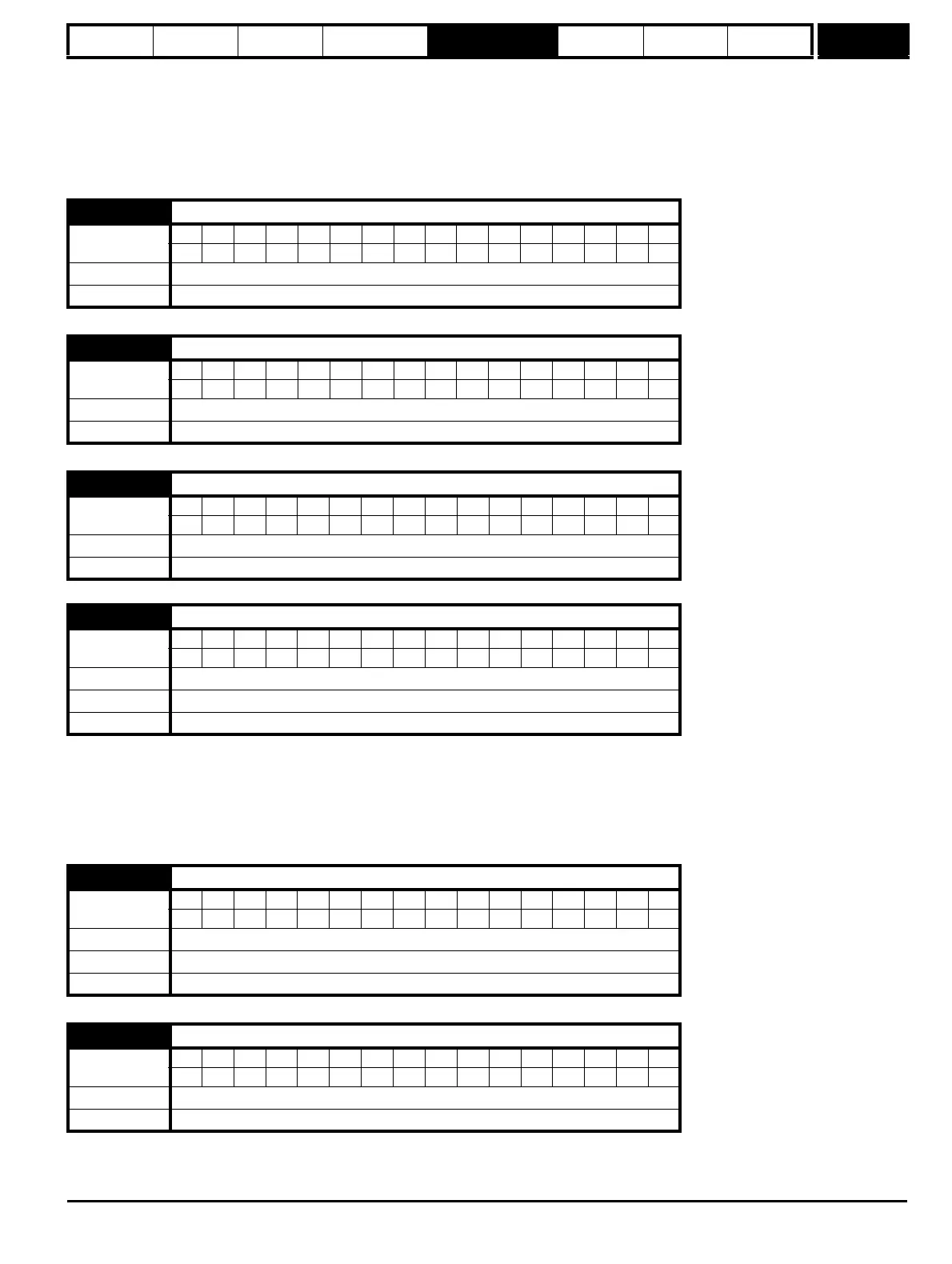
6.37 Sequencing bit: Jog reverse
Coding
BitSP FI DETEVMDPNDRANCNVPTUSRWBUPS
111
Default 0
Update rate 4ms read
6.39 Sequencing bit: Not stop
Coding
BitSP FI DETEVMDPNDRANCNVPTUSRWBUPS
111
Default 0
Update rate 4ms read
6.40 Enable sequencer latching
Coding
Bit SP FI DE TE VM DP ND RA NC NV PT US RW BU PS
111
Default 0
Update rate 4ms read
6.41 Drive event flags
Coding
Bit SP FI DE TE VM DP ND RA NC NV PT US RW BU PS
111
Range 0 to 65535
Default 0
Update rate Background write
6.42 Control word
Coding
Bit SP FI DE TE VM DP ND RA NC NV PT US RW BU PS
111
Range 0 to 32,767
Default 0
Update rate Bits 0 –7: 4ms read, Bits 8-15: Background read
6.43 Control word enable
Coding
Bit SP FI DE TE VM DP ND RA NC NV PT US RW BU PS
111
Default 0
Update rate Related to bits 0-7: 4ms read, related to bits 8-15: Background read


 To Next Page