Manuale di Istruzioni
Instruction Manual
58-C0181/DGT Rev. 2 EN 04/02/2015
19
3.2 Turning ON the unit and MENUs description
Turn ON the instrument via the ON/OFF switch on the side panel (Ref. 4 in chapter 2.1),
a yellow dot denotes the ON position of the switch.
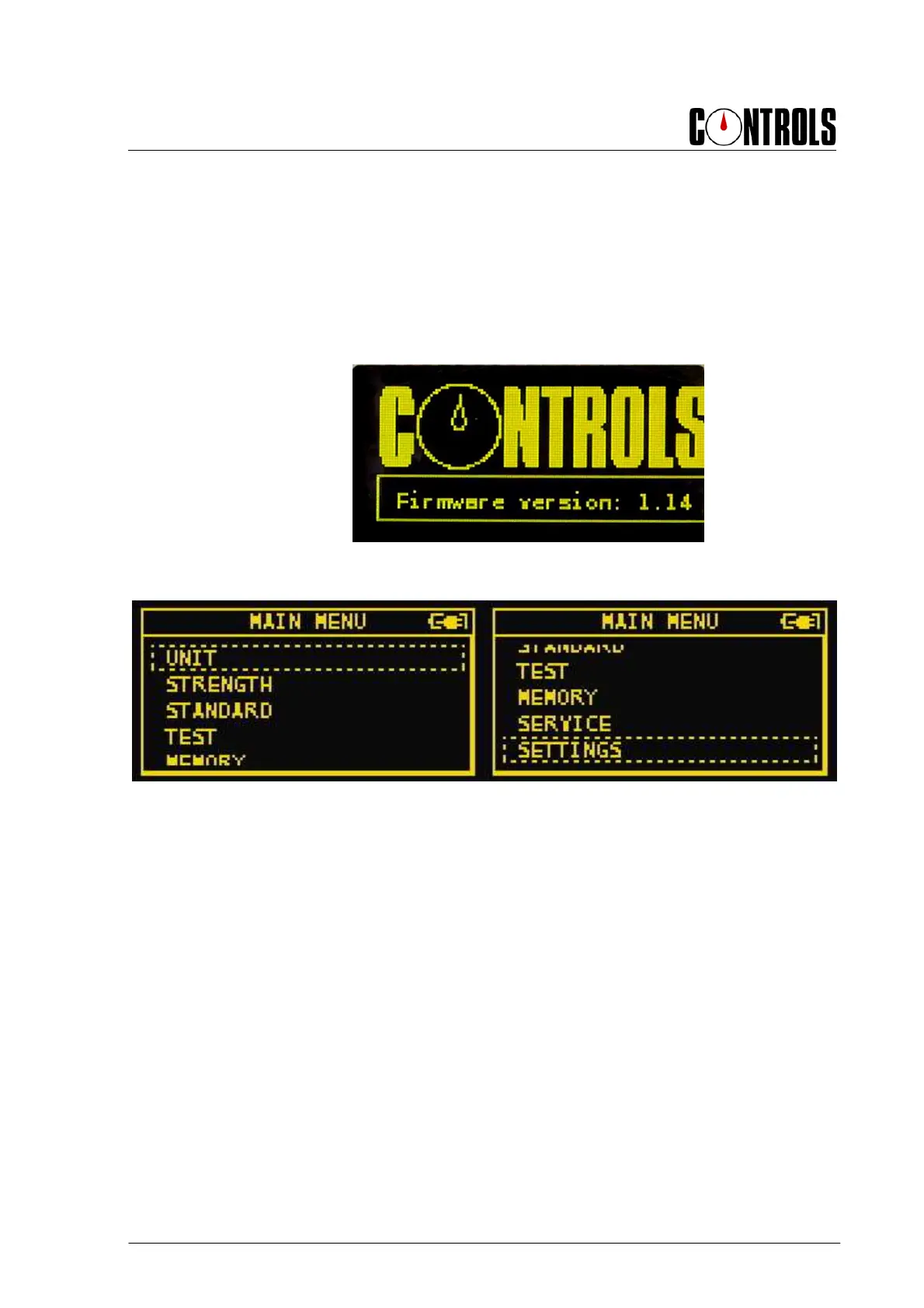
The display will show a screen with CONTROLS logo and the firmware version of the
unit:
Fig. 3-3
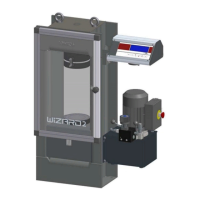
Here follows the MAIN MENU:
Fig. 3-4
It allows selecting among the following options:
• UNIT
• STRENGTH
• STANDARD
• TEST
• MEMORY
• SERVICE
• SETTINGS.
The following chapters describe the different options available.


 To Next Page