Installation Instructions for:
CGi420 4-20mA Interface
Cooper
Wheatley Hall Road, Doncaster, South Yorkshire, DN2 4NB, United Kingdom
Sales General Export
Tel: +44 (0)1302 – 303303 Tel: +44 (0)1302 – 321541 Tel: +44 1302 - 303250
Fax:+44 (0)1302 – 367155 Fax:+44 (0)1302 – 303220 Fax:+44 1302 - 303251
Email: sales@cooper-ls.com technical@cooper-ls.com export@cooper-ls.com
The CGI420 is a 4-20mA analogue module to interface with Gas Detectors and is compatible with
Cooper addressable control panels. This interface has a unique address on the Cooper
addressable loop .It has a built in isolator for short circuit protection.
Each of the DIL switches JP1, JP2 and JP3 (see table 1) can be programmable to set the
threshold
Level for Pre-alarm1, Pre-alarm 2 and Alarm respectively.
This can be expressed as a percentage of L.E.L (Lower Explosion Limit) or PPM (Parts per
million).
Installation
General Operation
The lower 7 switch positions of each of the 8-way DIL switches (JP1, JP2 and JP3) are used to the
activation thresholds in steps of 5% between 4 and 20mA (see table 1).
The 8
th
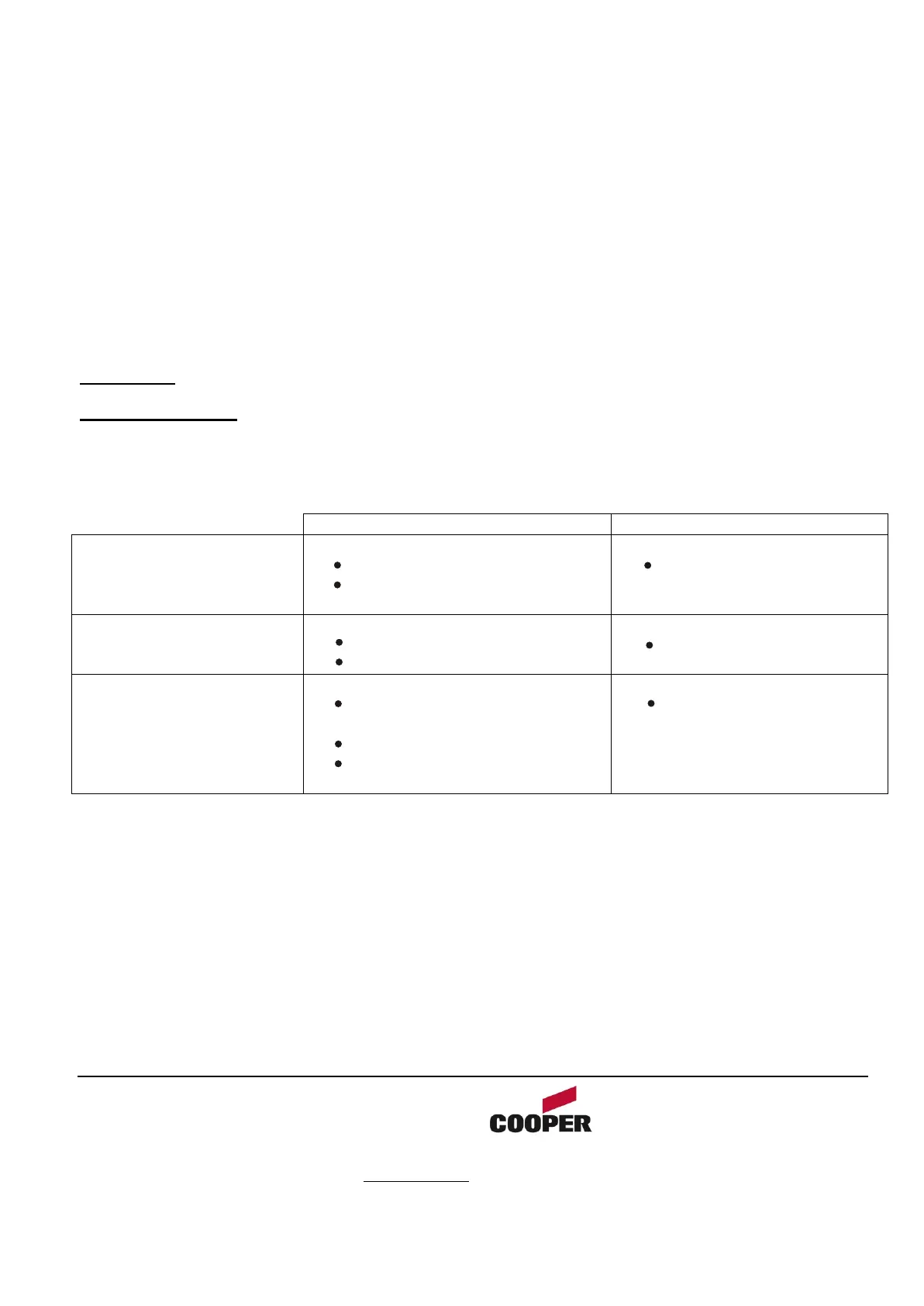
Position of each DIL Switch is used to select ‘tracking’ and will operate as follows:
Tracking switch set to ‘ON’ Tracking switch set to ‘OFF’
Pre-Alarm 1 threshold
exceeded (DIL SWITCH
JP1)
Panel displays pre-alarm 1,
No fire LED
No Indication on the
panel
Pre-Alarm 2 threshold
exceeded (DIL SWITCH
JP2)
Panel displays pre-alarm 2,
No fire LED
No Indication on the
panel
Alarm (threshold
exceeded (DIL SWITCH
JP3)
Panel displays Alarm
Condition
Panel Fire LED ON.
Panel Cause & effect
programming active
No Indication on the
panel
1. Separate the two halves of the unit.
2. Drill out (or knock out) the required cable entries in the surface mounting back-box.
3. Fit the back-box in position and pass the wires into it.
4. Connect the unit according to the diagram below.
5. Recommended Loop Cable Type: FIRETUF, FP200, MICC
Notes:
No addressing of the interface is required. See control panel operation for details.
106



 To Next Page