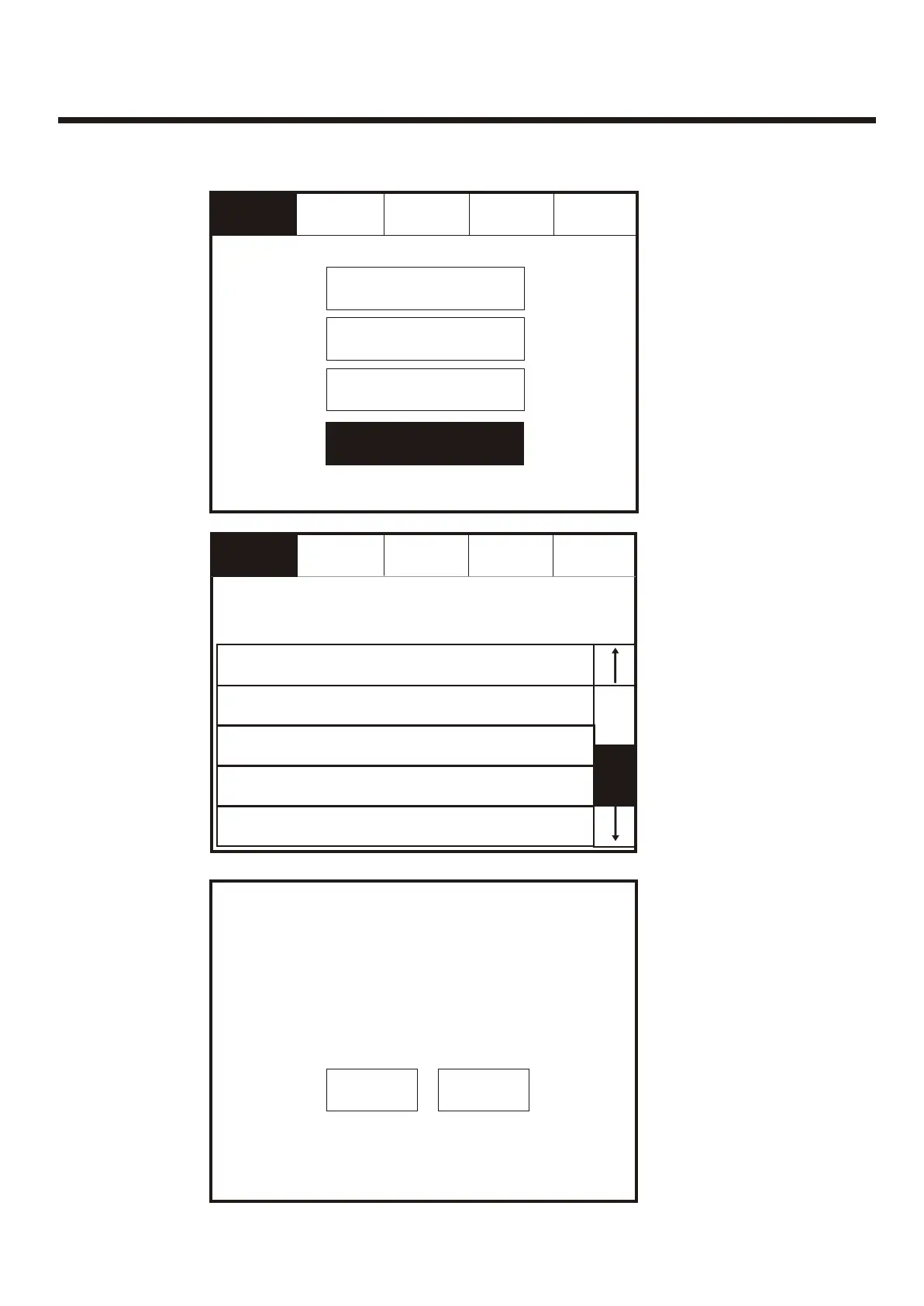
Delete DeviceDelete Device
001 Device 1, Zone 1
Loop: 1, Zone: 1, Type : Opto/thermal
001 Device 1, Zone 1
Loop: 1, Zone: 1, Type : Opto/thermal
Touch row to deleteTouch row to delete
002 Device 2, Zone 2
Loop: 1, Zone: 2, Type : Opto/thermal
002 Device 2, Zone 2
Loop: 1, Zone: 2, Type : Opto/thermal
003 Device 3, Zone 1
Loop: 1, Zone: 2, Type : Opto/thermal
003 Device 3, Zone 1
Loop: 1, Zone: 2, Type : Opto/thermal
004 Device 4, Zone 2
Loop: 1, Zone: 2, Type : Opto/thermal
004 Device 4, Zone 2
Loop: 1, Zone: 2, Type : Opto/thermal
005 Device 5, Zone 1
Loop: 1, Zone: 1, Type : Opto/thermal
005 Device 5, Zone 1
Loop: 1, Zone: 1, Type : Opto/thermal
ExitExit
GotoGoto
ResetReset
Service
FRE Off
Service
FRE Off
Confirm or
Cancel
Deletion
Confirm or
Cancel
Deletion
Delete Device 3?
Delete Device 3?
Device 3
Loop 1, Address 3, Device Type Opto/thermal
Device 3
Loop 1, Address 3, Device Type Opto/thermal
YesYes NoNo
Select a
Device to
Delete
Select a
Device to
Delete
Enter the Service Mode and Select Configure, select “Add/Delete” then “Delete Device”Enter the Service Mode and Select Configure, select “Add/Delete” then “Delete Device”
Service
FRE Off
Service
FRE Off
ResetReset
Add ZoneAdd Zone
Add DeviceAdd Device
Delete ZoneDelete Zone
Delete DeviceDelete Device
ExitExit
84



 To Next Page