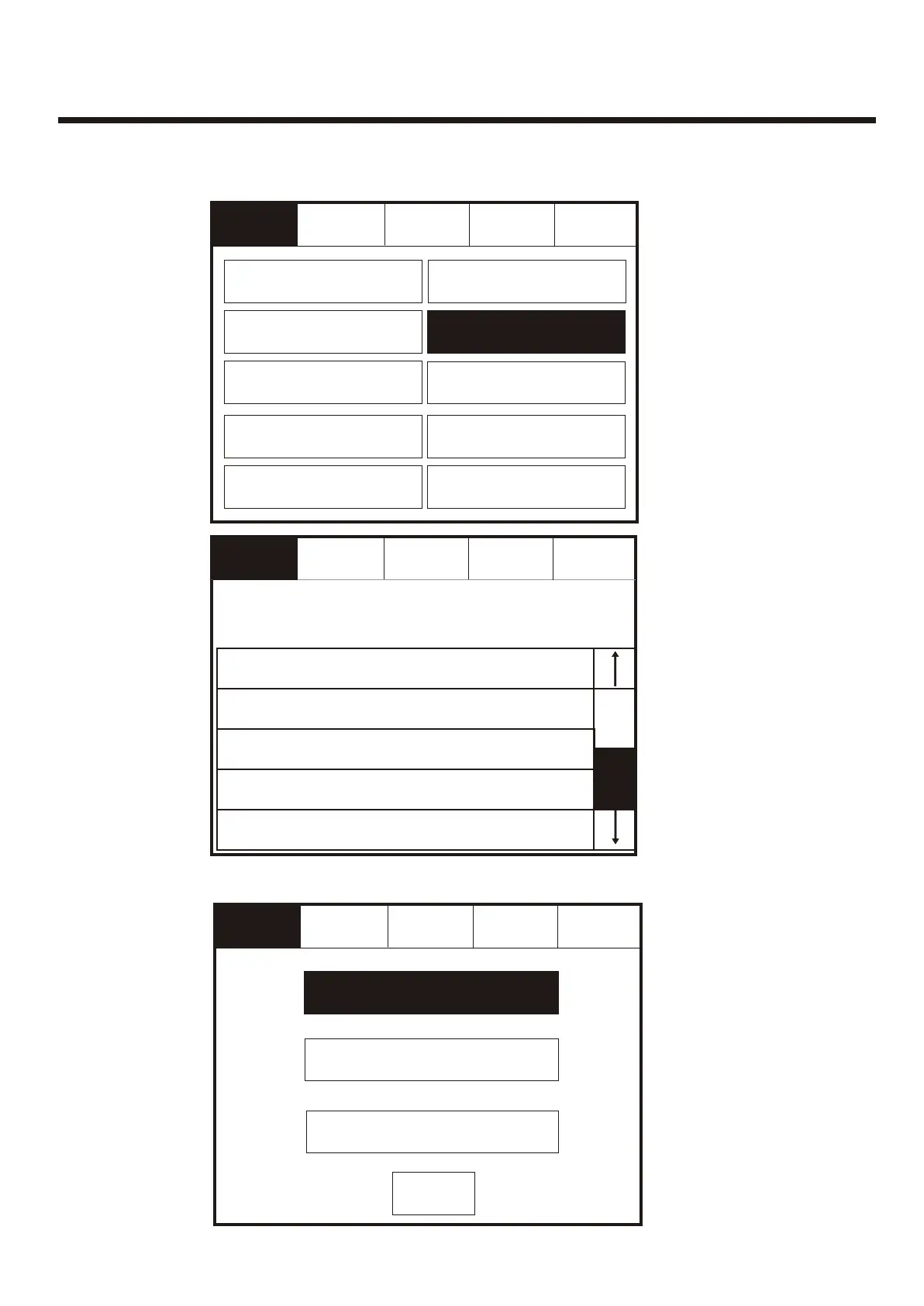
Configure Heat DetectorsConfigure Heat Detectors
Service
FRE Off
Service
FRE Off
ResetReset
Select appropriate detector classSelect appropriate detector class
ExitExit
Thermal A1RThermal A1R
Thermal CSThermal CS
ExitExit
Thermal BSThermal BS
Enter the Service Mode and Select Configure. Select “Configure Heat Detectors”Enter the Service Mode and Select Configure. Select “Configure Heat Detectors”
Service
FRE off
Service
FRE off
ResetReset
ExitExit
Change PasswordChange Password
Programming I/O and SoundersProgramming I/O and Sounders
Change Date/TimeChange Date/Time
Change TextChange Text
Configure ZonesConfigure Zones
Add/DeleteAdd/Delete
NetworkNetwork
Configure Heat DetectorsConfigure Heat Detectors
LanguageLanguage
Mute
Buzzer
Mute
Buzzer
001 Device 1, Zone 1
Loop: 1, Zone: 1, Type : Opto/thermal
001 Device 1, Zone 1
Loop: 1, Zone: 1, Type : Opto/thermal
Touch row to configureTouch row to configure
002 Device 2, Zone 2
Loop: 1, Zone: 2, Type : Opto/thermal
002 Device 2, Zone 2
Loop: 1, Zone: 2, Type : Opto/thermal
003 Device 3, Zone 1
Loop: 1, Zone: 2, Type : Opto/thermal
003 Device 3, Zone 1
Loop: 1, Zone: 2, Type : Opto/thermal
004 Device 4, Zone 2
Loop: 1, Zone: 2, Type : Opto/thermal
004 Device 4, Zone 2
Loop: 1, Zone: 2, Type : Opto/thermal
005 Device 5, Zone 1
Loop: 1, Zone: 1, Type : Opto/thermal
005 Device 5, Zone 1
Loop: 1, Zone: 1, Type : Opto/thermal
ExitExit
ResetReset
Service
FRE Off
Service
FRE Off
Select a
Device to
Configure
Select a
Device to
Configure
Day/NightDay/Night
85



 To Next Page