4 Operation
Operator manual: Postmix tower
Ribbon
28
Cornelius Deutschland GmbH
Document no. TD0000000
Version: 19/10/2017, Index 3
6. Check the dispensing quantity.
– If the dispensed quantity is correct, continue with the next step.
– If the dispensed quantity is not correct, please inform your service partner.
7. Perform this test on all valves.
8. After testing all valves, continue with the next step.
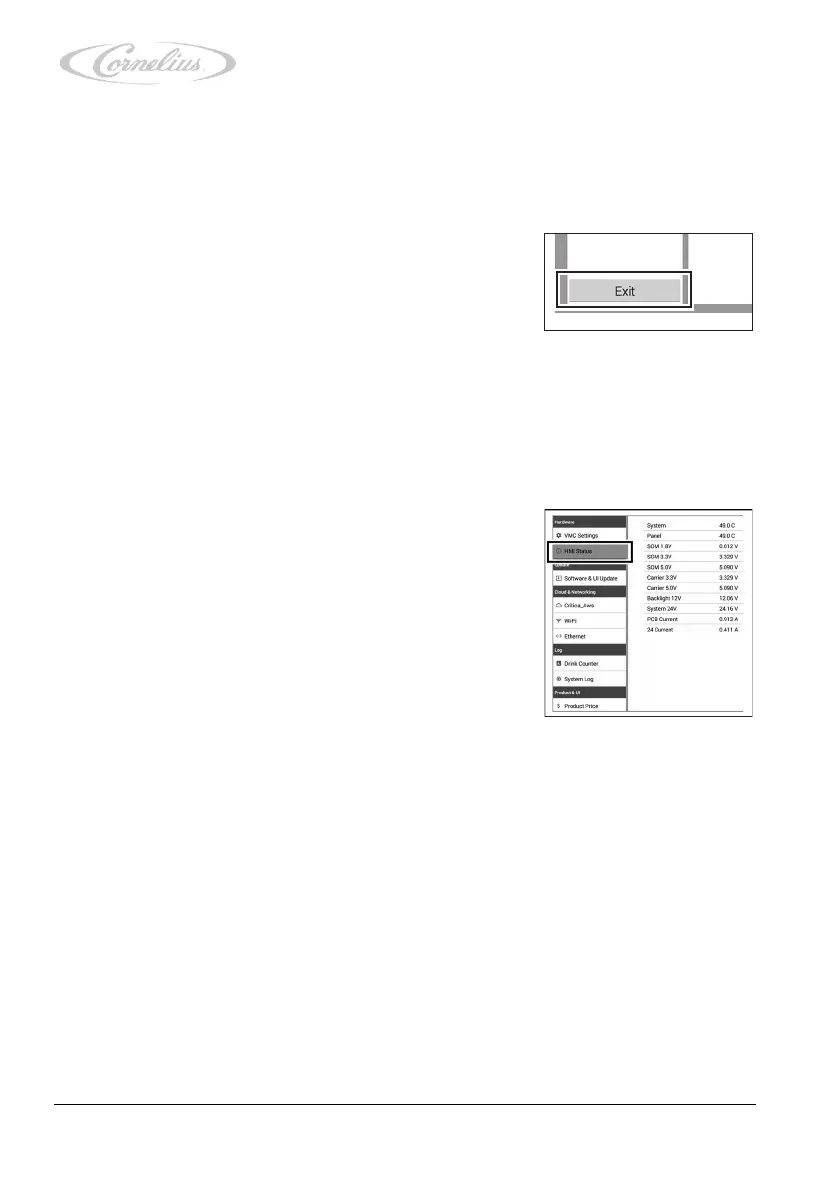
9. Return to the service menu by pressing the “Exit” button.
4.3.3 Calling up and checking the “HMI Status” menu
The “HMI Status” menu (user interface status) provides information relating to the power sup-
ply line.
1. Call up the service menu, see chapter 4.3.1, page 23.
2. Press “HMI Status” (user interface status).
3. Check the values.
– If the values are correct, continue with the next step.
– If the values are incorrect, please inform your ser-
vice partner.













 To Next Page