4 Operation
Operator manual: Postmix tower
Ribbon
32
Cornelius Deutschland GmbH
Document no. TD0000000
Version: 19/10/2017, Index 3
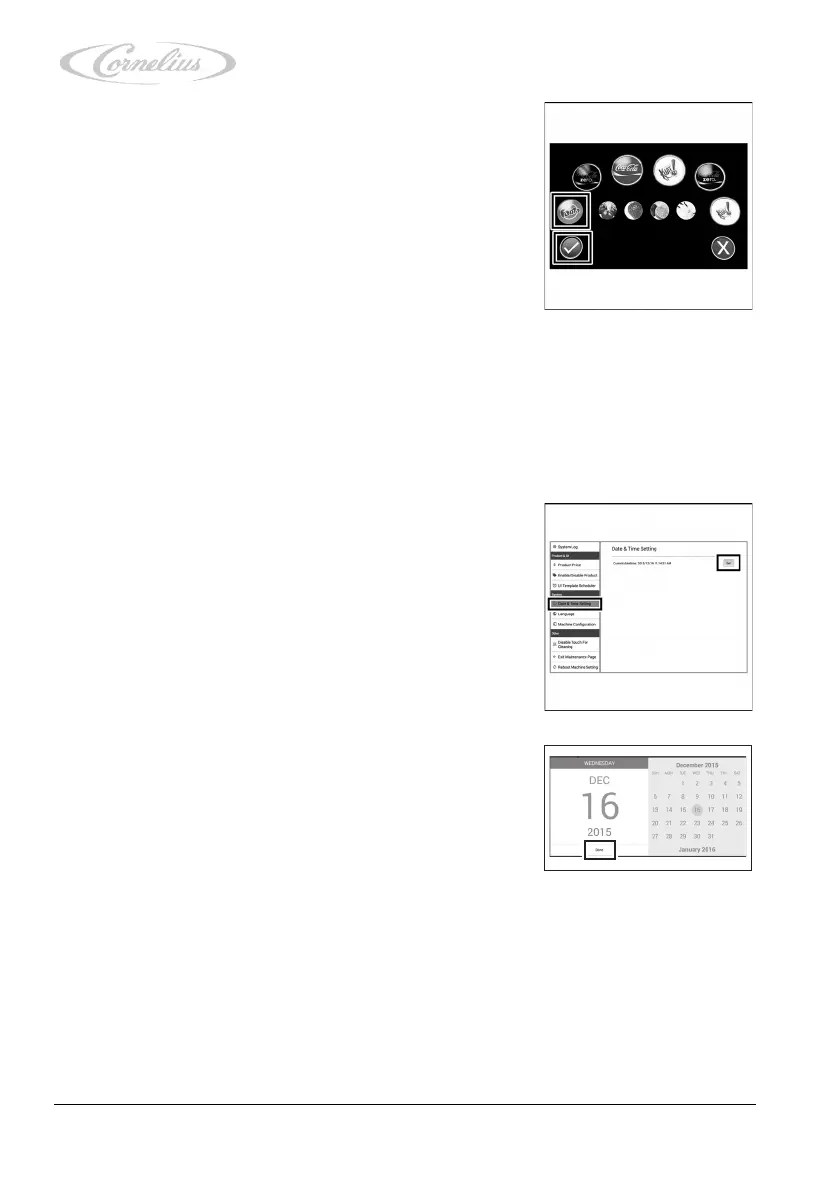
3. Select the products you wish to deactivate by pressing
each desired product.
4. Confirm your selection by using the check mark.
4.3.8 Checking and making adjustments in the “Date & Time
Setting”
The “Date & Time Setting” menu allows you to check and set the date and the time.
1. Call up the service menu, see chapter 4.3.1, page 23.
2. Press “Date & Time Setting”.
The menu opens, allowing you to view the date and time.
3. Press “Set” to change the date and time.
The date window opens.
4. Enter the correct date using the touchscreen and confirm
your input by pressing “Done”.
The time window opens.













 To Next Page