4 Operation
Operator manual: Postmix tower
Ribbon
29
Cornelius Deutschland GmbH
Document no. TD0000000
Version: 19/10/2017, Index 3
4.3.4 Calling up the “Software & UI Update” menu
The “Software & UI Update” menu (software & user interface update) provides detailed infor-
mation and configuration options relating to the software.
1. Call up the service menu, see chapter 4.3.1, page 23.
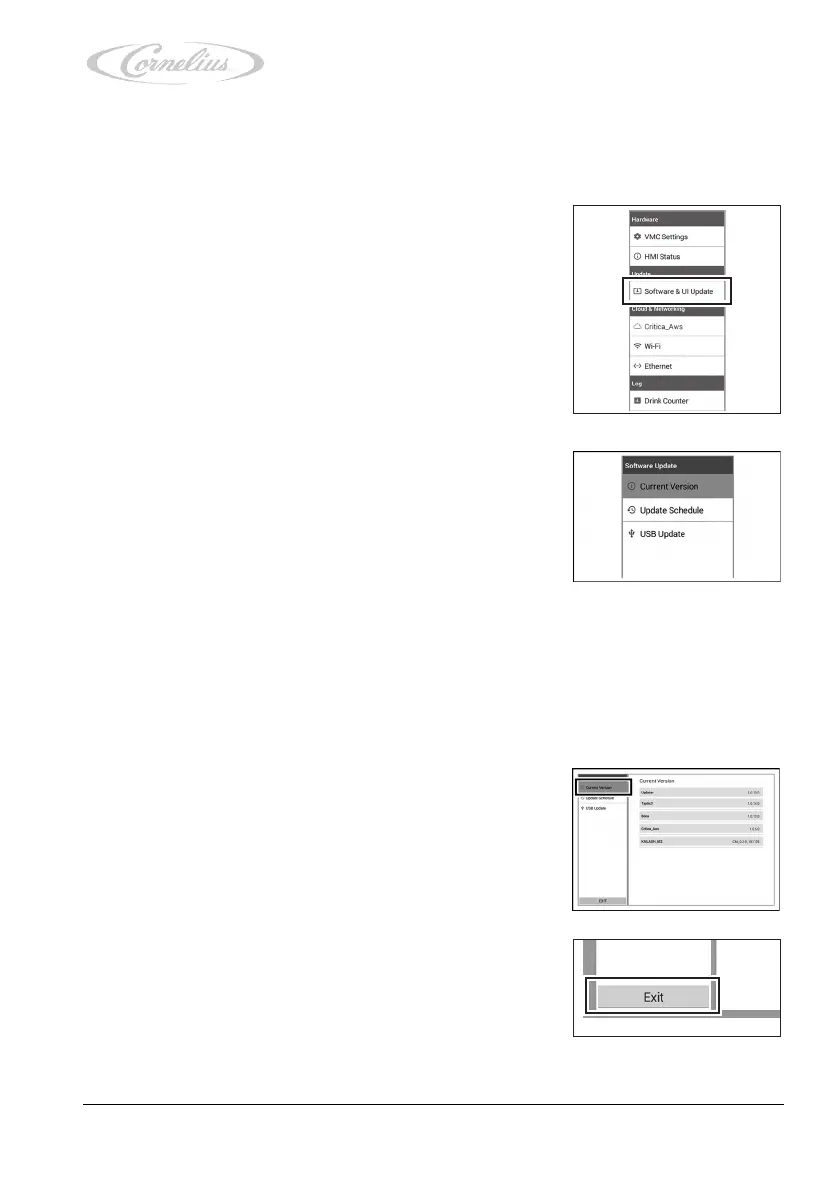
2. Press “Software & UI Update”.
The menu opens, allowing access to the following menu
items:
– “Current Version”, see chapter 4.3.4.1, page 29.
– “Update Schedule”, see the document “Tower instal-
lation and service manual”, document no.
TD0000100.
– “USB Update”, see the document “Tower installation
and service manual”, document no. TD0000100.
4.3.4.1 Checking settings in the “Current Version” menu
1. Call up the “Software & UI Update” menu (software & user interface update), see
chapter 4.3.4, page 29.
2. Press “Current Version”.
3. Check the values.
– If the values are correct, continue with the next step.
– If the values are incorrect, please inform your ser-
vice partner.
4. Return to the service menu by pressing the “Exit” button.













 To Next Page