Viper Low overrun Service Manual
Publication Number: 621360241LOEWSE - 34 - © 2016, Cornelius Inc.
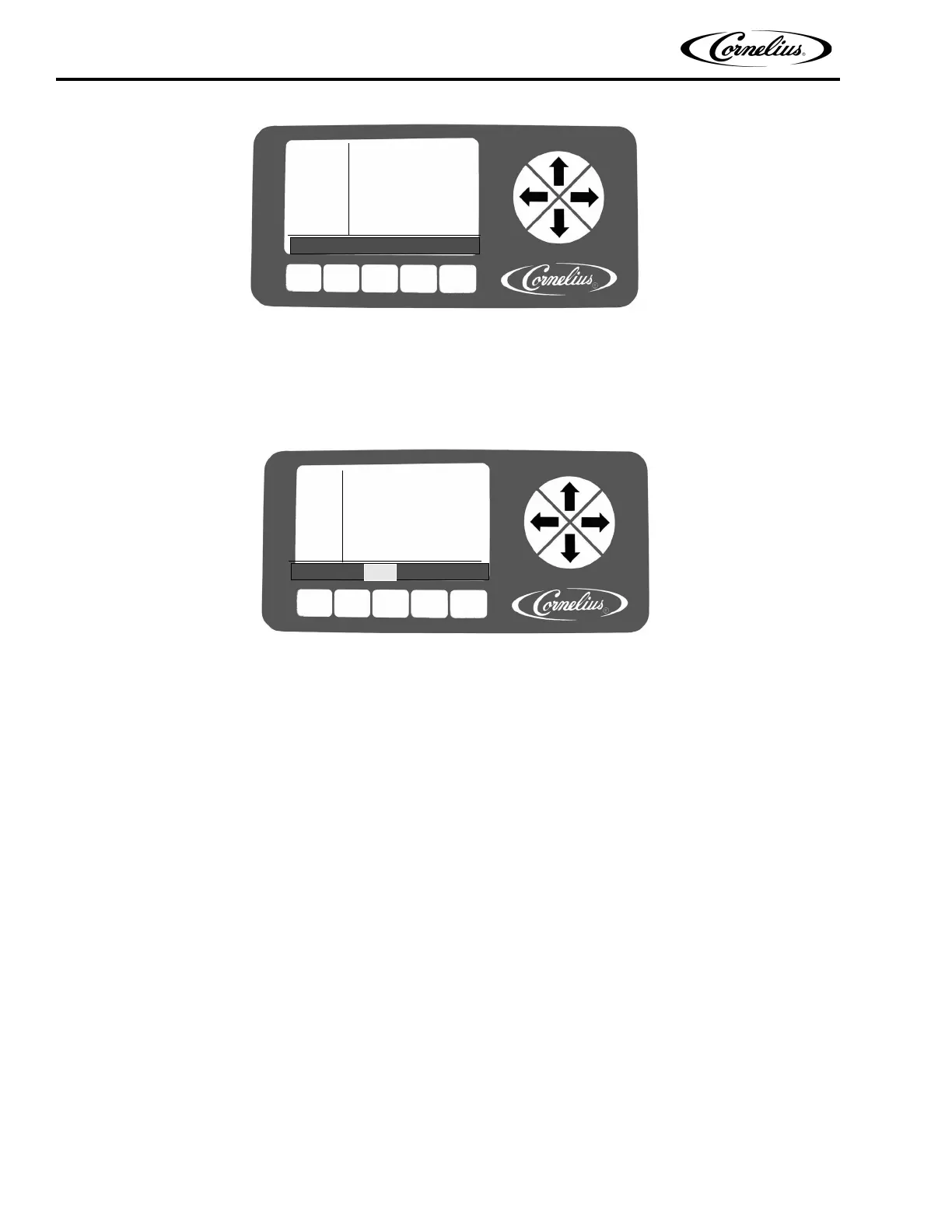
Figure 30. System Screen
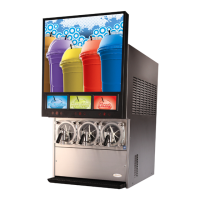
When the pressure sensors selection is highlighted, pressing the NONE button removes the pressure readings
from the Unit Data screen, shown in Figure 31. If LOW is selected, only the low pressure reading is displayed. If
HIGH is selected, only the high pressure reading is displayed.
NOTE: If a pressure sensor is open, the pressure reading is 386 PSIG.
Figure 31. Unit Data Screen
SYSTEM
12:51P
MAR 04
# OF BARRELS 2
# OF COMPRESSOR 1
BACK NONE LOW HIGH BOTH
SECURITY OFF
CMP #1 SENSORS BOTH
UNIT
12:51P
MAR 04
LINE VOLTAGE: 229
LINE FREQUENCY: 60
LOW PSIG #1: 60
HIGH PSIG #1: 174I
DATA
BACK BRL UNIT VER



 To Next Page