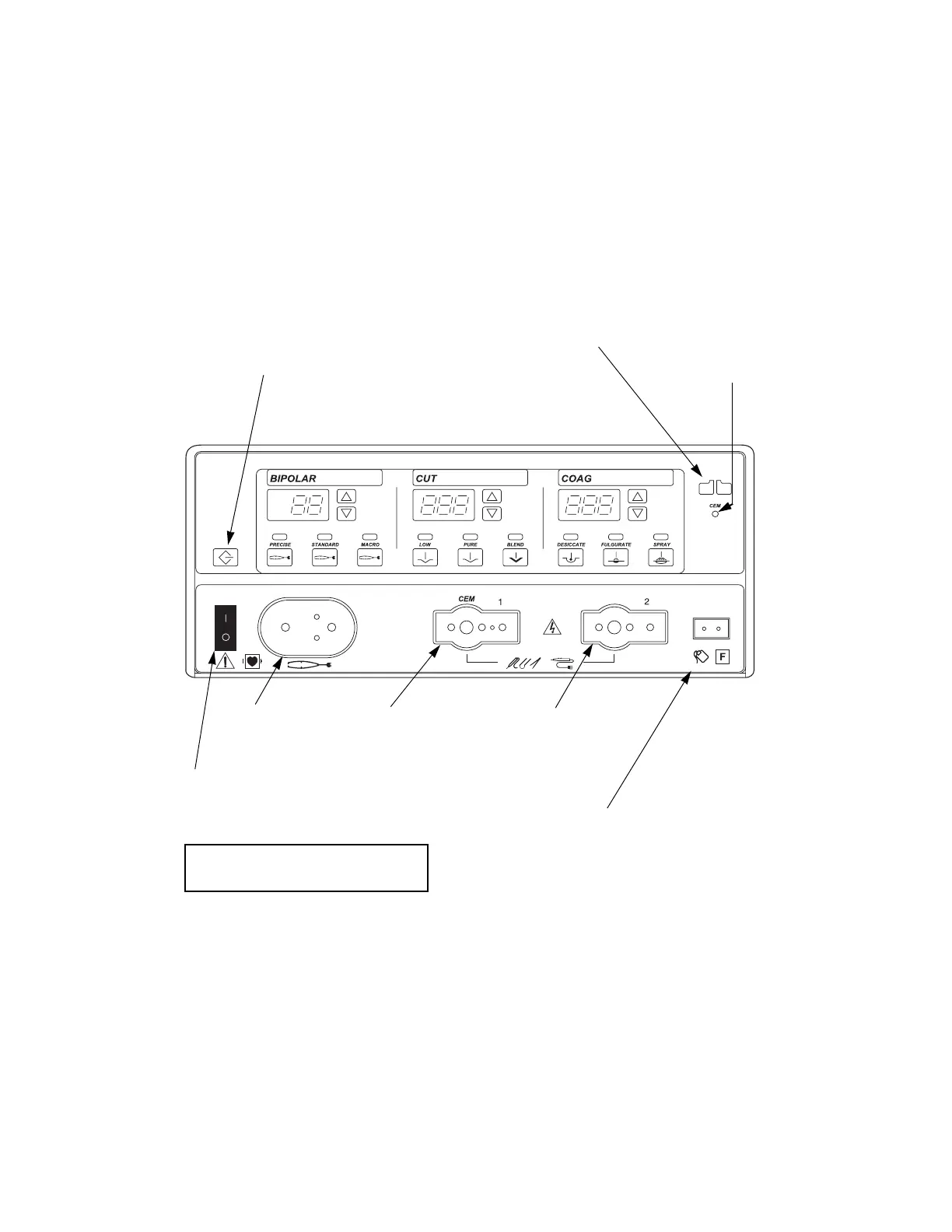
Front Panel
2-2 Force FX Electrosurgical Generator C Service Manual
Front Panel
Layout of controls and indicators on the front panel
Recall button
Pressing this button sets the
generator to the most recently
used mode and power settings.
Bipolar controls
Cut controls
Coag controls
CEM
indicator
Bipolar
instrument
receptacle
Monopolar 1/CEM
instrument
receptacle
Monopolar 2
instrument
receptacle
Power switch
This switch supplies power
to the generator.
Patient return electrode
receptacle
For monopolar electrosurgery,
connect a patient return
electrode to this receptacle.
To t u rn o n th e g e nera t or, press (|).
To t ur n off the g ener a tor, p re s s (
O).
REM alarm indicator



 To Next Page