12 • RS232 Bus Amplifier (P/N 812-1800) 026-1701 Rev 0 01-05-98
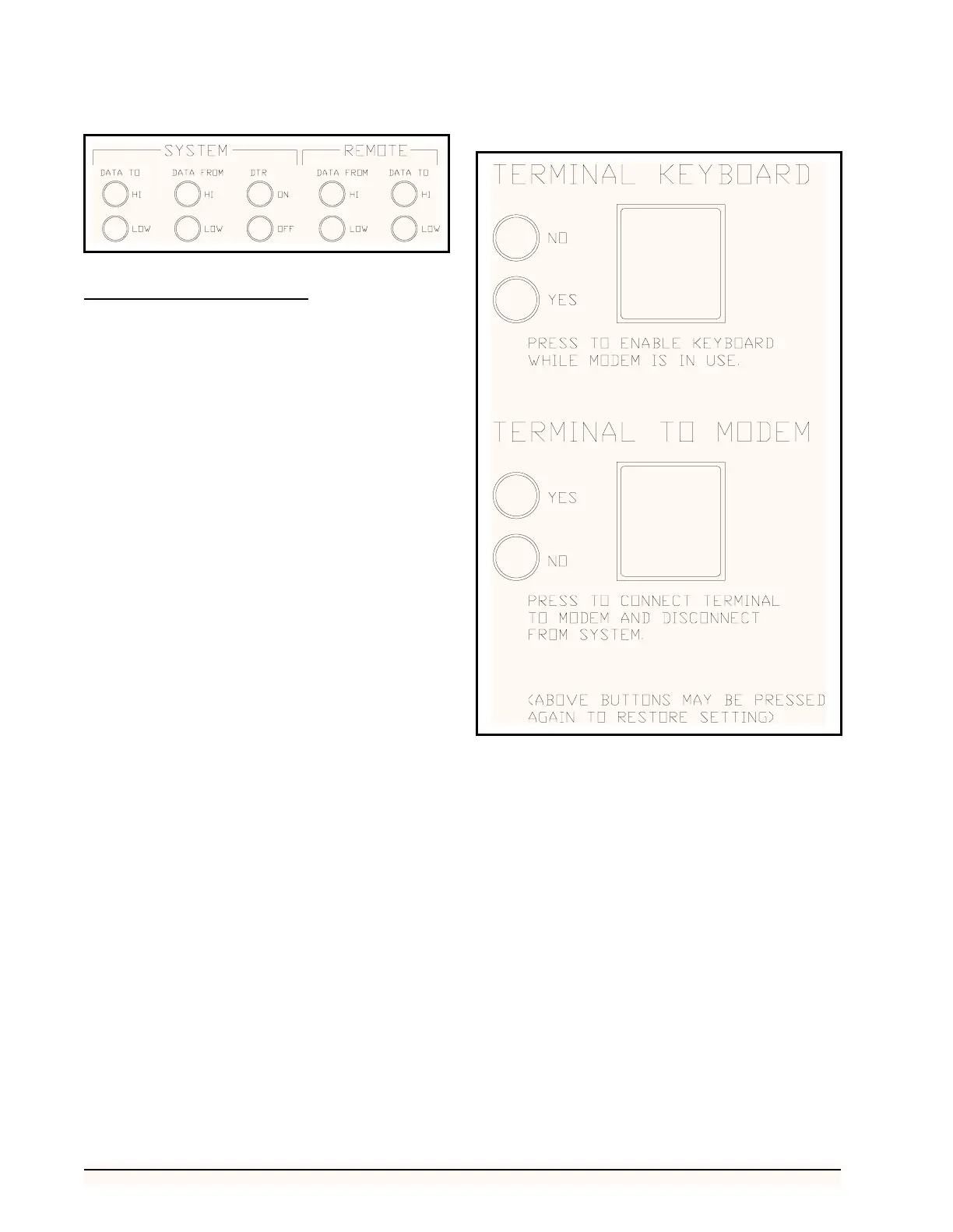
System Override Buttons
Terminal Keyboard Button
The TERMINAL KEYBOARD button, shown in Fig-
ure 5, allows the user to regain use of the local terminal
when the modem is on-line. If the accompanying yellow
light is illuminated--indicating that the terminal has been
locked out by the modem-- pressing the TERMINAL
KEYBOARD button will allow use of the local terminal
keyboard while the modem is on-line. If the modem is off-
line, pressing the TERMINAL KEYBOARD button will
have no effect on the system.
Terminal to Modem Button
The TERMINAL TO MODEM button, shown in Fig-
ure 9, allows the user to disconnect the modem and local
terminal from the CPC controllers. By pressing the TER-
MINAL TO MODEM button, the user can either program
the modem or communicate with another computer termi-
nal. The accompanying yellow light will remain illuminat-
ed until the button is pressed again--reconnecting the
terminal and modem to the system, or if the terminal key-
board is not used for twenty (20) seconds. When the termi-
nal and modem are connected to the system, the
accompanying green light remains illuminated.
Figure 8 - System Indicator Lights
Figure 9 - System Override Buttons



 To Next Page