Peripherals Manual Dew Cell Dew Point Probe (P/N 203-1902) • 19
Dew Cell Dew Point Probe (P/N 203-1902)
Overview
The dew cell dew point probe can be used to monitor
the dew point of a particular area. The probe should be
mounted in a relatively dust free area with the probe in an
“up” position.
Mounting
The dew cell dew point probe should be located four to
six feet from the floor with the probe pointing up. An area
with minimum exposure to dust is recommended.
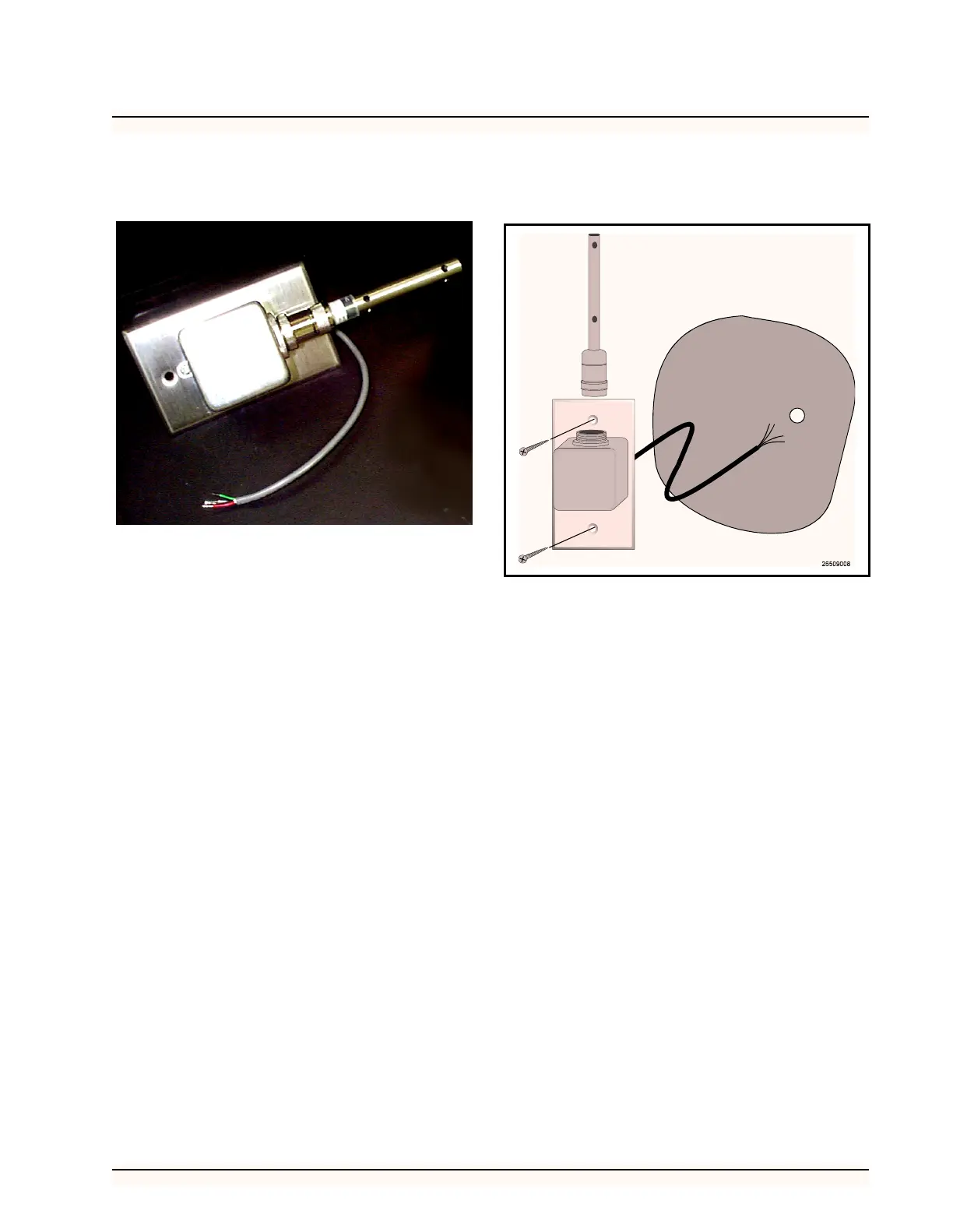
Mount the probe using the standard switch cover sup-
plied with the unit, as shown in Figure 15.
Wiring
Wire the Dew Cell Dew Probe to the 16AI board as
shown in Figure 16.
1. Wire the black lead to an odd-numbered ter-
minal.
2. Wire the red leads to even-numbered termi-
nal.
3. Wire the green lead to AC1.
4. Wire the white lead to AC2.
5. Make sure the corresponding Input Dip
Switch is UP.
Figure 15 -Dew Cell Dew Point Probe Mounting



 To Next Page