Electrical Installation
35 / 135
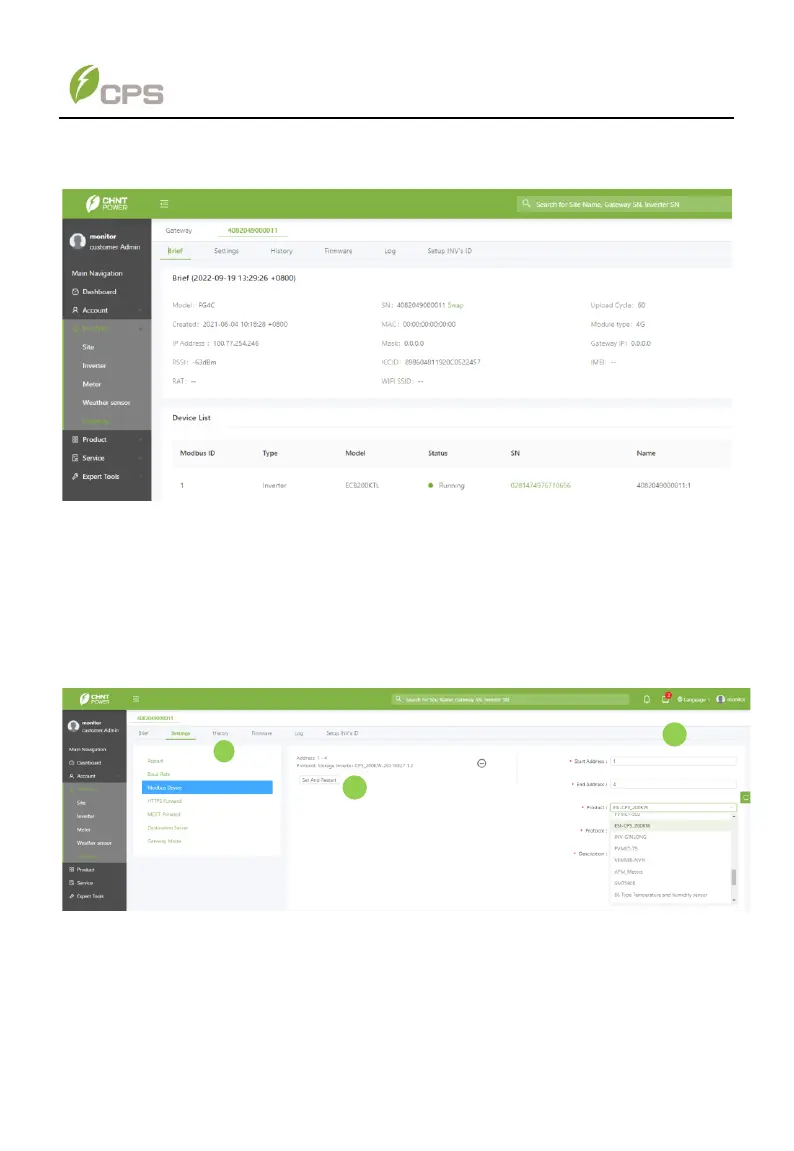
4. Confirm that the brief information, such as device model and device SN, is
correct. Continue step 5 if everything is correct;
Figure 4-18 Brief information of connected device
Otherwise, configure correct communication protocol for the device as below:
① Click Setting menu and then choose Modbus Device from its pull-down list.
② Input or choose information to complete the start address, end address, product
name, protocol and related description.
③ Click Set and Restart button to initiate its settings. Then return to the gateway
sub-menu and search the SN again, you can find the right device. Now you can
continue step 5.
Figure 4-19 Configure correct communication protocol



 To Next Page