Product Manual — Doc. 7696D DGE-100 and DM-DGE-200-C • 71
Firmware
The following information is displayed for the current DGEfirmware:
l
Main FirmwareVersion:The firmware version loaded onto the DGE.
l
Model:The DGEdevice model.
l
Serial Number:The DGEserial number.
Firmware Upgrade controls are also provided for loading firmware to the DGEusing the web
configuration interface.
NOTE:The PinPoint™ UX software functionality has been removed from the DM-DGE-200-C
as of firmware version 1.3781.000
xxx
. Prior to upgrading the firmware to this version or
later, the device must be taken out of PinPoint UX mode. If the firmware is upgraded while
the device is in PinPoint UX mode, the device must be restored or the firmware must be
downgraded to turn off PinPoint UX mode.
To load a firmware PUF(package update file)onto the DGE:
NOTE:Visit www.crestron.com/Support/Resource-Library to download the latest firmware
PUF.
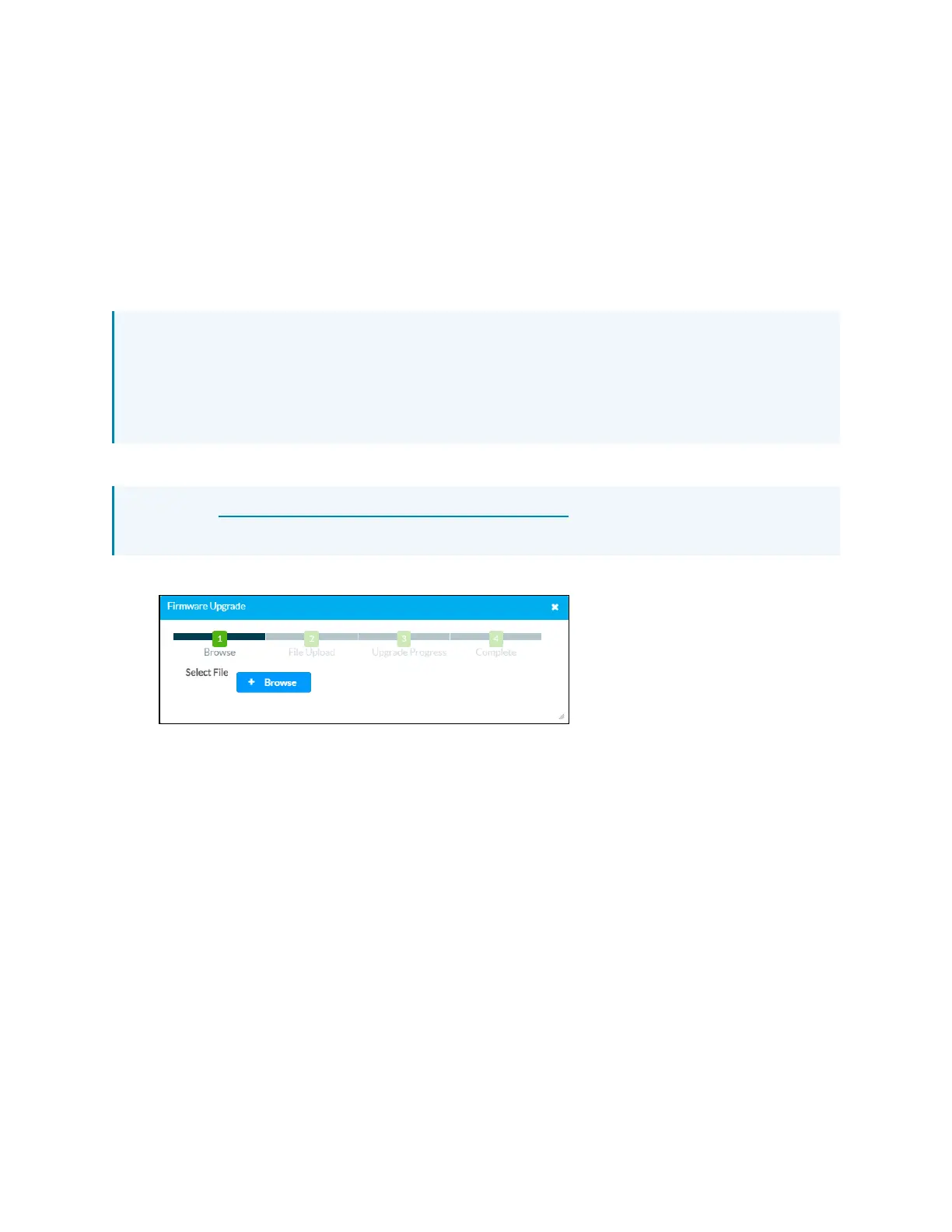
1. Select Firmware Upgrade. The Firmware Upgrade dialog box is displayed.
2. Select +Browse, and then navigate to the firmware PUF on the host computer.
3. Select the firmware PUF, and then select Open.
4. Select Load to load the PUF to the DGE. The upload progress is shown in the dialog box.
5. Once the DGE has completed the firmware upgrade, select OK.
Select the x button to close the Firmware Upgrade dialog box at any time during the upgrade
process. Selecting the x button before the PUF is uploaded to the DGE cancels the upgrade.



 To Next Page