21
2.4 Detecting gas
When sampling an area that may contain water, use the ball oat probe to reduce the potential for
water travelling up the sample line.
2.4.1 Diffusion monitoring
If you wish to monitor gases in ambient air for dangerous levels, the Gas-Pro can be worn by either
clipping the strong alligator clip to clothing/overalls in the breathing zone or through the use of a
chest harness.
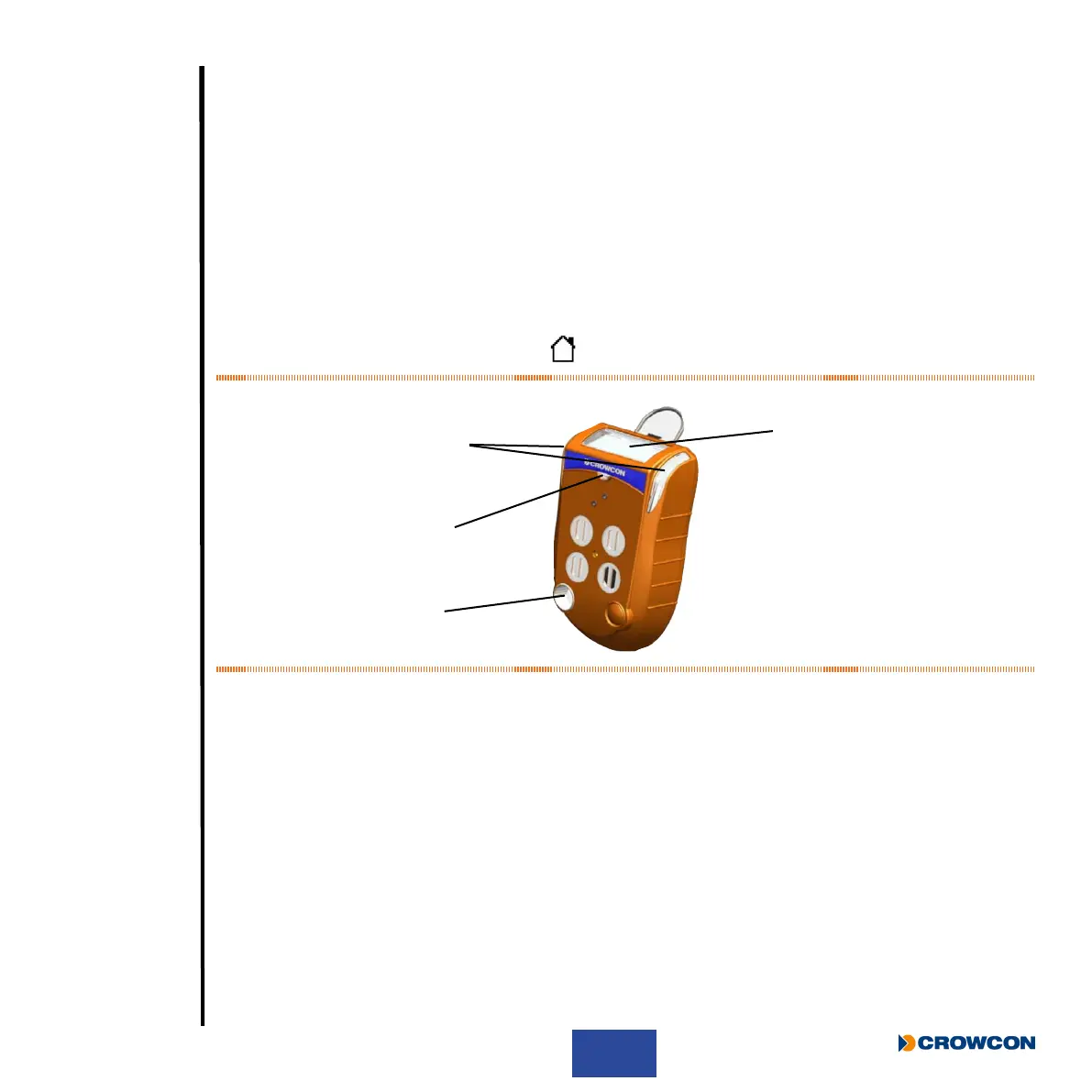
In the default, non-alarm state, Gas-Pro’s sounder
À will emit a beep every 10 secs, its condence
LEDs Á will ash green, the +ve Safety™ indicator  will show the current status, and the LCD display
à will indicate it is running by ashing the icon.
Figure 14: Gas-Pro indicators
In the alarm state, Gas-Pro will vibrate, its sounder
À will emit a rapid tone, the alarm LEDs Á will ash
red and blue, the +ve Safety™ indicator  will be off in alarm, the LCD display à will also be red and
highlight the gas in alarm.
À
Á
Â
Ã



 To Next Page