28
2.6 Gas-Pro functions
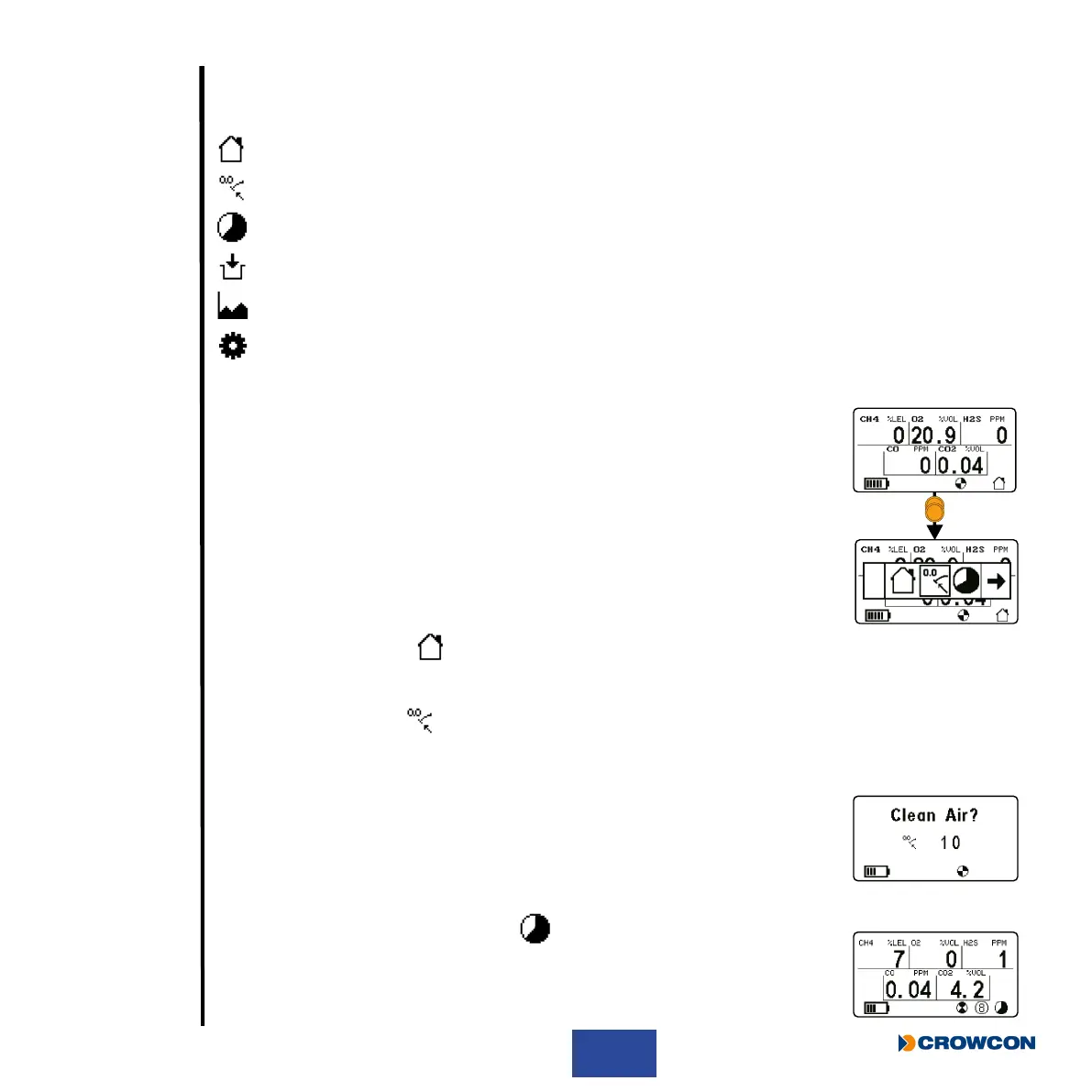
The following can be selected from the Gas-Pro user menu:
Home screen
Manual zero
Time weighted average (TWA) review
Pre-entry check
Peak review
Settings menu
2.6.1 Accessing the user menus
With the home screen displayed, double click the operator button to
access the function menus.
Single click the operator button to scroll right until the required menu icon
is highlighted and then double click to select the function.
2.6.2 Home screen
When this icon is selected, the Home screen will be displayed.
2.6.3 Manual zero
This function should only be carried out in ‘clean air’ and allows the Gas-Pro to be zeroed at any
time.
Certain operations will only take place if the Gas-Pro has been recently
zeroed . For example, if congured to do so, Gas-Pro will progress to a
calibration after failing a gas test if the unit has been manually zeroed in
the last 15 minutes.
2.6.4 Time weighted average
This function allows the 8 hour TWA to be reviewed. For more details on
the settings, see Time weighted average alarm (TWA) on page 24.



 To Next Page