16
2. Operation
2.1 General
!
Before turning the Gas-Pro on, ensure it is in ‘clean air’ (i.e. outside, in normal air, away
from any plant process or suspected gas location). This will allow the Gas-Pro to be
zeroed using clean air as the base point. If the Gas-Pro is zeroed in contaminated air a
false gas reading can result, or the zero could fail.
2.2 Turn on
In ‘clean air’, turn on the Gas-Pro by holding down the operator button for 3 audible blips. The Gas-
Pro will warm up, going through a series of automatic processes as follows:
Firstly a test screen pattern will be generated. Watch this to ensure there are no missing pixels on
your display screen.
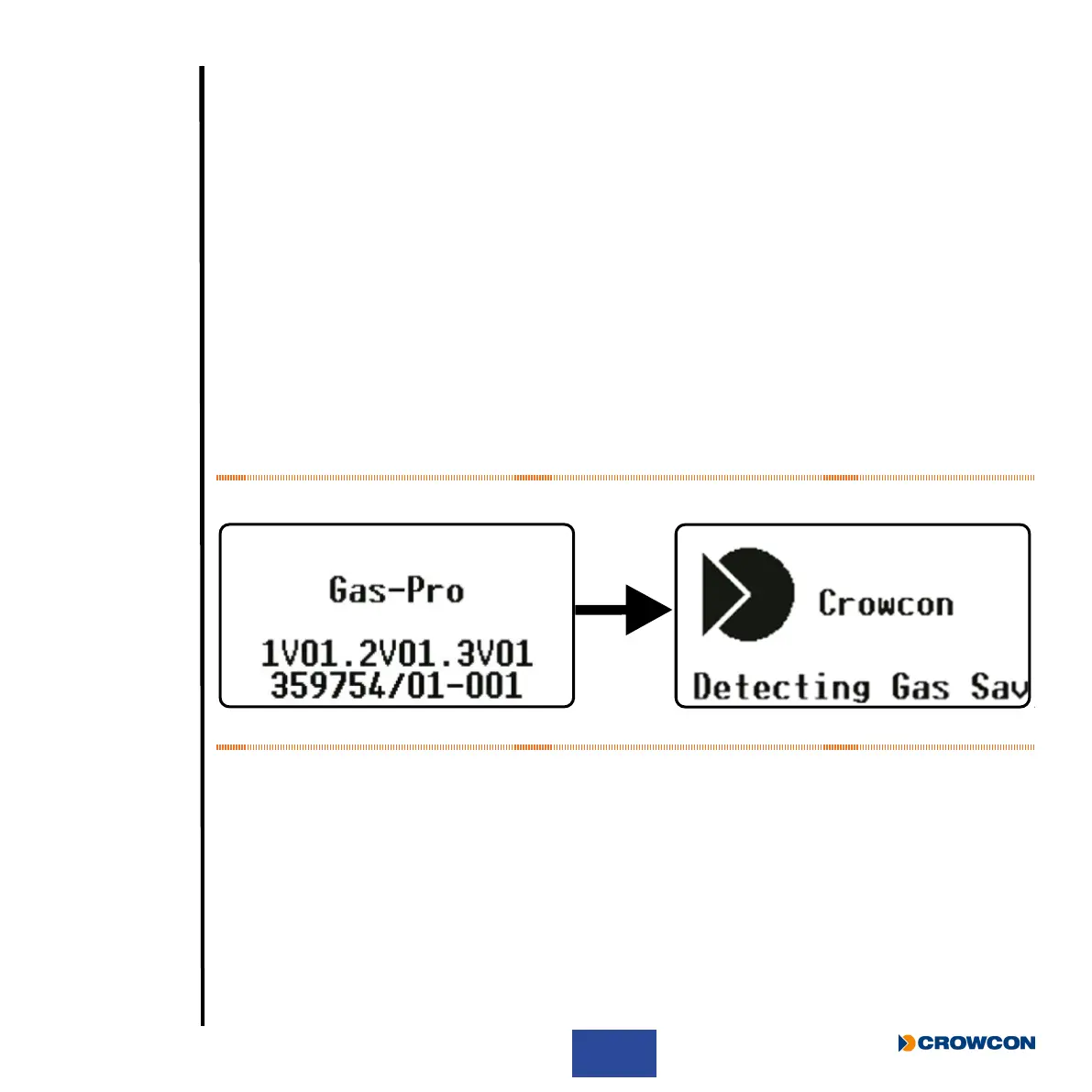
Whilst the Gas-Pro is warming up, two screens will be displayed.
Figure 7: Initial screens at turn on
After a successful test cycle the LCD screen will remain green, the sounder and LEDs will indicate
the Gas-Pro is healthy.
i
A Gas-Pro tted with a pump is congured as standard to start the pump automatically
when switched on, provided that a ow plate is tted. Such a Gas-Pro tests the pump
automatically at this point (for more details on this, see Pump test on page 20).
i
If the battery level is low, an alarm will sound, and the battery icon on the screen will be partial.
i
If a second ‘splash’ screen has been congured via Portables Pro it will be shown next in
the turn on sequence.



 To Next Page