35
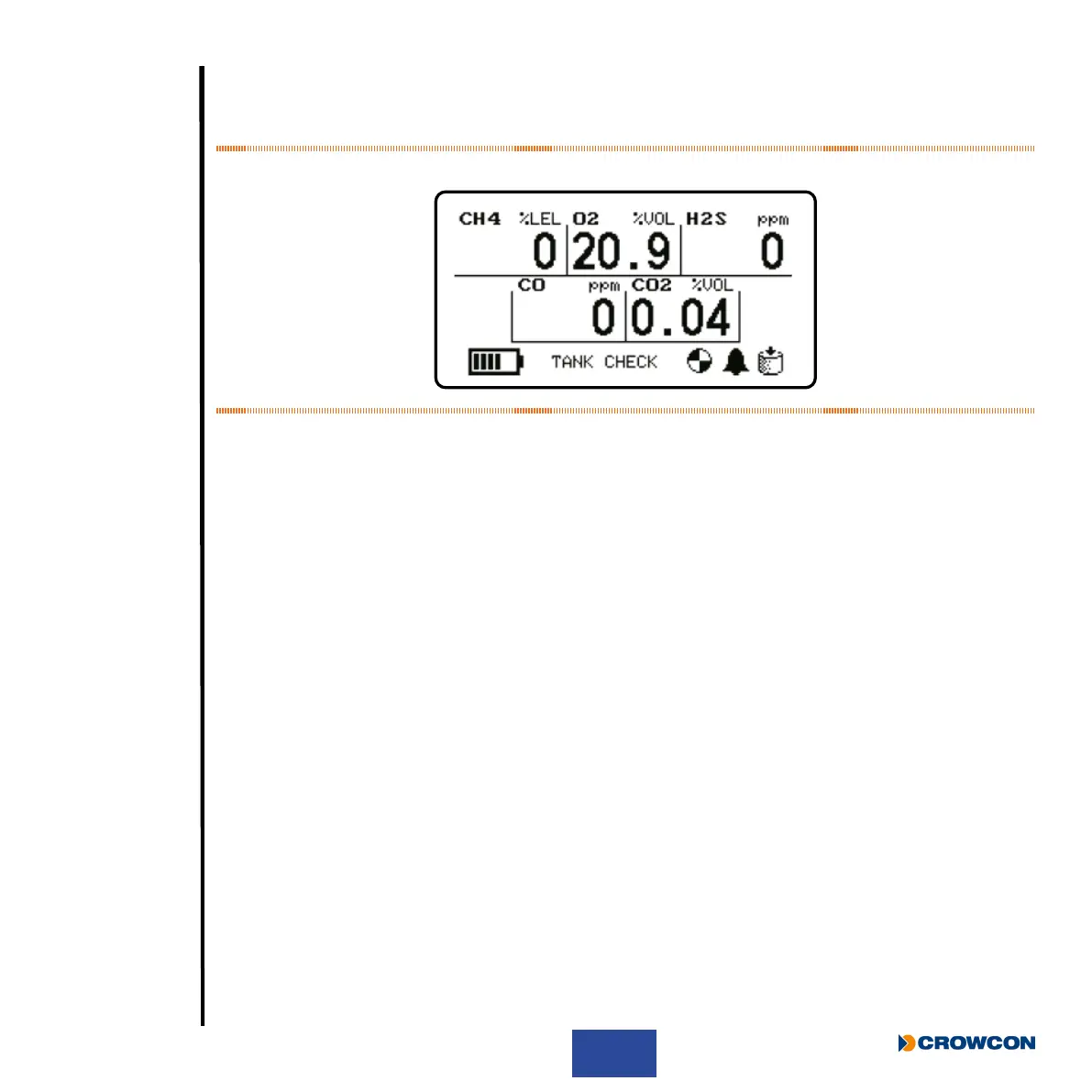
Tank Check Mode can be identied over the Home Screen as the text will be displayed in place
of the current user name, the tank check icon will be displayed in the bottom-right corner, and the
alarms disabled icon will be displayed to the left of the tank check icon.
Figure 18: Tank Check home page
2.9.1 Dual-Range Operation
Tank Check Mode allows the Flammable IR sensor to display ammable gas readings in both %LEL
and %VOL ranges.
When the ammable gas level is below 95%LEL, the measurement is displayed in %LEL range.
Above 95% is displayed in %vol range.
When switching from %LEL to %VOL range, the device will play a rising range transition tone. When
switching from %VOL to %LEL range, the device will play a falling range transition tone.
i
%VOL is displayed as +/- 0.1% resolution up to 10%, and +/- 1% between 10-100%.
2.9.2 Differences with Home Screen
There are several operational differences between the Home Screen and Tank Check Mode.
2.9.2.1 Instantaneous Alarms
Instantaneous alarms are disabled in Tank Check Mode. The device will not emit any alarm tone in
Tank Check Mode.
2.9.2.2 TWA
TWA readings are not accumulated in Tank Check Mode, and TWA values are not available in the
menu in Tank Check Mode.
2.9.2.3 Pre-Entry Check (PEC)
This mode is not accessible from the menu in Tank Check Mode.



 To Next Page