32
2.7 Shut down
To turn the Gas-Pro off, press and hold the operator button. A 4 second countdown will start. Hold
the button down until the countdown has nished and the Gas-Pro will shut down. If you release the
button before the countdown has nished, the Gas-Pro will resume operation.
2.8 Additional Features
The Gas-Pro can be congured to allow and/or change the following features:
2.8.1 +ve Safety™
+ve Safety™ (Positive Safety) provides positive conrmation of detector status prior to deployment,
in the eld or on return from site.
The front mount tri-colour LED gives the Safety Manager or Supervisor the ability to see the status of
the Operator’s detector giving unrivalled visibility of the status of detectors deployed.
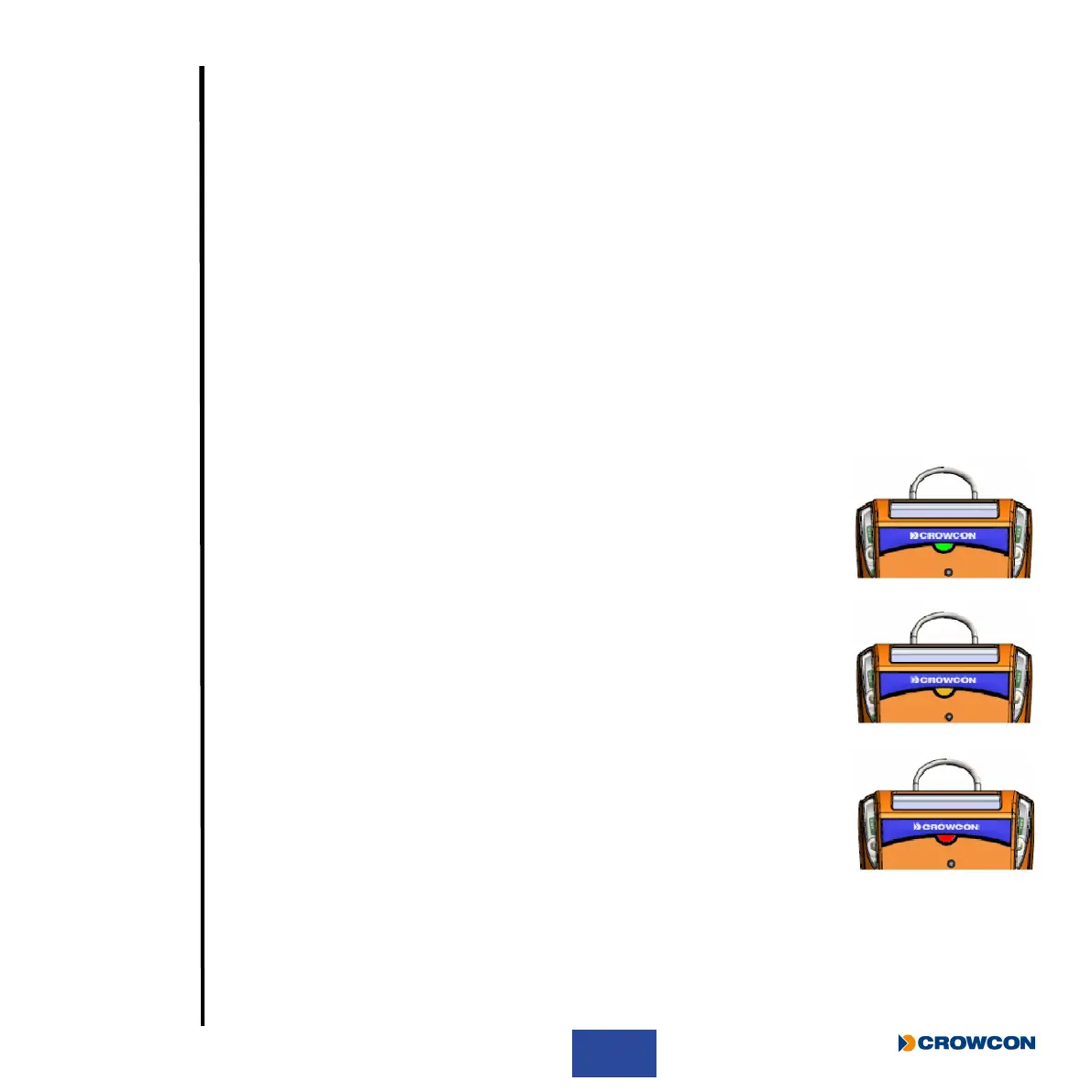
2.8.1.1 +ve Safety™ indicator meanings
Green ash
Detector is compliant to the site or user specic requirements as set within
the conguration.
Amber double ash
Detector is operational but requires attention. One or more of the pre-set
ags has been triggered to change the status.
Red constant
Indicates the detector is not within the specied criteria for use and should
not be used.
Gas-Pro is set at default to the ‘Classic’ setting but can be congured to organisational requirements
through the use of Portables Pro and/or the I-Test.



 To Next Page