17
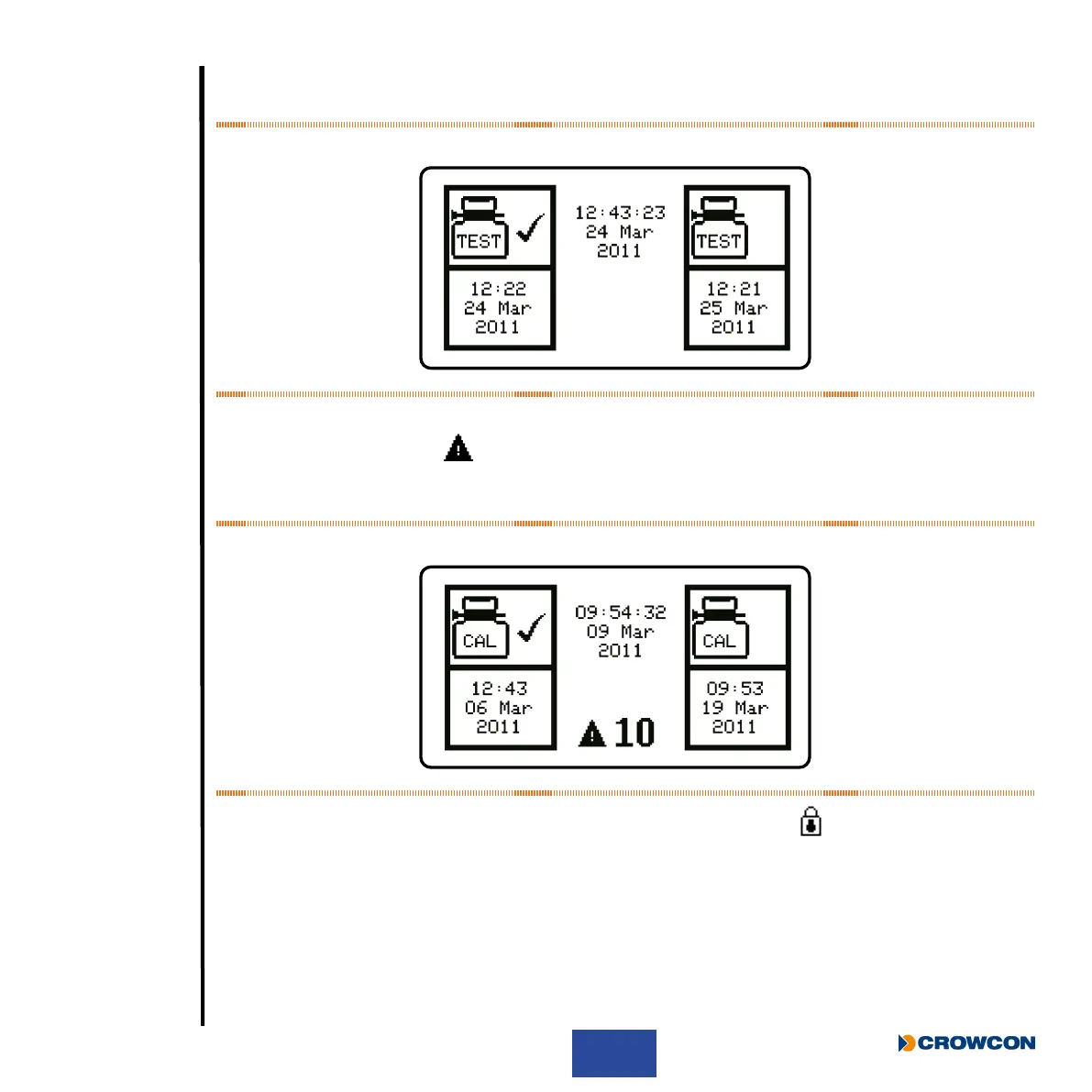
If the Gas-Pro is congured for regular Gas Testing (Bump Test), the date of the last Gas Test will
also be shown (for more information on Gas Testing, see Gas testing and calibration on page 37).
Figure 8: Gas test due screen
The next screen indicates when the Gas-Pro was last calibrated. It also indicates when the next calibration
is due with a warning symbol
next to the number of days left, if this is fewer than 30 days. If the
calibration due date has expired, the number of days gure is not displayed and the warning symbol
ashes.
Figure 9: Calibration due screen
If the calibration due lockout feature has been enabled the lockout icon
will be displayed and the
Gas-Pro will not proceed past this point.



 To Next Page