18
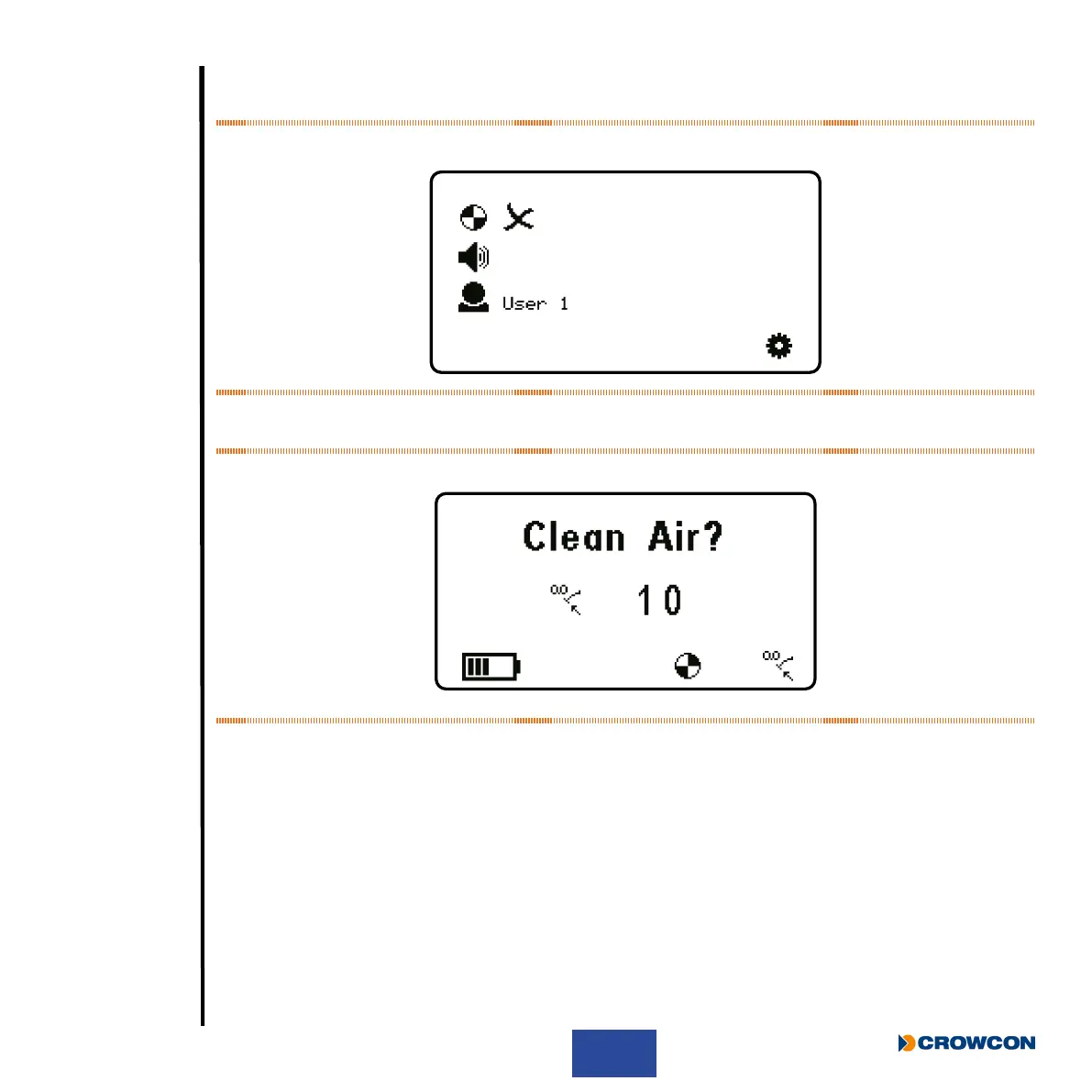
The next screen (Figure 10) will display the current detector settings (for more information on these
settings, see Gas-Pro functions on page 28).
Figure 10: Current settings screen
The Autozero Conrm screen will be displayed next.
Figure 11: Autozero conrm screen
An Autozero should not be performed unless the Gas-Pro is in clean air. Press the operator button to
enter the Autozero mode, otherwise the countdown will progress and will not perform a zero.
If the operator button is not pressed the countdown will complete and this function will be skipped.



 To Next Page