52 A255 Robot Arm User Guide
99-04-23
Joint mode directions are shown in the drawing on page 1 and described in the
table below.
Joint Axis Key Negative
–
Positive
+
Waist 1 Ax1 Rotates arm Rotates arm
(right-hand rule, vertical axis upward)
Shoulder 2 Ax2 Lowers arm Raises arm
Elbow 3 Ax3 Lowers outer link Raises outer link
Wrist Pitch 4 Ax4 Pitches wrist
down
Pitches wrist up
Tool roll 5 Ax5 Rolls tool Rolls tool
(right-hand rule, axis outward)
Moving
To move using the teach pendant:
1. Repeatedly press F4 to cycle through the motion mode options, stopping at the
type you want.
2. Repeatedly press F3 to cycle through the motion type options, stopping at the
type you want.
3. If you selected velocity or jog type, select a speed for velocity or increment for
jog, by pressing the SPEED UP or SPEED DOWN key.
4. Squeeze the live-man switch.
• Adequate pressure, constantly applied, permits arm operation.
• No pressure, or excessive pressure, stops arm motion by shutting off arm
power. To restore arm power, turn on arm power at the arm power switch.
5. Press an axis key. For velocity and align types, hold down the key.
Moving with Terminal Commands
It is safer to use the teach pendant, since motion stops as soon as a pendant key is
released. Systems on CROSnt that do not have a teach pendant, have to use
terminal commands.
Before you begin, ensure that you:
• Have a terminal running by having either:
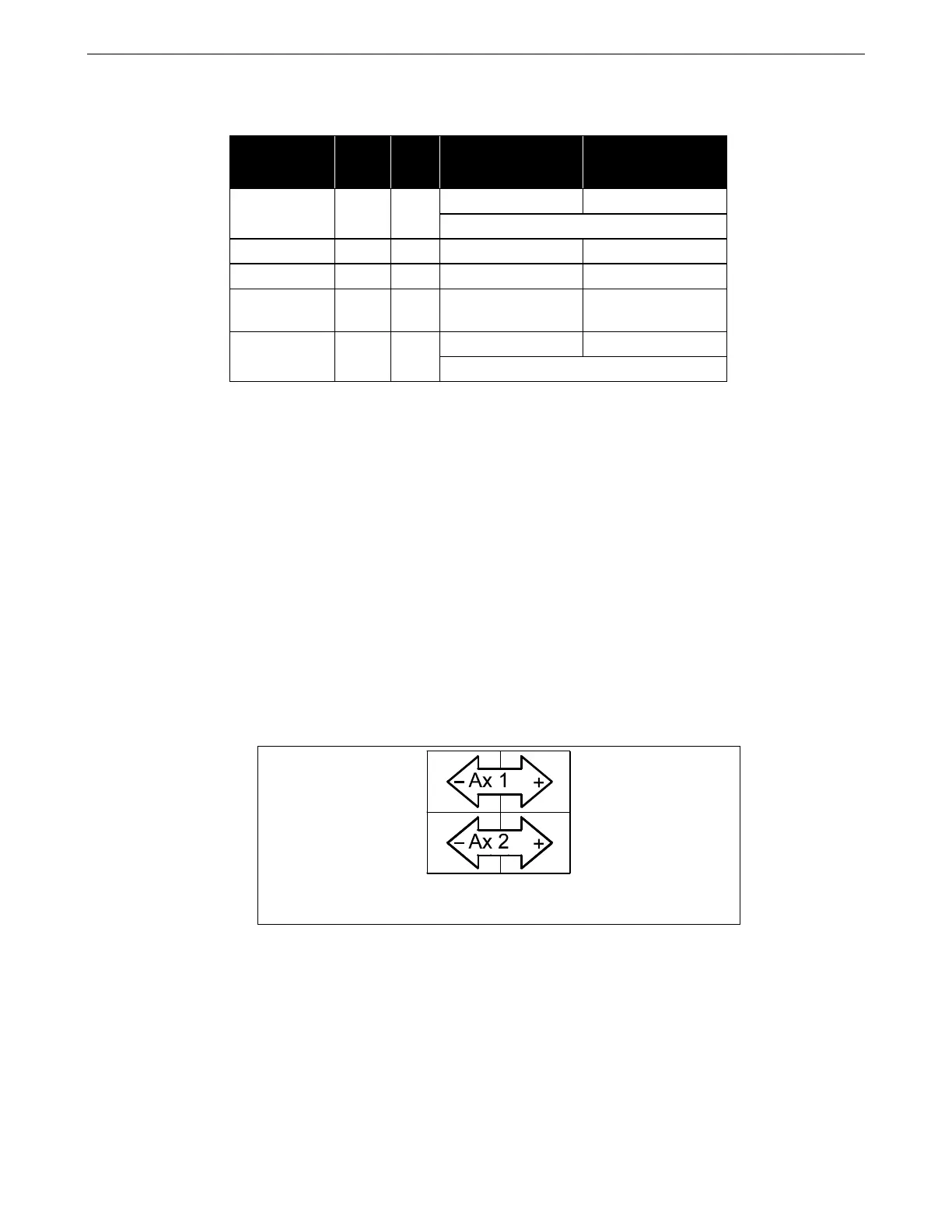
On the teach pendant, there is a negative (–) key and a positive (+)
key for each axis. “Ax1” for axis 1 (the waist joint), etc.



 To Next Page