Driver assistance systems
Function to prevent overtaking on the
right
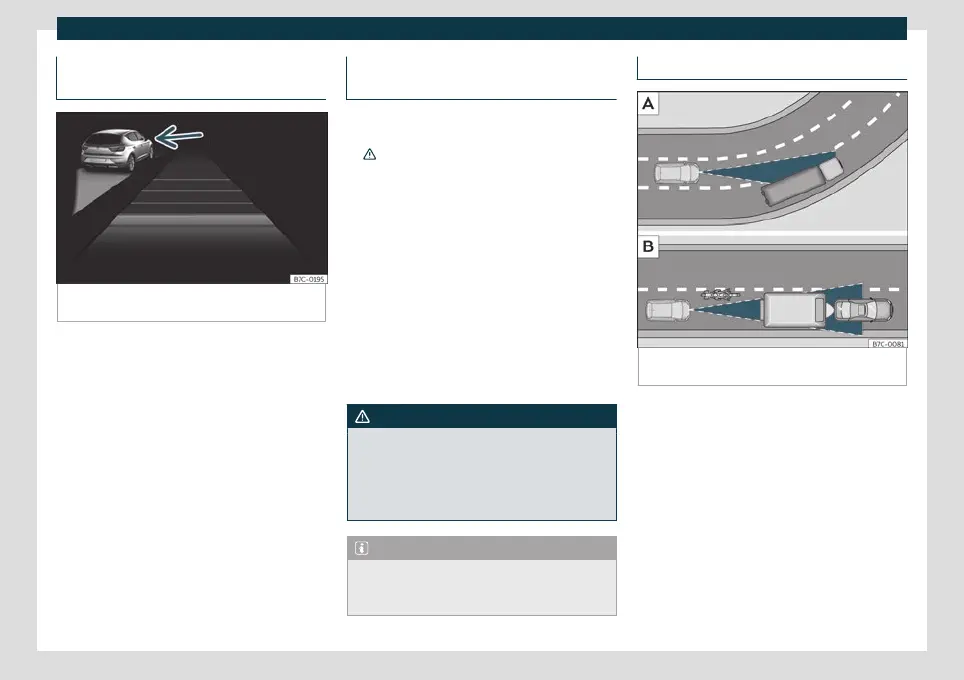
Fig. 219
On the instrument panel display: ACC ac-
tive, vehicle detected in an outer lane.
The ACC has a function to prevent overtak-
ing on the right.
If another v
ehicle is driving mor
e slowly to
the left of the vehicle, it is shown on the dis-
play
›››
Fig. 219.
The system brakes the vehicle to avoid over-
taking on the right, and will avoid overtaking
based on speed. The driver can interrupt the
intervention of the ACC by pressing the ac-
celerator. At low speeds the function is inac-
tive, for greater comfort in a traffic jam or in
city traffic.
Deactivating the ACC temporarily in
certain situations
In the following situations the ACC should be
deactiv
ated due to the system's limitations
›››
:
●
When overtaking, on closed curves or
mountain r
oads, roundabouts, slip roads or
roadwork sections, preventing the system
from accelerating to reach the programmed
speed.
●
When going through a tunnel, as operation
could be affect
ed.
●
When other vehicles are going slower in
the left lane. In this case, slower vehicles will
be overtaken on the right.
●
In case of heavy rain, snow or fog, the vehi-
cle in front may not be detected.
WARNING
If the ACC does not switch off in the situa-
tions described, serious accidents and inju-
ries may occur.
●
Always switch off the ACC in critical situa-
tions.
Note
If you do not switch off the ACC in the
aforementioned situations, you may com-
mit a legal offence.
Special driving recommendations
Fig. 220
Vehicle on a bend.
Motorcyclist
ahead, out of range of the radar sensor.
»
261



 To Next Page