EasyManua.ls Logo

Custom Audio Electronics Q3X - 6. Configuration; 6.1 Configuration by keys

Custom Audio Electronics Q3X
100 pages
Print Icon
To Next Page IconTo Next Page
To Previous Page IconTo Previous Page
Loading...
6 CONFIGURATION
6.1 

1
2
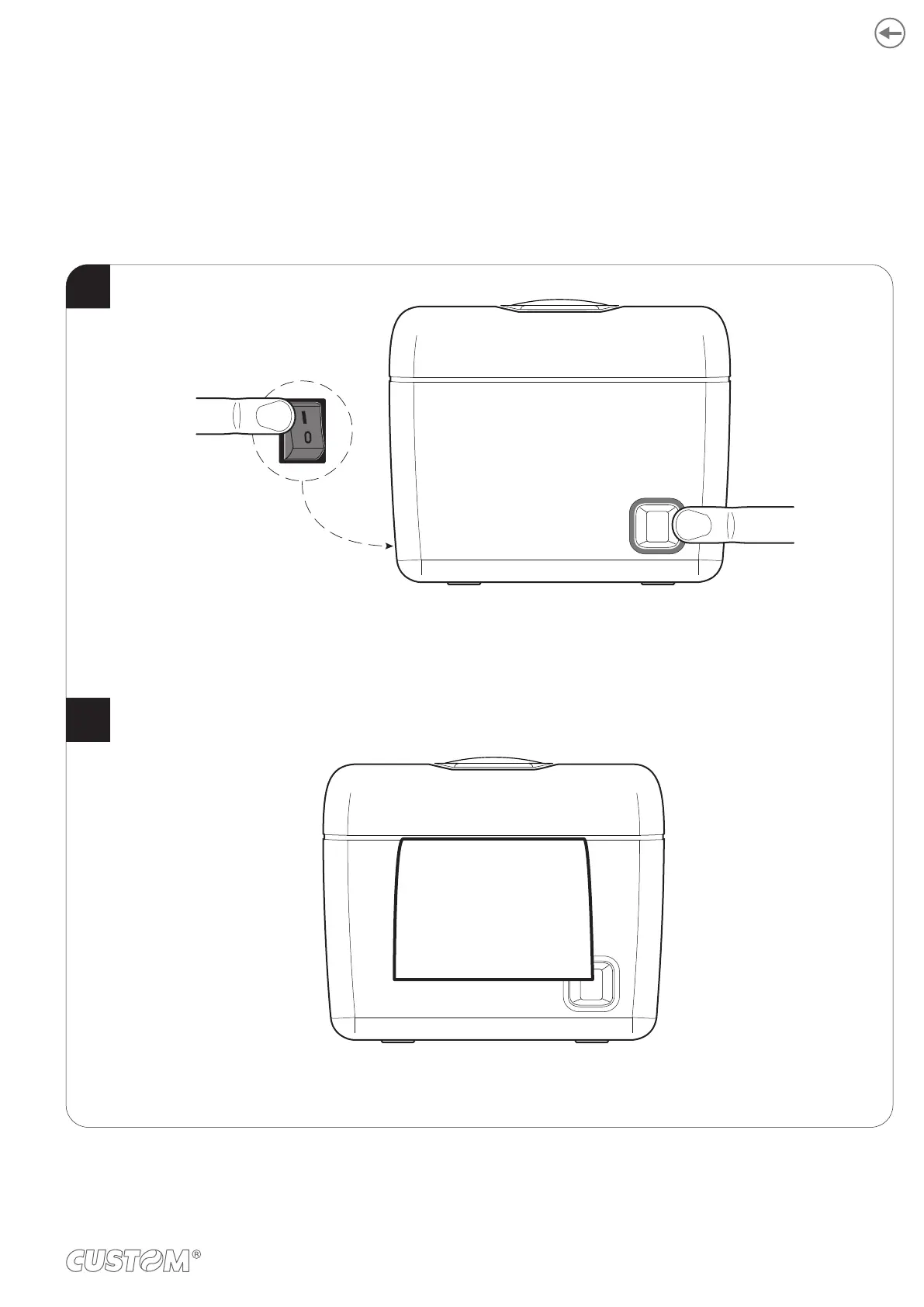
While pressing the FEED key,
switch on the device by pressing the ON/OFF key.
The device prints the report with the settings parameters.
Follow the instruction printed on paper to proceed with configuration procedure.
PRINTER SETUP
ON/OFF
FEED
37

Other manuals for Custom Audio Electronics Q3X

Related product manuals