DVG-2102S User’s Manual SETUP
D-Link Systems, Inc. 14
3. VoIP Telephone Adapter Web Configuration
(continued)
During configuration, please follow the Setup Hint for some specific procedure in case the VoIP Telephone
Adapter fails to make the changes active.
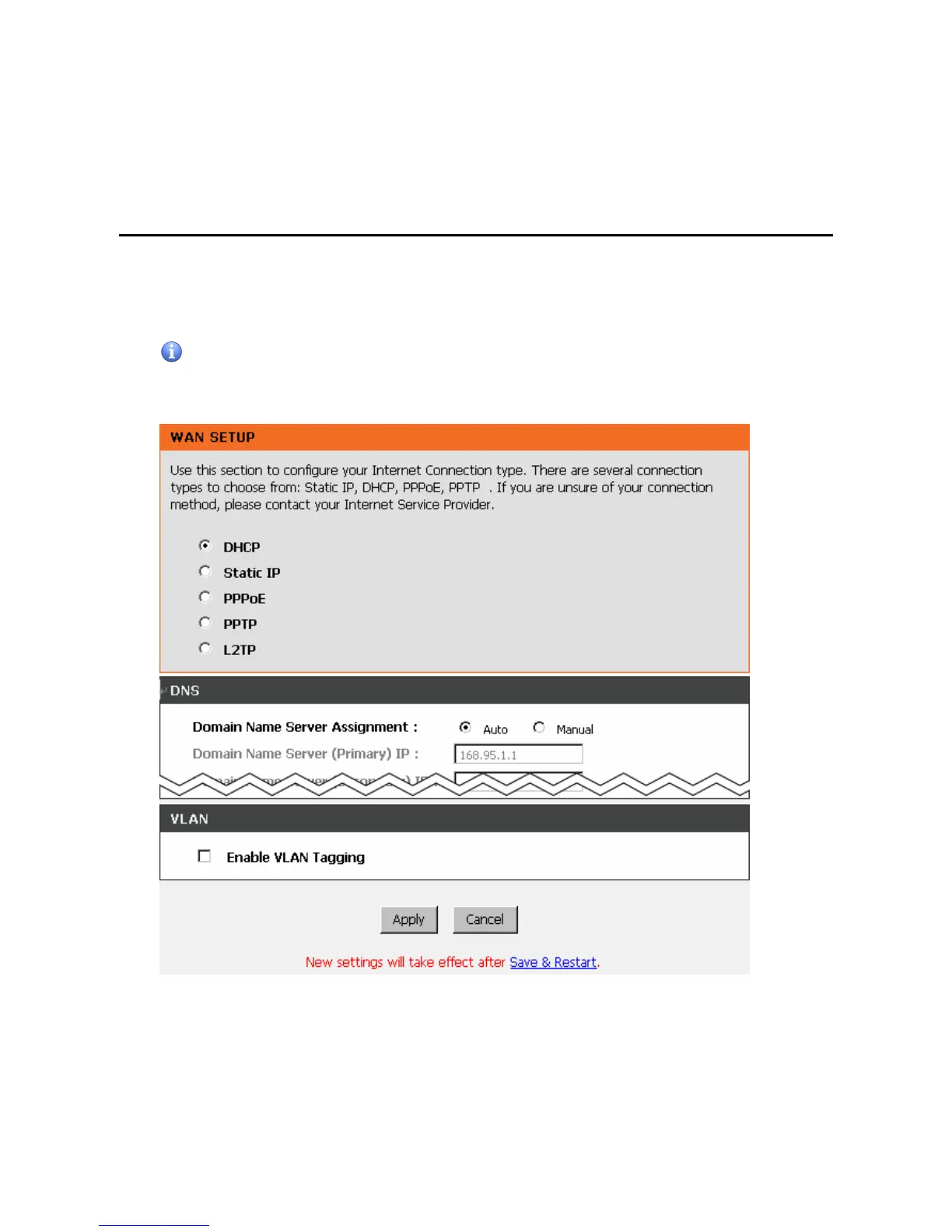
Situation 1: (example: Internet Setup)
Setup Hint:
1. Select DHCP WAN Setup.
2. Click “Apply”.
3. Click “Save and Restart” to make change take effect.



 To Next Page