DVG-2102S User’s Manual MAINTENANCE
D-Link Systems, Inc. 66
3-3-2 Backup and Restore
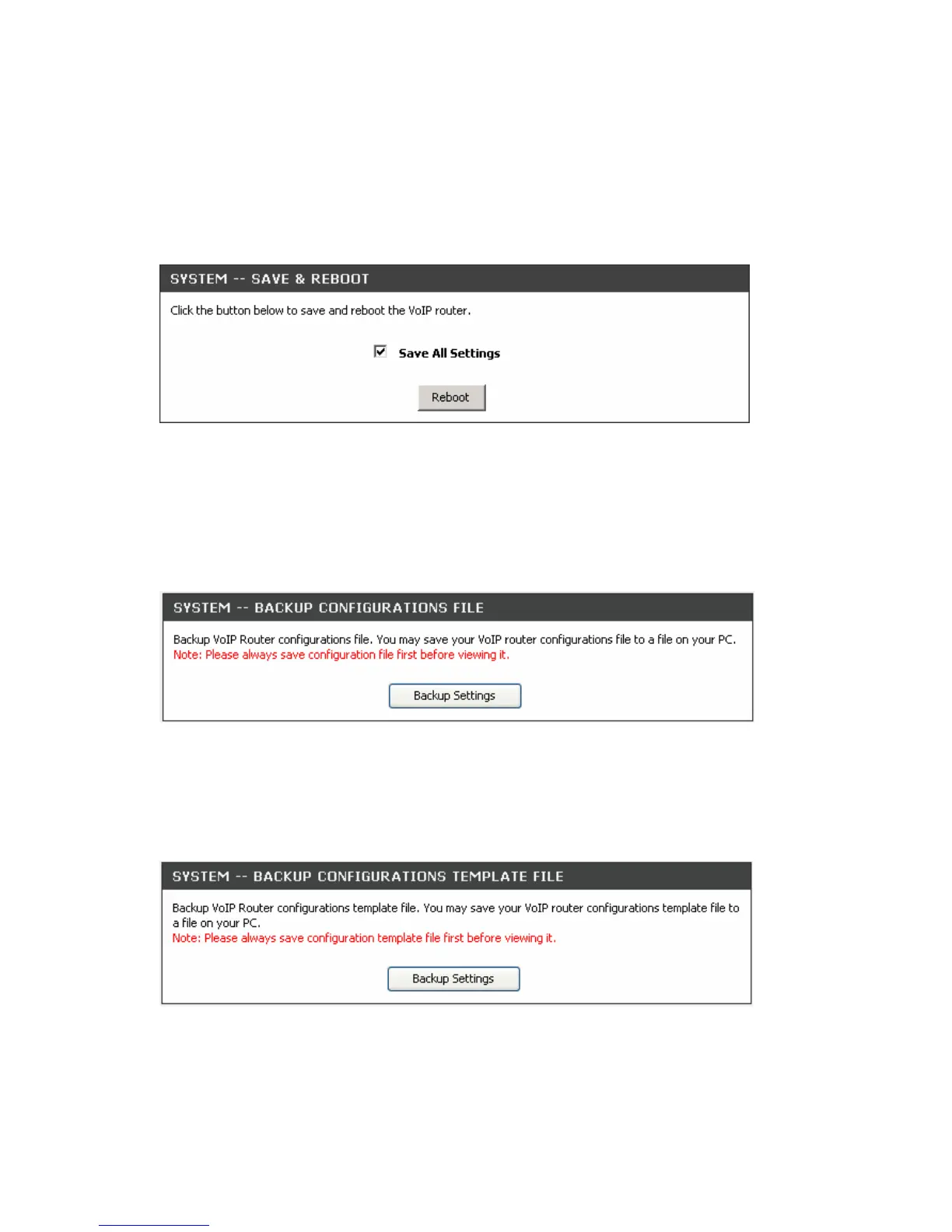
Save and Reboot
MAINTENANCE → Backup and Restore
Save All Settings: Click the Save All Settings check box and reboot the system after completing changes.
The new settings will take effect after the VoIP Telephone Adapter is restarted.
Restart: Click the Reboot button to reboot the system.
Backup Configurations File
MAINTENANCE → Backup and Restore
The current system settings can be saved as a file onto the local hard drive. Click the Backup Settings
button to save your current settings to a file.
Backup Configurations Template File
MAINTENANCE → Backup and Restore
Click the Backup Settings button to save your current settings to a template file for editing.



 To Next Page